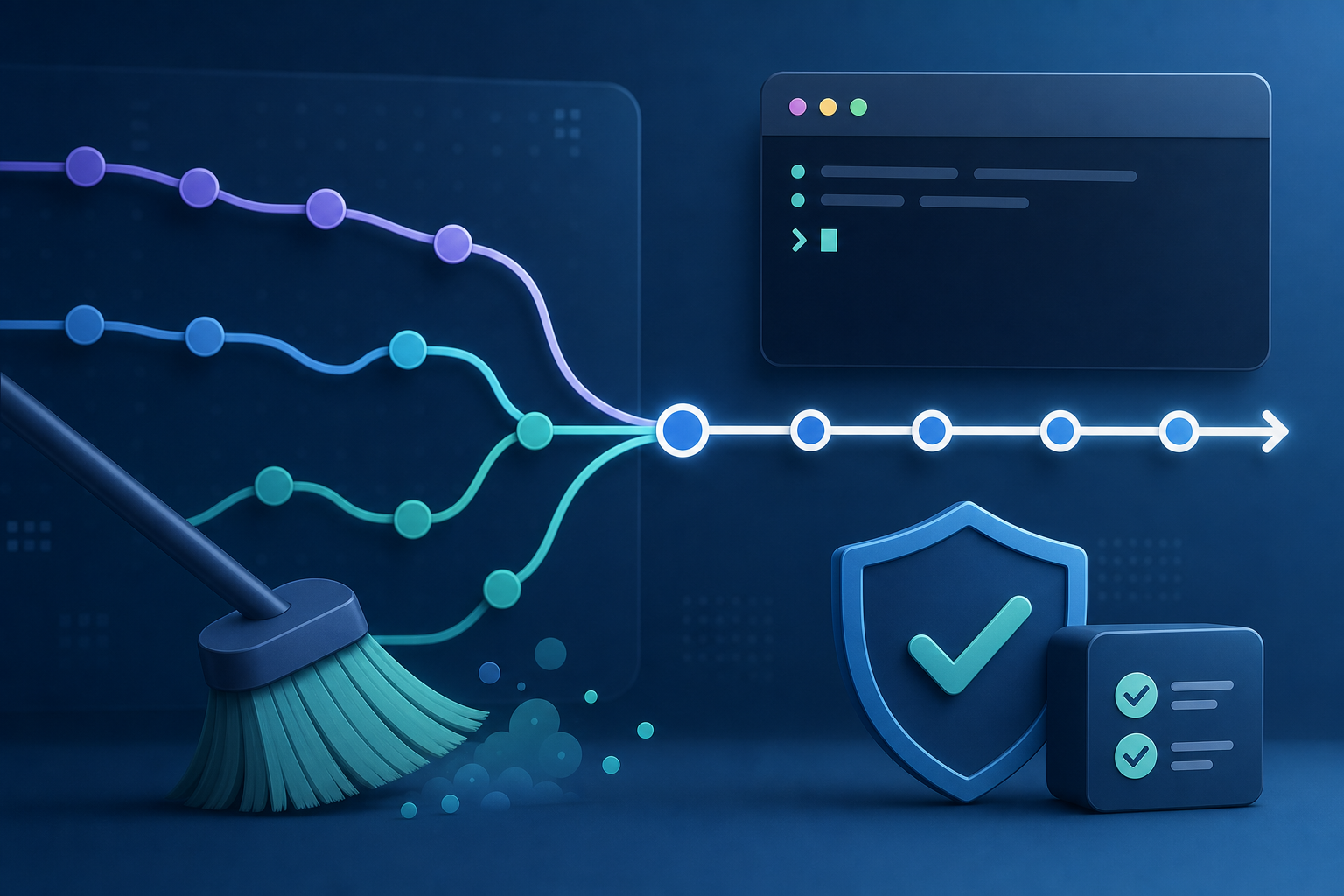
Why merge conflicts during rebase matter
A Git rebase conflict is not just a mechanical interruption in the command output. Operationally, it means your branch history is being replayed onto a new base and at least one commit no longer applies cleanly. That is common in fast-moving repositories where multiple engineers touch the same files, but it becomes risky when the branch is shared, automation depends on commit identity, or you need a predictable rollback path.
If you are responsible for delivery pipelines, incident fixes, or controlled branch promotion, you need more than a command that "makes Git happy." You need a safe way to decide whether rebase is appropriate, resolve conflicts without losing intent, verify the result, and know when to stop and choose a different approach. After reading this, you should be able to recognize a rebase conflict, resolve it with low risk, and validate that the rewritten branch is ready for review or integration.
Key takeaways
Rebase is useful when you want a linear history, but it is safest on private or short-lived branches. Conflict resolution during rebase is more error-prone than during a merge because each commit is replayed in sequence. The safest workflow is to pause, inspect exactly which commit is being applied, resolve only the conflicted files, verify the intermediate state, and continue only after local tests or static checks pass. If the branch has already been shared, you must treat force-push as an operational change, not a routine follow-up.
What rebase changes compared with merge
A merge preserves both branch histories and records the integration as a new merge commit. Rebase rewrites your local commits so they appear as if they were created on top of the target branch. That difference matters because the commit hashes change, which means anyone else using the old commits will see a divergent history.
This is why rebase is often preferred for local cleanup before review, and why it is used carefully on shared branches. It also explains why a conflict during rebase can feel more granular: Git is trying to apply one commit at a time, so you may need to resolve the same file across several commits if the branch touches overlapping logic. If your workflow already includes branch cleanup and pruning, rebase can fit naturally as part of pre-merge hygiene, but only when the branch lifecycle is controlled.
How to resolve a rebase conflict safely
The safe pattern is simple: stop, identify the exact commit and files involved, resolve the conflict with intention, validate the result, and continue only when the branch is in a coherent state. The goal is not merely to remove conflict markers. The goal is to preserve the behavior of both the rebased commit and the updated base branch.
A compact operational workflow looks like this:
git rebase main
# conflict occurs

git status
# inspect conflicted files and current rebase state

# edit files to resolve conflict markers
# run targeted tests or validation

git add <resolved-files>
git rebase --continue

# if needed, inspect the rewritten history
# git log --oneline --graph --decorate -n 10
The first useful check is git status, because it tells you which files are conflicted and whether Git is paused in the middle of a rebase. The second is understanding the conflict itself: open the file, compare the incoming change with the current branch context, and decide whether to keep one side, combine both, or rewrite the code to match the new base cleanly. The third is verification. Even a small conflict can alter imports, function signatures, permissions logic, or configuration defaults, so a successful textual resolution is not enough by itself.
If the conflict is simple, you can edit the file manually and remove the markers. If the file is large or the change is risky, use a diff tool to compare the branch version and the upstream version. For security-sensitive paths, such as authentication checks, access-control rules, secret handling, or input validation, prefer explicit review over quick auto-resolution. A clean rebase is only safe if the resulting code still does exactly what the branch intended.
Practical scenario: a shared service branch with overlapping changes
Consider a team maintaining a Python API where one developer updates request validation and another adds a new required field to the same endpoint. The developer working on the feature branch rebases onto main after the validation logic has already changed upstream. Git stops in the middle of the replay because the same block was modified in both places.
This is the kind of situation where rebase is useful but also dangerous if rushed. The right response is not to force the conflict away. It is to determine whether the new upstream validation should replace the feature branch logic, whether both changes need to be composed, or whether the feature branch should be reconsidered because the upstream change made the original design obsolete. In some cases, the conflict is a signal that the branch needs a redesign rather than a merge fix.
For technical teams, that judgment is often more important than the mechanics. You may recognize the pattern in deployment manifests, IAM policies, shell scripts, or build pipeline YAML where a small textual overlap hides a meaningful operational difference. When that happens, the question is not "How do I remove the conflict?" but "Which behavior should survive after the rebase?"
What this means in practice
In practice, safe rebase conflict resolution is a decision process with a validation gate. You are not just editing files; you are replaying intent across a moving target. The most reliable teams treat each rebase as a local change set that must still pass the same quality checks expected of any new branch.
That usually means three things. First, use rebase mainly on branches that are still under individual control. Second, validate the result after each meaningful conflict resolution, especially when the conflict touches executable code or policy files. Third, if the branch has already been published, coordinate the rewrite before force-pushing, because other developers may have based work on the old commit IDs.
A related operational habit is to keep the branch surface area small. Long-lived feature branches create more opportunities for hidden conflicts and increase the cost of replaying commits. If your team already automates stale branch cleanup, you are likely to benefit from pairing that discipline with short-lived rebases and deliberate validation.
Decision guidance: when rebase is appropriate
Use rebase when you want a linear history, you are working on a private branch, and you can validate the outcome before sharing it. That makes it a strong fit for local feature work, patch stacks, and cleanup before review.
Prefer a merge when the branch is already widely shared, when preserving historical context matters more than a linear log, or when multiple collaborators are actively building on the same branch. In those cases, a merge may be safer because it does not rewrite commit IDs and it makes the integration point explicit.
A useful rule is this: if rewriting history would force coordination with other people or automation, rebase should be treated as a controlled operation. If the branch is still yours alone, rebase is usually acceptable as long as you verify the result. If the branch is in doubt, the safer choice is to stop and confirm with the team before continuing.
Common mistakes that create avoidable risk
The most common mistake is treating a conflict marker cleanup as equivalent to a correct resolution. Removing <<<<<<<, =======, and >>>>>>> only makes the file syntactically clean; it does not prove that the logic is correct.
Another frequent error is continuing a rebase without checking the branch state. If multiple commits are being replayed, a fix that looks right in one commit may break later when the next commit applies. That is why git status and targeted validation matter after each material conflict.
A third mistake is force-pushing a rewritten branch without confirming who depends on it. If the branch is shared, history rewriting can disrupt other developers and break code review references. In environments with review automation or release gating, you should verify what references the system uses before pushing.
Finally, some teams rely too heavily on automated conflict resolution tools or the -X strategies without understanding the result. These can be useful for low-risk, repetitive conflicts, but they should not replace code review when the affected path controls access, secrets, or production behavior.
Production readiness checklist
Before you push a rebased branch, confirm the following:
- You know whether the branch is private, shared, or already consumed by another workflow.
git statusshows a clean working tree after the rebase completes.- The resolved files were reviewed intentionally, not just auto-merged.
- Relevant unit, integration, or lint checks were run for the affected area.
- You understand whether the rewrite requires a force push and whether that is approved.
- The final commit sequence still reflects the intended change order.
- No sensitive files, policy files, or deployment settings were resolved casually.
If any of those items are unknown, the branch is not ready for production use yet.
Final takeaway
Resolving Git merge conflicts with rebase safely is less about memorizing commands and more about controlling history rewrite risk. Use rebase when the branch is still under your control, resolve conflicts with attention to the exact commit being replayed, validate the result before continuing, and treat force-push as a deliberate operational change. That approach keeps the history clean without sacrificing correctness.
Use this guidance together with programming in .NET to connect the workflow with related operational context already available on the site.
Use this guidance together with machine learning model pipeline to connect the workflow with related operational context already available on the site.
Related guides in this cluster
Related guides in this cluster
Related guides in this cluster
Related guides in this cluster
Related guides in this cluster
Related guides in this cluster
Related guides in this cluster
- Git Rebase Conflicts: Resolve and Preserve Commit History
- Git Rebase vs Merge: Resolving Conflicts in Feature Branches