Key takeaways
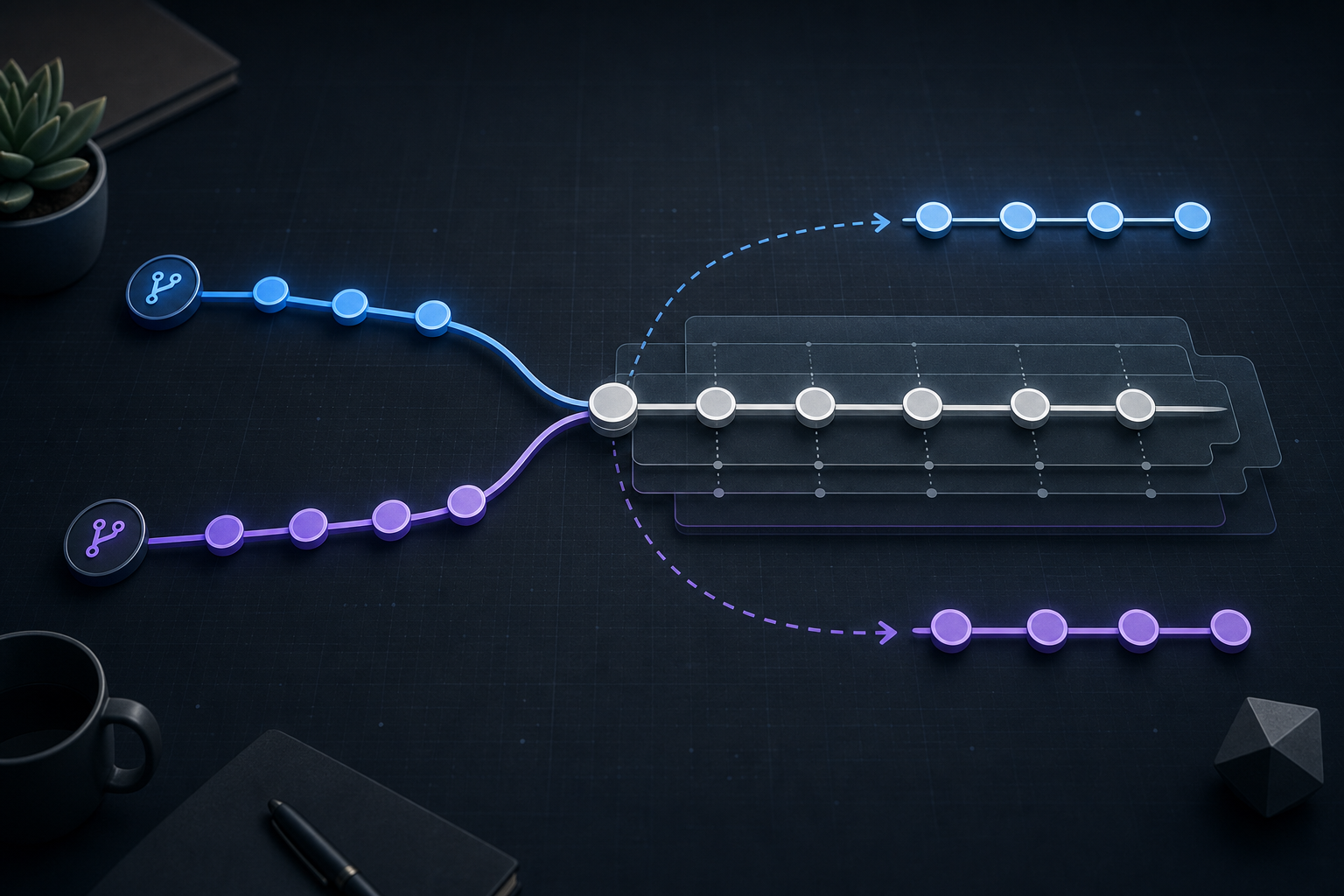
Git cherry-pick conflicts happen when a commit can be applied conceptually, but the target branch no longer matches the context that commit expected. The conflict is not automatically a sign that the change is wrong; it is a signal that you must inspect the overlap carefully before finishing the cherry-pick.
The safest approach is to pause, inspect the conflicted files, resolve only the intended change, and verify the result before you continue. In operational environments, that verification step matters as much as the conflict resolution itself because cherry-picking is often used to move a fix or backport a patch into a branch with different history.
You will also see when cherry-pick is the wrong tool. If the change is large, depends on multiple earlier commits, or repeatedly conflicts across branches, another workflow may preserve correctness better than forcing a one-off apply.
Why cherry-pick conflicts matter
Cherry-pick is attractive because it lets you move a specific commit without merging entire branches. That makes it useful for hotfixes, release branches, incident response, and security backports. The operational trade-off is that you are applying a change out of its original context, so the surrounding code may not match what the commit author assumed.
That mismatch is where conflicts come from. Git can often identify overlapping edits, but it cannot infer your intended business logic, security posture, or compatibility constraints. If you resolve the conflict incorrectly, you may end up with a commit that applies cleanly but behaves incorrectly.
This is especially important in repositories where multiple branches diverge for long periods. A commit that was safe on main may require adaptation on a maintenance branch because of different abstractions, renamed functions, changed configuration paths, or removed dependencies. If your team also uses Git Rebase Conflicts: Resolve and Preserve Commit History, the same discipline applies: pause, inspect the state, and verify the result instead of assuming the tool has preserved meaning automatically.
How Git cherry-pick conflict handling works
When git cherry-pick <commit> cannot apply a patch cleanly, Git stops and leaves the repository in a conflicted state. It records the commit being applied and marks the files that need attention. You then edit the conflicted files, stage the resolved versions, and continue the cherry-pick.
A cherry-pick conflict usually appears because one of these conditions is true:
- The same lines changed on the target branch.
- The surrounding code changed enough that the patch no longer matches.
- The original commit depends on earlier commits that are not present on the target branch.
- The commit touches files that were renamed, moved, or refactored.
The important operational detail is that the conflict markers are only the first clue. They show where Git could not decide, but they do not prove where the correct fix belongs. A good resolution checks both the original commit intent and the target branch context.
A practical workflow block
# Apply the commit and stop if a conflict occurs
git cherry-pick <commit-sha>

# Inspect the current state
git status

# Review conflicted files and resolve them manually
# (edit files, then stage the resolved content)
git add <resolved-file>

# Continue once all conflicts are resolved
git cherry-pick --continue

# If the result looks wrong, abandon the cherry-pick safely
git cherry-pick --abort
This workflow is intentionally compact. The real control point is not the command sequence itself, but the checks you perform before --continue.
What to inspect before you resolve
Start by understanding the original commit in context. Review the patch with git show <commit-sha> and ask what it was supposed to change, what assumptions it made, and whether those assumptions still hold on the target branch. If the change is security-sensitive or operationally sensitive, read the surrounding code and related tests rather than trusting the patch alone.
Then inspect the target branch version of the file. Compare the live code with the original base of the commit so you can separate three things: the intended change, the branch-specific changes already present, and any lines that should stay untouched. That distinction is what prevents accidental regression during conflict resolution.
For changes that look suspicious or broad, it can be useful to compare the cherry-picked patch against the nearest equivalent branch history. If your workflow also includes merge-based integration, Git Rebase vs Merge: Resolving Conflicts in Feature Branches provides useful context on why the same logical change can behave differently depending on the branch strategy.
A realistic scenario you may recognize
Imagine a production support team needs to backport a logging fix from the main branch into a maintenance release. The fix updates how request IDs are written so incident logs remain traceable across services. On the maintenance branch, however, the logging wrapper was refactored three weeks earlier and the function name changed.
Git reports a conflict because the line-level patch no longer matches. The safe resolution is not to force the old function name back into the branch; it is to preserve the fix’s meaning in the current code structure. That might mean moving the same log field into a different helper or using the new wrapper API while keeping the output format consistent.
This is a classic cherry-pick use case because the change is small, targeted, and urgent. It is also a classic failure mode because the branch difference is subtle enough that a superficial resolution would compile but not preserve the operational fix.
How to verify the result safely
Verification should be practical and branch-specific. At minimum, confirm that the final commit contains only the intended change and that the file content reflects the right context after conflict resolution.
Useful checks include:
git diff HEAD^ HEADto review the exact change introduced by the cherry-pick.git show --stat HEADto confirm the scope is still narrow.- Targeted tests for the affected module or path.
- A quick runtime or smoke check if the change affects deployment, logging, authentication, or configuration.
If the conflict resolution touched more than one file, review the dependency chain. A clean patch can still introduce a broken interface if one file was updated and another was only partially adapted. In security-related changes, verify that no fallback path, default value, or bypass behavior was unintentionally reintroduced during the manual merge.
If you maintain a release or incident change log, record the original commit SHA and the target branch SHA so the backport can be audited later. That is especially useful when the same fix is cherry-picked into several supported branches.
Decision guidance: when cherry-pick is the right choice
Cherry-pick is usually the right choice when you want one commit, not a branch, and the change is isolated enough to adapt safely. Common examples include hotfixes, release backports, regression fixes, and security corrections that need to land without pulling unrelated work.
Cherry-pick is a weaker fit when the commit depends on a sequence of earlier commits, when the feature spans multiple related files with tight coupling, or when the target branch has diverged so far that the patch becomes a manual rewrite. In those cases, a merge, a rebase-based integration path, or a fresh backport commit may be safer than pretending the original patch still applies cleanly.
A useful decision rule is this: if you can explain the intended behavior in one sentence and verify it with a small, targeted check, cherry-pick is probably reasonable. If the change needs broad reinterpretation to fit the branch, stop and reassess the workflow.
Common mistakes that create avoidable risk
The most common mistake is resolving conflict markers mechanically without checking the original commit intent. That often produces a patch that is syntactically valid but semantically wrong.
Another common issue is continuing the cherry-pick before reviewing the full diff. Once the conflict is staged, it is easy to assume the job is finished, but the final commit may still contain accidental deletions, duplicated code, or context that no longer belongs.
Teams also get into trouble when they cherry-pick large or composite commits instead of smaller, logically independent changes. A big commit increases the odds that the patch depends on context that no longer exists on the target branch. If you routinely need to undo a bad application after the fact, review whether your workflow is using cherry-pick in situations better handled by Git Revert vs Reset: Undo Commits Safely in Shared Repositories.
Finally, some teams skip validation because the commit “looked right” during conflict resolution. That is a bad habit in production branches. A patch that compiles is not the same as a patch that preserves intended behavior.
What this means in practice
In practical terms, cherry-pick conflicts are a control point, not a failure state. They tell you that Git needs human judgment to adapt a known change to a different branch context. Your job is to preserve intent, not merely satisfy the patch engine.
That means the resolution process should be treated like a small change-management event. Identify the exact commit, inspect the affected code, resolve the conflict with the target branch’s current structure in mind, and verify the resulting commit with a narrow test or diff review. If any of those steps are skipped, the risk shifts from conflict handling to undetected behavioral drift.
This approach is especially valuable in environments with release branches, maintenance branches, or security patches where speed matters but correctness matters more. A carefully verified cherry-pick can be the safest way to move one fix forward. A rushed one can create a second incident.
Production readiness checklist
Before you treat a cherry-picked commit as production-ready, confirm the following:
- The original commit intent is understood and still valid on the target branch.
- All conflict markers were removed and only intended code remains.
- The final diff is narrow and matches the expected scope.
- Relevant tests or smoke checks were run for the affected area.
- No dependent code path was accidentally changed during manual resolution.
- The commit SHA and branch context are recorded for traceability.
- You know how to abort or revert the change if post-merge validation fails.
Final takeaway
Git cherry-pick conflicts are safest when you treat them as a context mismatch that requires review, not as an error to push through quickly. Resolve the conflict with the original intent in mind, verify the resulting diff and behavior, and only then continue. If the commit is too dependent on surrounding history, step back and choose a different integration path rather than forcing a risky backport.
Use this guidance together with ASP.NET Core request validation with Data Annotations and harden ML model APIs against adversarial attacks to connect the workflow with related operational context already available on the site.
Part of the Programming: Git Insights content cluster.