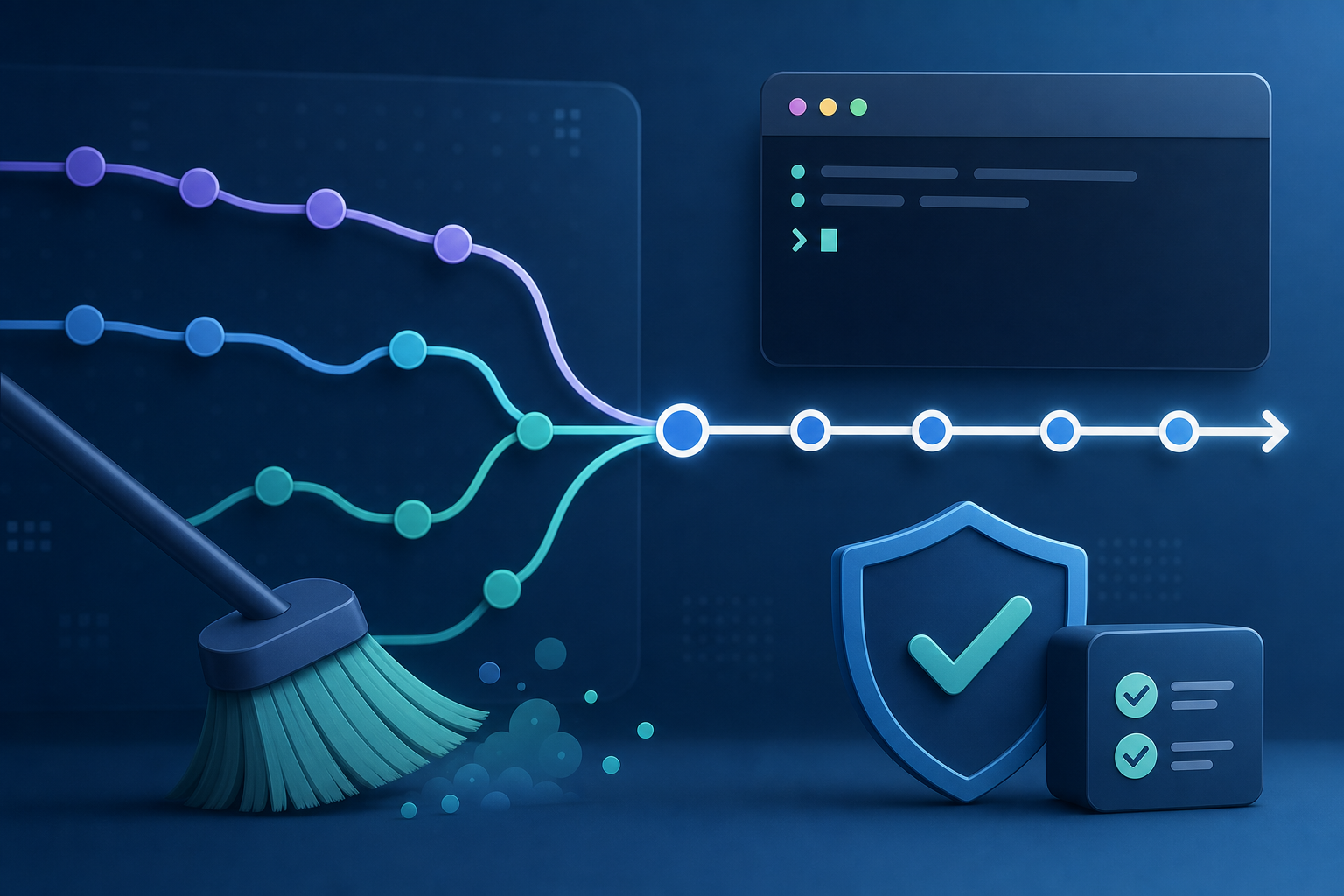
Why this decision matters
When two Git branches need to be integrated, the question is not just whether the code will build. The real operational question is whether you want to preserve the exact sequence of branch work or rewrite it into a cleaner, linear history. That choice affects reviewability, bisectability, audit trails, and the risk of disrupting shared work.
If you choose the wrong approach, the immediate cost is usually confusion: duplicated commits, unexpected conflicts, or a branch that no longer matches what teammates already pulled. In more controlled environments, the cost can be higher because rewritten history can complicate incident review, release traceability, and branch protection workflows.
After reading this article, you should be able to decide when to use git rebase versus git merge, understand how each changes branch history, apply a safe workflow for local and shared branches, and verify the result before production use.
Key takeaways
git mergepreserves the existing branch structure and creates a new integration commit when needed.git rebaserewrites commit ancestry by replaying commits onto a new base, which creates a linear history.- Rebase is usually safer on private, unpublished work; merge is usually safer on shared branches.
- Both approaches can resolve conflicts, but rebase changes commit IDs, so it requires more caution when others may already depend on the branch.
- The right choice depends on whether your priority is historical fidelity, a linear log, or minimizing disruption to collaborators.
What Git is actually doing
git merge integrates one branch into another by combining their histories. If the branches have diverged, Git typically creates a merge commit that has two parents. The resulting graph shows where the work converged, which is useful when the sequence of development matters.
git rebase takes the commits from your current branch and reapplies them on top of another base branch. The branch ends up looking as if its work started from the newer base all along. That creates a linear commit history, but it also means the rebased commits are new objects with new commit hashes.
This distinction is the core of the decision. Merge is additive and history-preserving. Rebase is transformative and history-rewriting.
A compact mental model helps:
merge:  A---B---C   main
          \
           D---E    feature

rebase:  A---B---C   main
               \
                D'--E' feature
The content of D and E may be the same after a rebase, but their hashes change because their ancestry changed.
How each approach affects branch history
With merge, the branch graph remains truthful about how work happened. If a feature branch diverged from main, the graph still shows the divergence and the eventual join point. This is useful when you want to see when a change set was integrated, when a release branch was cut, or how multiple streams of work interacted.
With rebase, the graph becomes linear and often easier to read. Reviewers can inspect a sequence of commits without merge noise. This is one reason many teams rebase short-lived feature branches before integration. A clean history can simplify git log, git bisect, and selective backporting.
The trade-off is operational: rebase rewrites history. If a branch has already been published and someone else has based work on it, rewriting it creates divergence. Those collaborators may need to reconcile their local history manually, and that can become risky in busy repositories.
For a practical conflict-focused explanation of safe rebasing behavior, see How to Resolve Git Merge Conflicts with Rebase Safely. That workflow becomes especially relevant when your branch has nontrivial conflicts and you need to preserve a clean, understandable commit series.
When merge is the safer choice
Merge is usually the safer default when the branch is shared, protected, or already used as an integration point. That includes long-lived release branches, team feature branches, and branches that other automation depends on.
Merge is also preferable when the historical sequence is important. Security fixes, hotfix flows, and release engineering often benefit from knowing exactly when a branch was integrated and from retaining the original commit chain. If you need to explain a production defect later, a merge commit can provide a clear boundary between pre-change and post-change states.
In practice, merge is often the better choice when:
- multiple people are contributing to the same branch;
- the branch has already been pushed and reviewed;
- CI/CD jobs reference commit ancestry or branch points;
- you want to avoid force-pushing rewritten history;
- the exact integration moment matters for audit or release tracking.
When rebase is the better choice
Rebase is often the better choice for local cleanup or for short-lived feature branches that have not yet been shared widely. It is especially useful when you want to present a small, understandable series of commits on top of a current base branch.
Teams that care about log readability often use rebase before opening a pull request or before final integration, but only if the branch is owned by one person or the team has agreed that history rewrites are acceptable. A linear history can make code review easier because each commit is shown in the order it was intended to build up the change.
Rebase is usually appropriate when:
- the branch is private or has very limited exposure;
- you want to update a feature branch with the latest
mainwithout a merge commit; - you need to tidy up commit order before review;
- your workflow explicitly allows history rewriting on unpublished branches.
What this means in practice
In a real environment, the choice often comes down to branch ownership and operational blast radius.
Imagine a platform team maintaining a shared service repository. A developer has a feature branch for a configuration change, and the branch is still local. Rebasing onto the latest main may be fine because no one else depends on those commits, and the team prefers a linear review history. But if the same branch has already been pushed, linked in a change request, and picked up by another engineer for follow-up fixes, merge becomes the safer option because it avoids rewriting published commit IDs.
Now consider a release branch used for patching a live system. A merge commit may be more valuable than a rebased history because it clearly separates production fixes from earlier release preparation work. That matters for root cause analysis, security review, and compliance evidence. If an incident later traces back to a change, the branch graph can be as important as the code itself.
The practical rule is simple: if other people or systems may already depend on the branch, avoid rewriting it unless the team has a clearly documented process for doing so.
A safe operational workflow
The goal is not to memorize commands, but to reduce the chance of surprising collaborators or losing branch context. A safe workflow starts with verifying branch ownership, confirming whether the branch is published, and checking whether any downstream automation references it. If you are cleaning up a large tree of stale branches and remote-tracking refs first, a controlled branch hygiene process such as Git Script to Automate Branch Cleanup and Prune Remotes can reduce noise before you decide which branches should be rebased or merged.
A compact workflow for deciding and validating looks like this:
1. Check whether the branch is shared or already published.
2. If shared, prefer merge unless a team policy explicitly permits rebase.
3. If private, rebase only after confirming there are no dependent branches.
4. Resolve conflicts carefully and inspect the resulting history.
5. Validate the branch graph and compare expected commits before pushing.
6. If history changed, communicate clearly and coordinate any required force-push.
Validation matters as much as the operation itself. Before pushing, inspect the log to confirm that the branch contains the expected commits in the expected order. For a rebase, also confirm that the old commit hashes are not being referenced anywhere else that matters. For a merge, verify that the merge commit cleanly identifies the integration point and that no unintended commits were pulled in.
Decision guidance
A practical decision rule helps remove ambiguity:
- Use merge when the branch is shared, long-lived, or part of a protected release flow.
- Use rebase when the branch is private, short-lived, and you want a linear history.
- Avoid rebase when force-pushing would create unnecessary disruption, especially in security-sensitive or highly collaborative repositories.
- Prefer merge when the branch graph itself is evidence you may need later.
If your team has mixed preferences, consistency matters more than ideology. One repository should not switch between merge-heavy and rebase-heavy habits without a reason, because that makes history harder to read and automation harder to trust.
You should also check whether branch protection, required reviews, or repository policy constrain your choice. The right technical answer can still be the wrong operational answer if the branch model or approval process depends on immutable history.
Common mistakes
One common mistake is rebasing a branch after others have already based work on it. That creates a hidden coordination problem: your local history may look clean, but everyone else now has to reconcile a different lineage.
Another mistake is treating rebase as “safer” because it creates fewer merge commits. A linear log is not the same thing as safer history. In shared environments, merge is often safer precisely because it does not rewrite published commits.
A third mistake is resolving conflicts during rebase without checking the final commit sequence. Because rebase replays commits one by one, a conflict resolution that seems harmless can unintentionally change later commits. This is why conflict-heavy rebases deserve more validation, not less.
Finally, teams sometimes forget to verify downstream references. If CI jobs, release notes, or operational runbooks point to specific commit IDs, rewriting history can break traceability even if the code itself is correct.
Production readiness checklist
Use this compact check before choosing either approach on an important branch:
- Confirm whether the branch is private, shared, or protected.
- Confirm whether any teammate, pipeline, or release process already depends on the current commit IDs.
- Decide whether history fidelity or linear history matters more for this branch.
- Verify your team’s policy on force-pushes and rewritten commits.
- Inspect the post-operation log to ensure the branch contains only the expected changes.
- Confirm conflict resolution did not alter unrelated files or commit intent.
- Communicate clearly if the branch history changed and coordination is required.
Final takeaway
git rebase and git merge both integrate work, but they solve different operational problems. Use merge when preserving shared history is the priority; use rebase when you need a clean, linear branch and the branch is still safely under your control. The safest choice is the one that matches how the branch is used, who depends on it, and how much history you can afford to rewrite.
Use this guidance together with adversarial attacks on machine learning models and Node.js memory leak debugging with heap snapshots to connect the workflow with related operational context already available on the site.