Why Docker image scanning matters in delivery pipelines
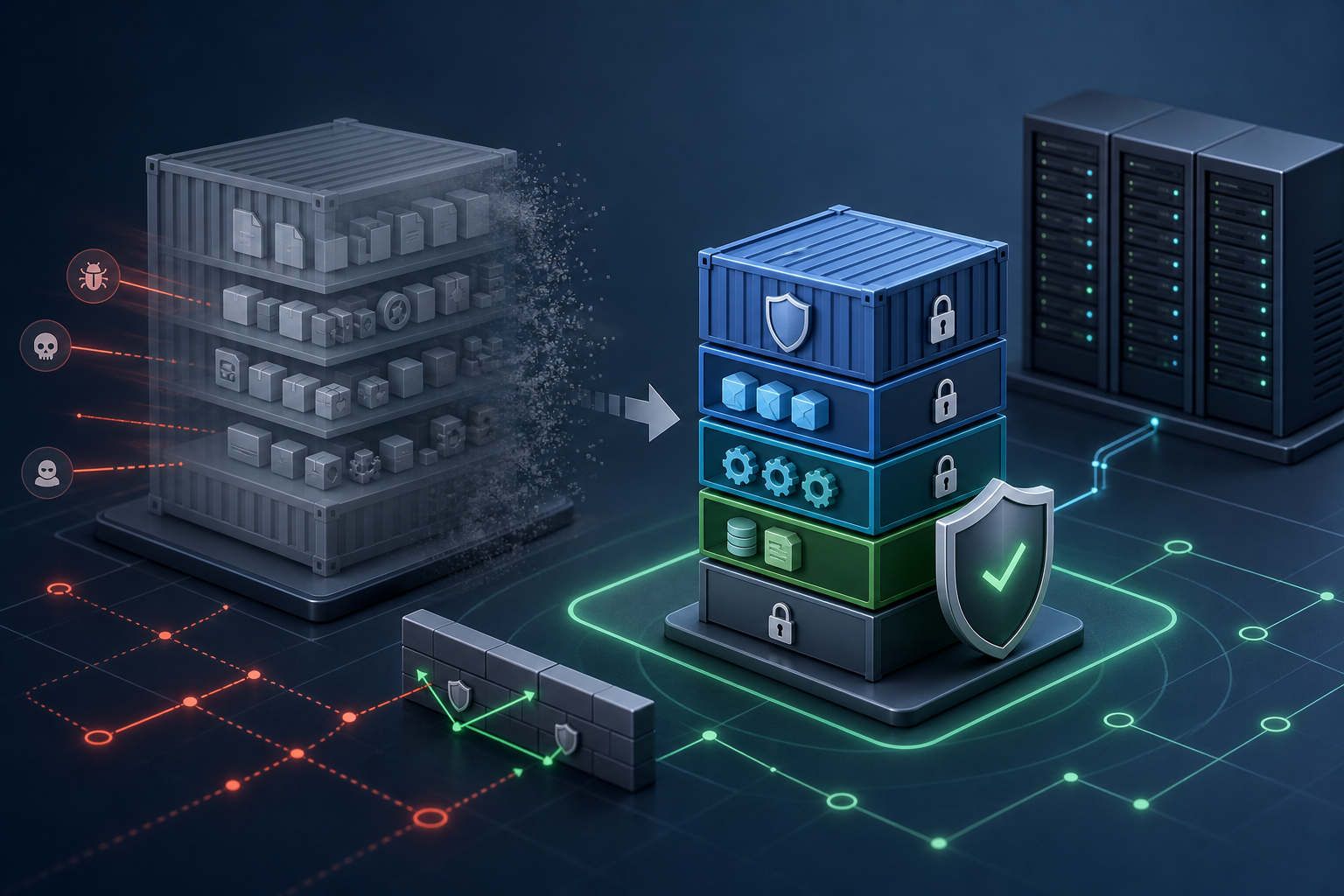
The practical problem is not whether container images can be scanned, but whether the scan results are reliable enough to use as a release control. In many teams, image scanning is either too late, too noisy, or too disconnected from deployment decisions to reduce risk. That creates a familiar failure mode: vulnerabilities are discovered after an image is already promoted, while engineering effort goes into triaging findings that never would have affected runtime exposure.
Docker image vulnerability scanning with Trivy becomes useful when it is treated as part of the build-and-release path rather than as an occasional audit task. The scanner can identify known issues in OS packages and application dependencies inside an image, and CI/CD can use that information to fail builds, produce evidence, or trigger exceptions based on policy. After reading this article, you should be able to decide whether this approach fits your environment, understand how Trivy integrates into a pipeline, validate its output, and know what to verify before using scan results as a production gate.
Key takeaways
- Image scanning is most effective when it is tied to an explicit release policy, not just a report.
- Trivy is useful when you need a fast, scriptable scan for image vulnerabilities in CI/CD.
- Scan quality depends on the image contents, the package manager metadata, the vulnerability database freshness, and the way you interpret the findings.
- Not every finding should block a release; severity, reachability, exposure, and compensating controls matter.
- Production use requires validation of baseline behavior, exception handling, and scan timing.
How Trivy fits into a CI/CD workflow
Trivy is typically used as a command-line scanner that inspects a built image and reports known vulnerabilities in the operating system packages and language dependencies it can detect. In a pipeline, that usually means scanning after the image is built and before it is pushed or promoted. Some teams also scan the source tree or lockfiles earlier in the pipeline, but the operational question addressed here is image scanning: what is actually inside the artifact that will run.
The most practical pattern is to treat the scan as a policy check with two outputs. First, a human-readable report for investigation. Second, a machine-readable result that a pipeline can use to pass or fail a stage. That split matters because security engineers often need context, while release automation needs a deterministic decision.
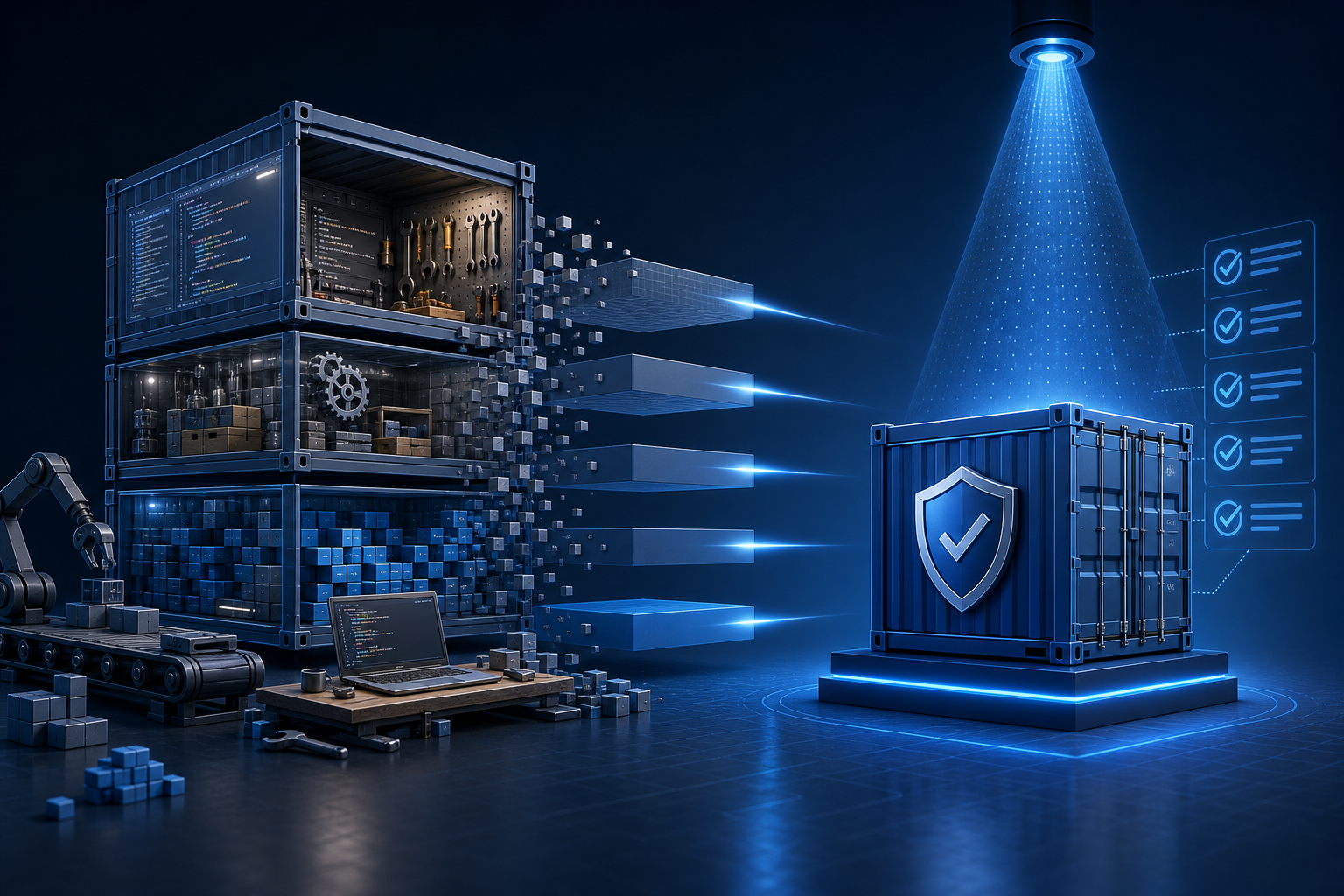
The scanner is most useful when combined with image hygiene practices. Smaller images generally produce fewer findings because they contain fewer packages to assess. That is one reason image scanning becomes more effective when paired with Docker Container Security Scanning with Multi-Stage Builds: separating build-time tools from the final runtime image reduces both attack surface and scanning noise.
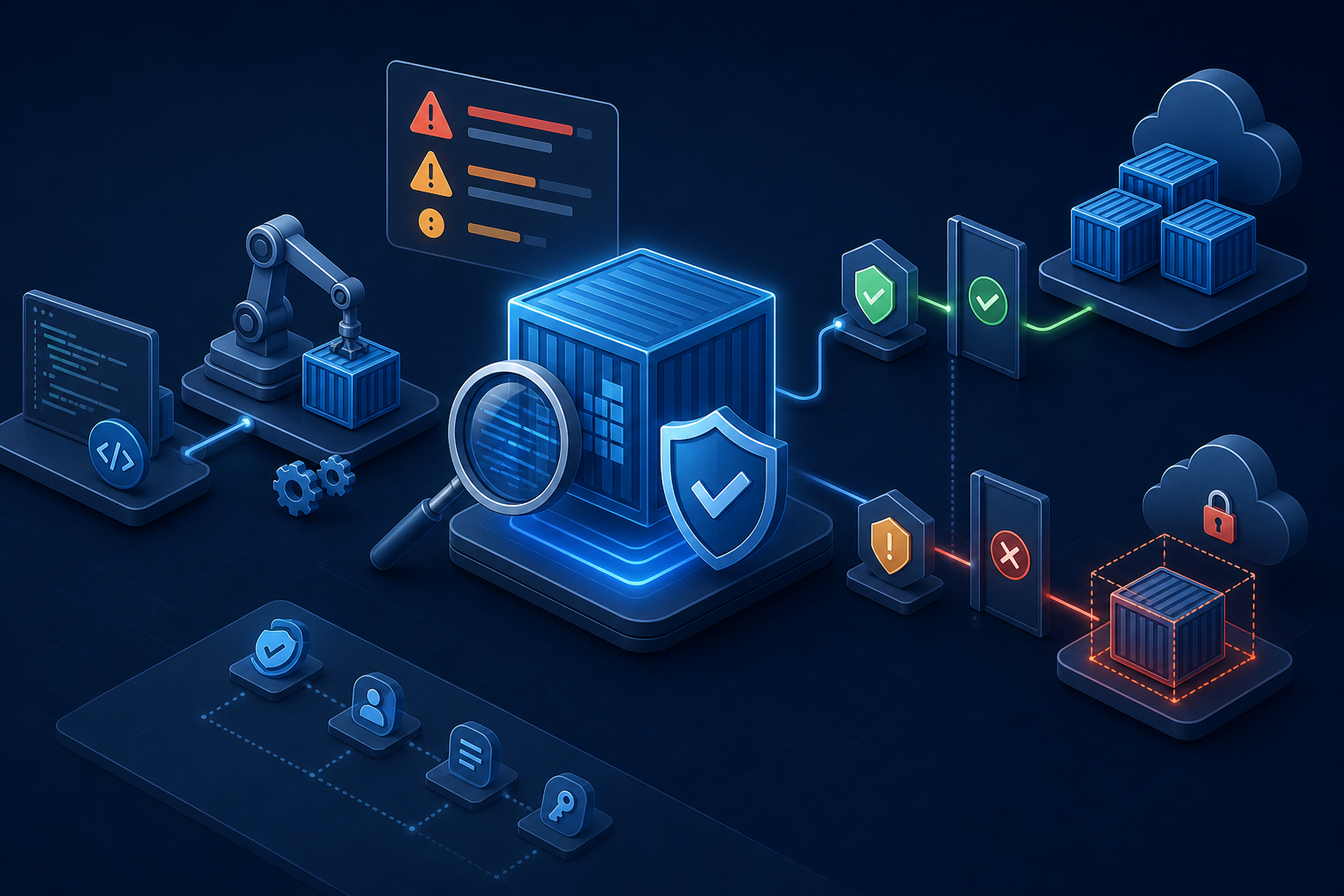
Compact workflow: build, scan, decide, promote
A practical pipeline pattern looks like this:
Build image -> Scan image with Trivy -> Compare results to policy -> Fail or annotate pipeline -> Promote only if policy passes
In operational terms, the scan should answer four questions:
- Does the image contain vulnerabilities above the allowed threshold?
- Are the findings in runtime packages or only in components that do not ship?
- Is the vulnerability database current enough to trust the result?
- Does the pipeline enforce the decision, or merely display it?
A command-line invocation often looks like this in principle:
trivy image --severity HIGH,CRITICAL --exit-code 1 your-image:tag
The exact flags you use depend on your workflow, but the intent should be clear: define a threshold, make the result machine-readable to the pipeline, and decide what severity level is actionable. If you export results to JSON, SARIF, or another structured format, verify that your security tooling can ingest it consistently and that the report is retained long enough for incident review.
What the scan results are actually telling you
A vulnerability scan report is not a patching plan. It is a list of known weaknesses matched against the packages and metadata Trivy can observe in the image. That distinction matters because the operational response differs by finding type.
A package with a CVE in a runtime image usually deserves immediate attention if the package is reachable and exposed in the application path. But a finding in a build-only component, a documentation tool, or a shell utility that is never used in production may not justify a deployment block. The challenge is to avoid both extremes: treating every alert as a release stopper, or ignoring the report entirely because it contains too much noise.
This is where version context matters. The presence of a vulnerability entry does not automatically tell you whether a fixed package version is available in your base image distribution, whether the distribution backport has already addressed it, or whether the scanner’s advisory data reflects the package maintainer’s remediation state. Before you block releases on a scan result, verify how your chosen base image vendor publishes fixes and how your scanner interprets patched package versions.
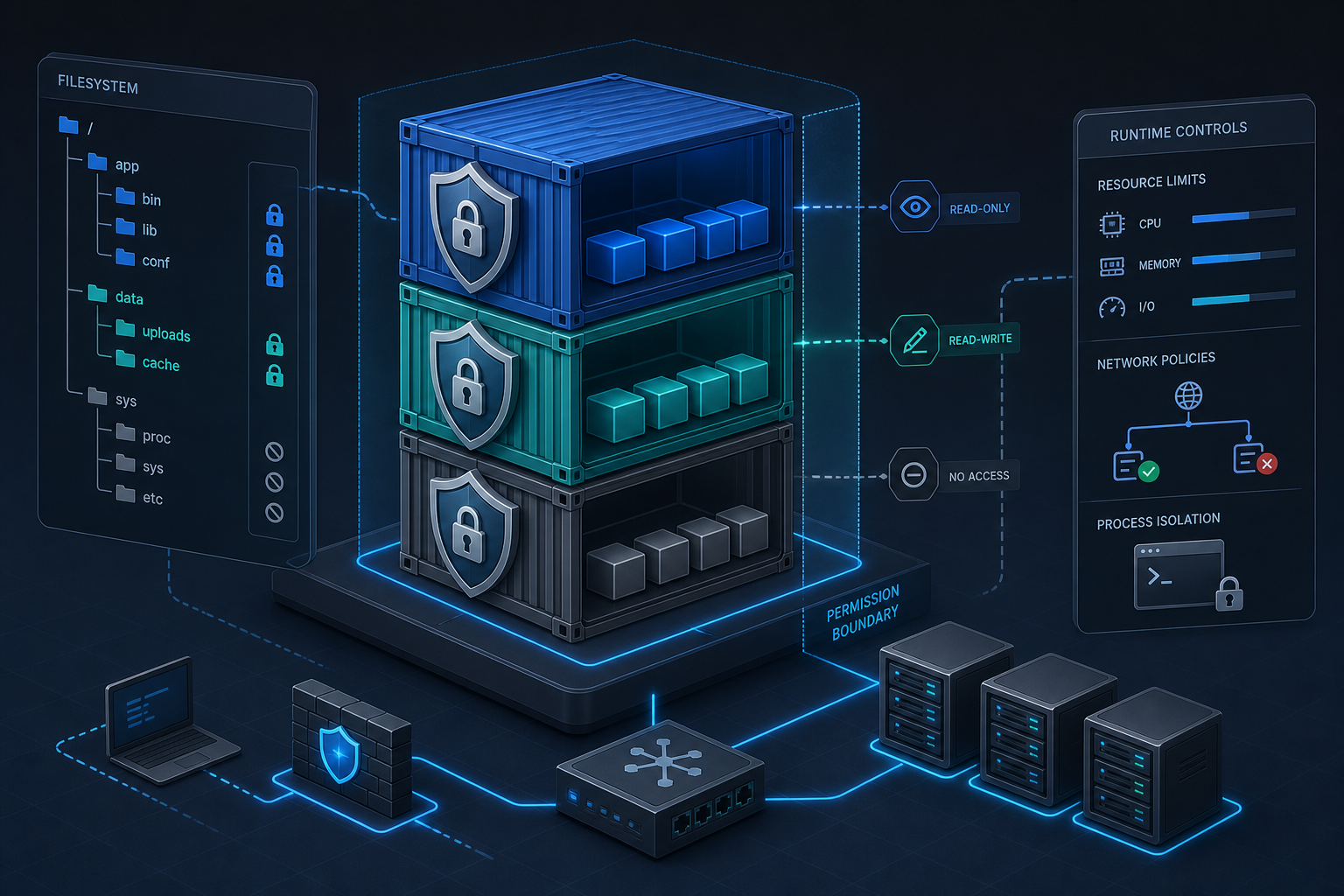
If your image is built from a minimal runtime base and uses multi-stage builds, scan results are often easier to act on. That aligns with the control objectives described in Docker Container Hardening: Best Practices for Secure Images, where image reduction and runtime hardening make findings easier to interpret and lower the baseline exposure.
A realistic scenario you may recognize
Consider a team that ships a Java API in containers. The build stage uses a full JDK, Maven cache, and package managers; the final runtime image uses a slim JRE. The pipeline scans the image after build and reports multiple high-severity issues in packages that only exist in the build stage, plus one critical issue in the runtime base image.
That team now has a common decision problem. If they scan the final image only, they may get a clean report on build-stage packages because they are not present at runtime. If they scan the builder image too, they get a fuller picture but need to distinguish between release-impacting and build-only findings. If the critical issue is in the runtime layer, it is a release concern. If the high-severity issues are all in the builder stage, they still matter for supply-chain hygiene, but they should not automatically block the runtime artifact.
This is the environment where people often overcorrect. Either every finding blocks every release, or scan output is ignored because it appears too broad. The better approach is to define which image is the policy boundary: the final runtime image, an intermediate builder image, or both with different thresholds. That decision should be documented and consistent.
Interpreting findings in context
Trivy output should be interpreted with operational context, not just severity labels. Severity is a useful sorting tool, but it is not the whole decision model.
A practical triage sequence is:
- Confirm that the affected package is actually present in the runtime image.
- Check whether a fixed package version is available in the base image ecosystem.
- Determine whether the package is on a runtime path or only present as a leftover dependency.
- Review whether the vulnerability is likely to be reachable in your workload.
- Decide whether the release policy treats the severity as blocking or advisory.
That last point is critical. Some organizations use a simple severity threshold, but more mature pipelines add exceptions for specific packages, distribution backports, or known non-exploitable findings. The policy does not need to be complex, but it does need to be explicit.
If your hardening baseline already removes unnecessary tools, runs as non-root, and limits runtime packages, scan output tends to be more actionable. The controls described in Docker Container Hardening: Practical Security Baseline Techniques help reduce the number of findings that would otherwise make image scanning noisy or ambiguous.
What this means in practice
In practice, image scanning works best when it changes three things about the release process.
First, it makes vulnerability awareness part of build hygiene. Teams stop assuming that a successful container build is enough and instead ask whether the artifact is acceptable to deploy.
Second, it forces a policy decision. If a vulnerability is found, the team must choose between fixing it, documenting an exception, or blocking the release. That is operationally valuable because it prevents vague follow-up work that never gets resolved.
Third, it improves image discipline. Once teams know that the final runtime image is scanned on every change, they are more likely to reduce unnecessary packages, choose smaller bases, and keep dependency chains under control.
The trade-off is that scan results can slow the pipeline and create friction if the policy is too strict or the database is stale. A scanner that blocks releases on outdated advisory data can be worse than no scanner at all. Before using scan results to enforce deployment gates, verify database update behavior, caching, network access from the build environment, and whether the pipeline can fail safely when the scanner cannot refresh its data.
Implementation trade-offs worth deciding upfront
The main trade-off is between coverage and speed. A scan that checks only the final image is fast and aligned to production exposure, but it may miss issues in the build process or intermediate artifacts. A scan of both builder and runtime images gives better visibility, but it also produces more findings and requires clearer policy boundaries.
Another trade-off is between strict gating and advisory scanning. Strict gating is attractive because it prevents risky images from shipping, but it can create release bottlenecks if your dependency hygiene is immature. Advisory scanning is easier to adopt, but it only helps if someone owns the remediation process and scans are reviewed consistently.
A third trade-off is between exactness and portability. Some teams want a highly customized rule set and exception list, while others need a simple threshold that works across many services. In highly regulated or security-sensitive environments, policy flexibility is useful, but only if it is auditable and repeatable.
Decision guidance: when this approach is a good fit
Use Docker image vulnerability scanning with Trivy in CI/CD when these conditions are true:
- Your deployment pipeline already produces a discrete image artifact.
- You need repeatable, scriptable vulnerability checks before promotion.
- You can define a clear policy for blocking versus warning.
- You can keep the vulnerability database current in the build environment.
- You have an owner for triage and remediation.
Be cautious if your builds are highly ephemeral and cannot reach an updated advisory source, if your base image selection is inconsistent across teams, or if your release process has no clear exception model. In those cases, the scanner may still be useful, but only as a reporting signal until the surrounding process is mature.
A useful rule of thumb is this: if a failed scan can be acted on within the same change window, gating is reasonable. If a failed scan will regularly stall releases without a clear remediation path, start with reporting and policy tuning before enforcing a hard stop.
Common mistakes that reduce scan value
One common mistake is scanning the wrong artifact. Teams sometimes scan a builder image or a local cache image and assume the results apply to the final runtime image. That creates false confidence or unnecessary noise.
Another mistake is failing to update the vulnerability database. If the scan environment cannot refresh advisories, results may lag behind known fixes, or they may vary unpredictably between builds. Pipeline consistency requires that the scanner and its data source behave predictably.
A third mistake is using severity as the only control. Severity alone does not tell you whether the issue is reachable, whether the package is shipped to production, or whether a fix is available in your base image channel.
A fourth mistake is ignoring image provenance. If tags are mutable or builds are not reproducible, a scan result may not correspond to the artifact that eventually ships. For production use, scan by digest where possible and ensure the same artifact is promoted through the pipeline.
A fifth mistake is failing to preserve evidence. If a scan blocks deployment, the result should be stored in a form that security and engineering teams can review later. A pipeline log alone is often not enough.
Compact production readiness checklist
Before using Trivy scan results as a production control, verify the following:
- The scan targets the final runtime image, or the policy clearly distinguishes runtime and build-stage scans.
- The vulnerability database refreshes reliably in the CI/CD environment.
- The pipeline uses a deterministic pass/fail threshold.
- Exceptions and waivers are documented, time-bound, and reviewed.
- The image is referenced by immutable digest at promotion time.
- Reports are retained in a structured format for audit and triage.
- The team knows who owns remediation for failed scans.
- The base image selection and package source are standardized enough to produce stable results.
- The scanner output is validated against at least one known-good and one known-bad test image before enforcement.
Final takeaway
Docker image vulnerability scanning with Trivy is most valuable when it is used as a release decision tool, not just a reporting utility. If you define the policy boundary, keep the advisory data current, and scan the artifact that will actually run, the results become operationally meaningful. If you also keep images small, remove build-only components, and document what blocks deployment, you can turn vulnerability scanning into a dependable part of CI/CD rather than another source of noise.
Use this guidance together with Citrix Virtual Apps HDX optimization settings and AWS virtualization security to connect the workflow with related operational context already available on the site.