Why multi-stage builds matter for container security scanning
The practical problem is simple: container images often accumulate build tools, package caches, test dependencies, and other files that never need to run in production, yet they still get scanned, shipped, and sometimes exposed. When the same image is used for compiling code, running tests, and serving traffic, security scanning becomes noisier and less actionable because the scanner has to inspect everything that was required to build the artifact, not just what should remain at runtime.
Multi-stage builds solve that by separating build-time concerns from runtime concerns. You can compile, package, and inspect artifacts in one stage, then copy only the needed output into a smaller final stage. For security scanning, this matters because it reduces the amount of irrelevant software in the final image, shrinks the attack surface, and makes the scan results easier to interpret. After reading this article, you should be able to decide whether multi-stage builds fit your pipeline, understand what they improve, apply a practical validation workflow, and verify what must be true before using the image in production.
Key takeaways
Multi-stage builds do not replace container scanning, but they improve what gets scanned and what gets deployed. The biggest value comes from limiting the final image to runtime artifacts only, which reduces false positives tied to build tooling and lowers the number of packages an attacker could reuse if the container is compromised.
The pattern works best when build and runtime dependencies are clearly separable. If your application needs compilers, package managers, or source control tools in production, multi-stage builds may still help, but the final image will remain larger and harder to harden. In that case, least privilege runtime controls become even more important because image minimization alone will not remove operational risk.
A second takeaway is that scanning should be part of the build logic, not a separate afterthought. If you scan only the final image, you may miss risky practices in the build stage itself. If you scan only the source tree, you may miss what actually ships. The operational objective is to validate both the build output and the production runtime boundary.
How the pattern works
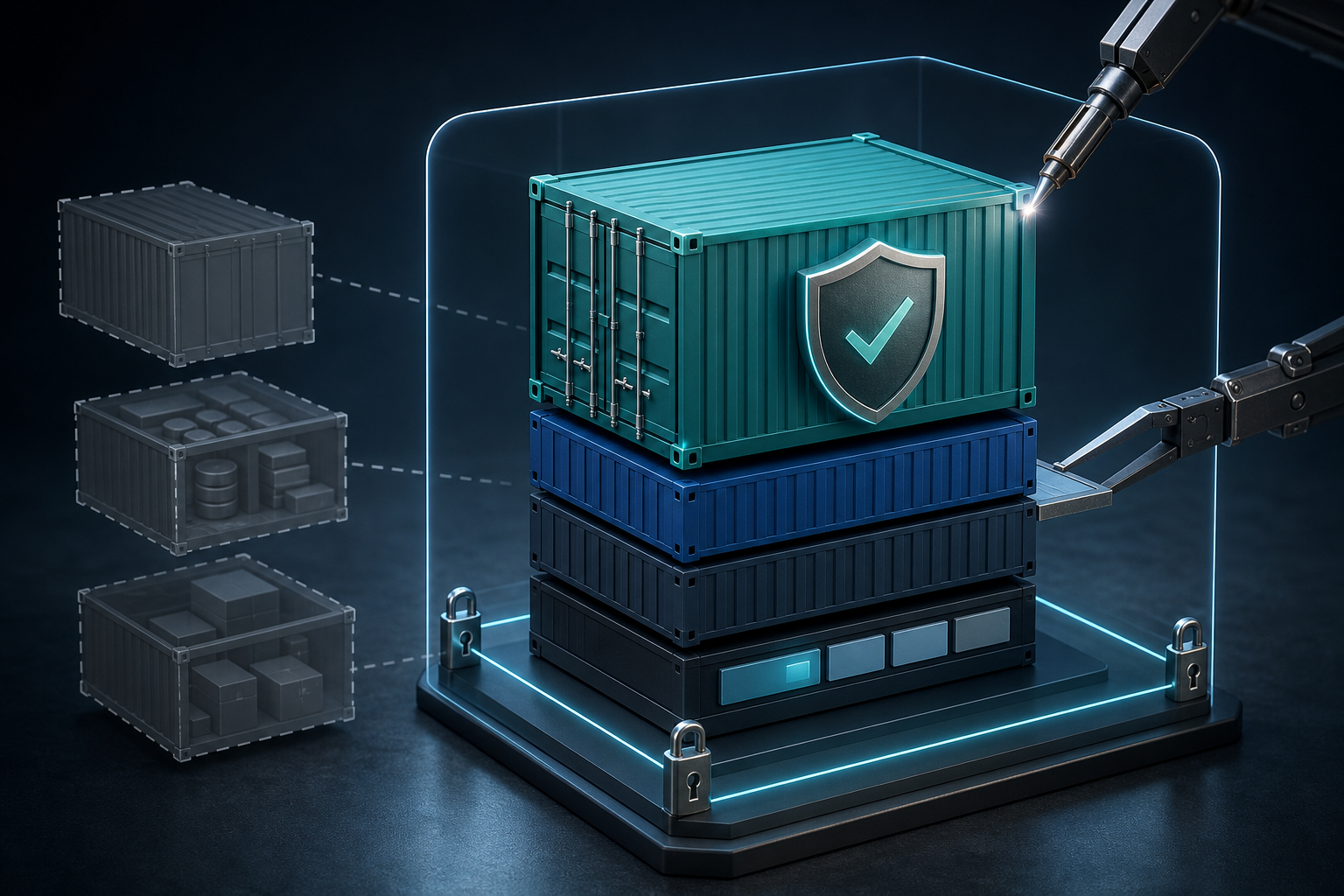
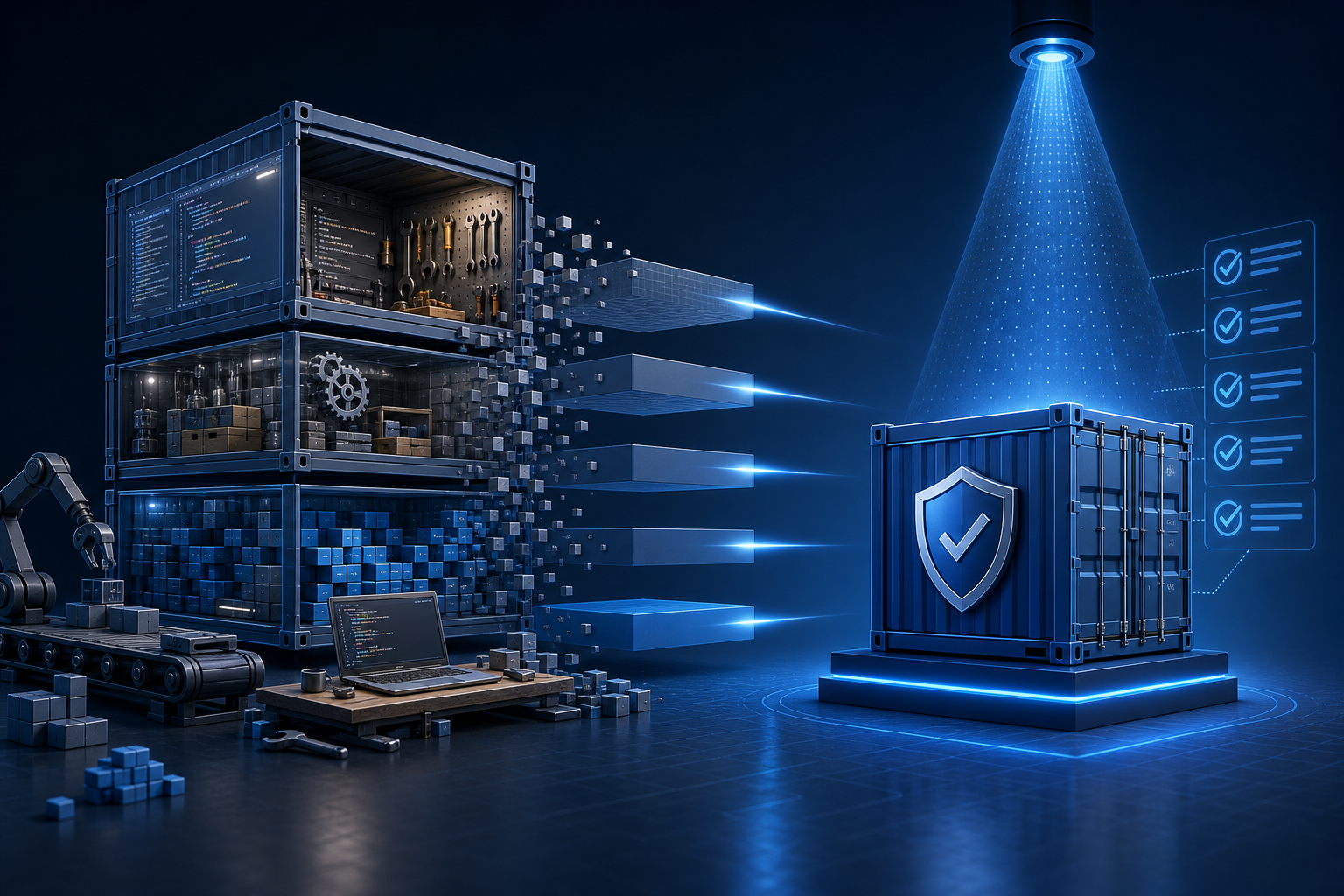
A multi-stage Dockerfile uses one or more intermediate stages to prepare artifacts and a final stage to assemble the runtime image. The intermediate stages can include compilers, package managers, linters, test tools, and temporary build dependencies. The final stage should contain only what is needed to launch the process.
From a security perspective, the benefit is not just smaller size. It is also about provenance. A smaller, more explicit final stage makes it easier to reason about which files came from trusted build steps, which dependencies are intentionally present, and which tools were omitted on purpose. That clarity helps when you review scan output, because you can distinguish a genuine runtime dependency from a leftover build artifact.
The scanning model should reflect this split. Build-stage scanning helps identify unsafe base images, vulnerable toolchains, and risky packages used during compilation or packaging. Final-image scanning verifies the exact artifact that will be deployed. If your pipeline supports it, scanning both stages gives you a better picture than scanning only one of them.
A compact workflow looks like this:
1. Build intermediate stages with all necessary toolchains.
2. Copy only the compiled artifact or runtime assets into the final stage.
3. Scan the final image for runtime vulnerabilities and unwanted packages.
4. Scan build stages or build inputs for risky dependencies and base images.
5. Verify the container starts as expected with no build tools present.
6. Promote the image only if scan policy and runtime checks both pass.
A realistic environment where this matters
Consider a team shipping a web application written in a compiled language such as Go, Java, Rust, or .NET. The build pipeline uses a full SDK image, package managers, certificate bundles, and test tooling. Without multi-stage builds, the same image might be promoted into production with all of those components still inside it.
In that environment, scanners often report vulnerabilities in tools that were needed for the build but are not required at runtime. Security teams then spend time triaging findings that do not actually affect the running service. At the same time, the image is larger than necessary, so each deployment includes more binaries, more libraries, and more potential attack paths.
A multi-stage build changes the operational picture. The build stage can remain rich and flexible, while the final stage can be based on a slim runtime image containing only the application binary, runtime libraries, certificates, and essential OS files. The result is easier to audit and easier to defend, especially if the container runs with limited privileges and a restricted filesystem.
What to scan in each stage
It is useful to think about scanning as two related checks rather than one generic pass.
The build stage should be scanned for the security posture of the toolchain. That includes the base image, package manager usage, temporary network access, and any packages added only for compilation or test execution. If the build stage uses a vulnerable base image, that risk can affect supply chain integrity even if the final stage is clean.
The final stage should be scanned as the deployable artifact. Focus on runtime packages, shell availability, certificate handling, user and group settings, and any files copied into the image. If a package is present there, assume it is part of the attack surface until proven otherwise.
You should also verify the transition between stages. The most common mistakes are not in the scan itself but in the copy step: copying too much, copying secrets, or unintentionally carrying forward a file from the build context. A scan can tell you what is present, but it cannot tell you whether the image includes something that should never have been there in the first place.
What this means in practice
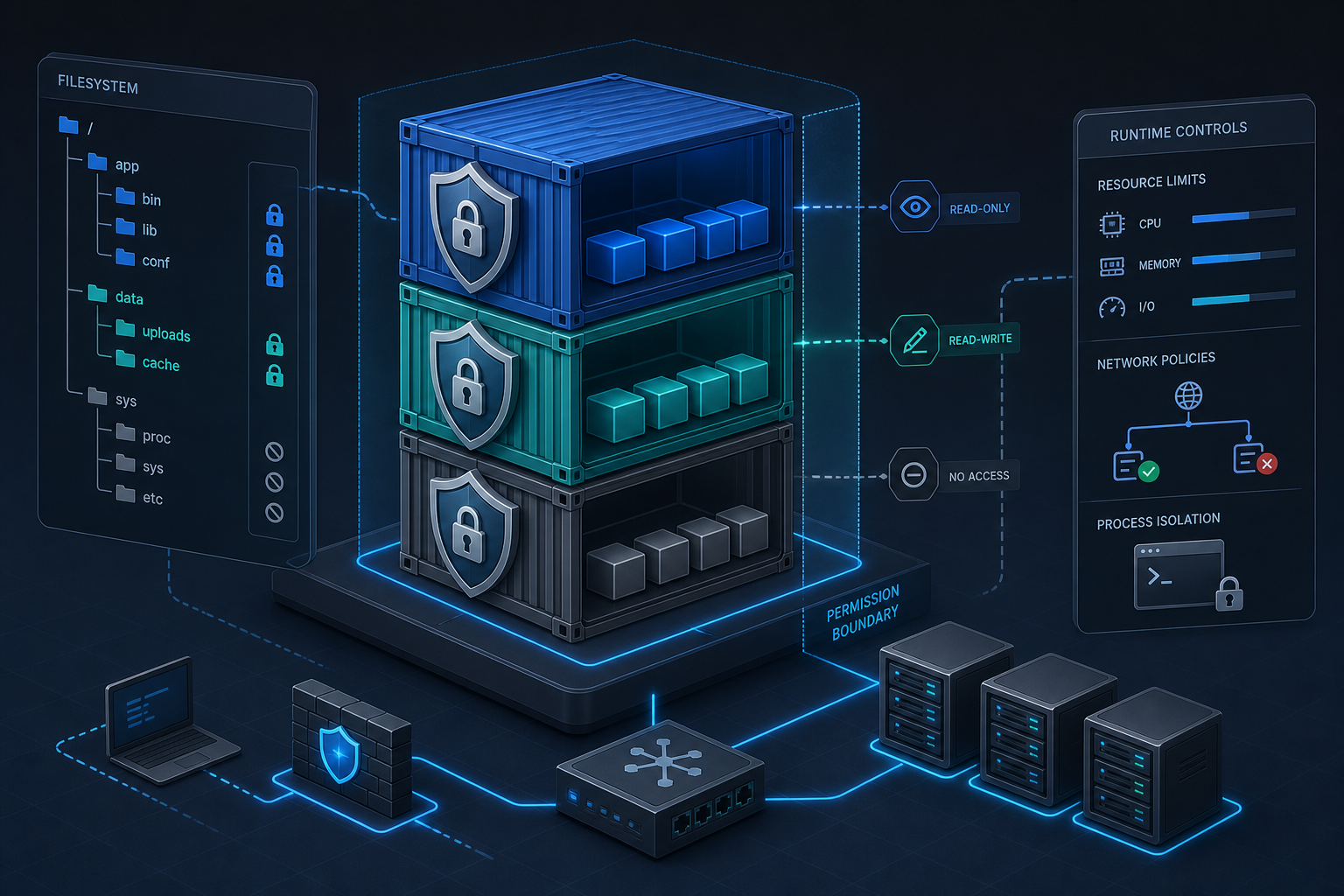
In practice, multi-stage builds are best treated as a control for image composition, not as a substitute for hardening. A smaller image is easier to scan and usually easier to secure, but it does not automatically enforce safe runtime behavior. You still need to check the user the process runs as, the writable paths, the network exposure, and whether the container depends on elevated permissions.
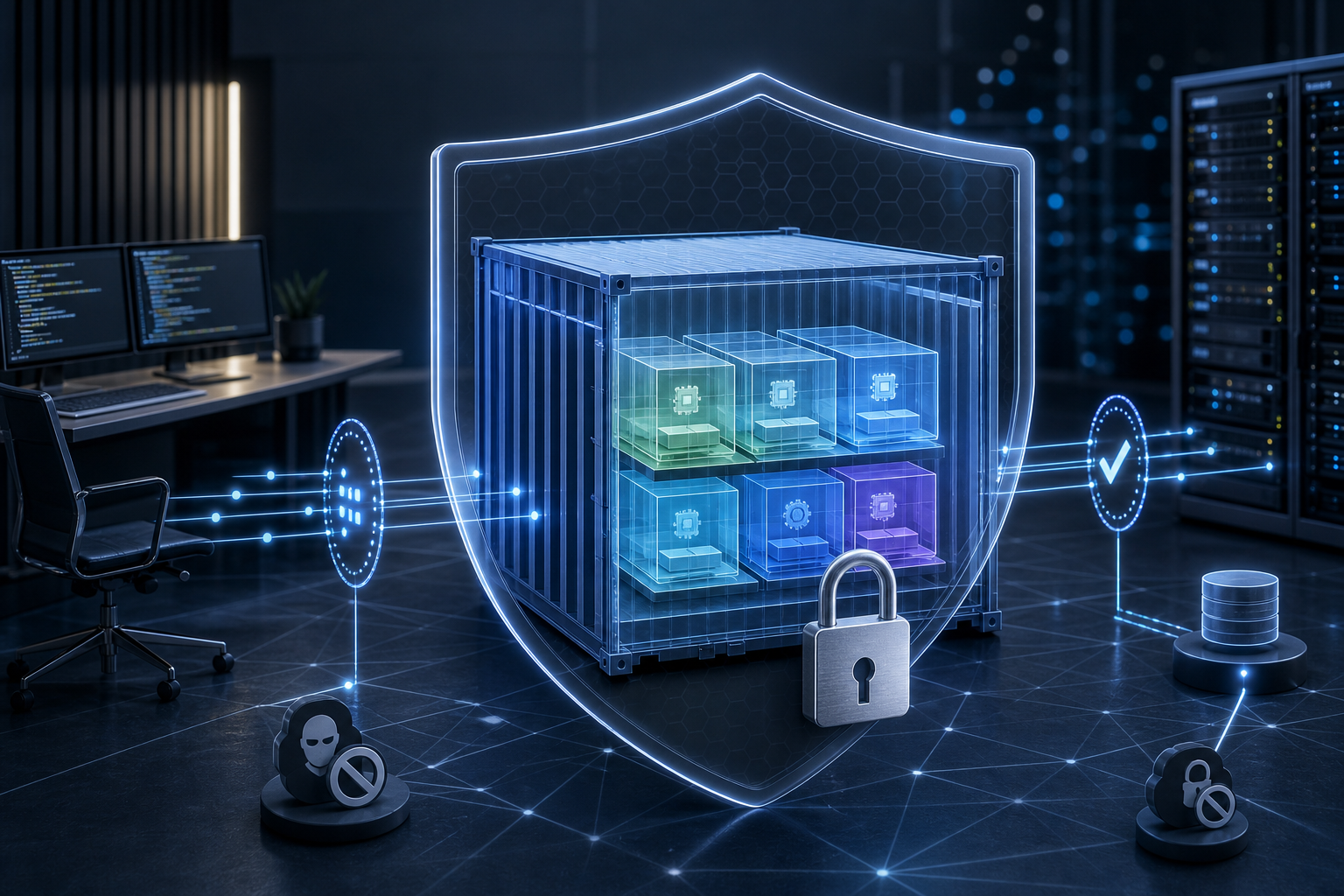
This is where container security scanning becomes more useful when combined with policy. A sensible policy might allow certain low-risk packages in the build stage but reject them in the final image. It might tolerate a scanning warning in a non-runtime layer while failing the pipeline if the same issue exists in the shipped artifact. If your deployment environment relies on cloud infrastructure controls, align image hardening with host hardening, such as IAM roles and security groups or equivalent access boundaries, so that runtime exposure is reduced at more than one layer.
The main operational benefit is reduced ambiguity. When a final image contains only runtime files, a scan finding is more likely to matter. That saves time during incident response, policy review, and change approval because security and platform teams can focus on issues that affect the running container.
Decision guidance: when this approach is worth it
Use multi-stage builds if your application has a clear build-to-runtime separation and your team wants more actionable scan results. It is especially effective for compiled applications, asset pipelines, and services where the runtime image can be slimmed to a small set of binaries and libraries.
Be more cautious if your application performs dynamic compilation at runtime, relies heavily on shell tooling, or installs plugins after startup. In those cases, multi-stage builds may still reduce image size, but they will not eliminate many of the packages scanners will find. If the final image still needs a large software stack, the value shifts from minimization to consistency and repeatability.
A good rule of thumb is this: if you cannot clearly explain why a package must exist in the final image, it probably should not be there. If you can explain it, make sure the explanation is reflected in the scan policy and runtime documentation.
Common mistakes
One common mistake is scanning only the final stage and assuming the build pipeline is safe. Build-stage vulnerabilities, insecure package sources, or risky tooling may not appear in the shipped image, but they still matter because they can compromise the artifact during creation.
Another mistake is copying build directories too broadly. When the final stage uses a permissive copy instruction, leftover documentation, caches, test data, or secrets can end up in the runtime image. That often creates noisy scan results and, worse, can leak information that should never have been exposed.
A third mistake is treating image size as the same thing as security. Smaller images are often easier to defend, but a tiny image with an overprivileged process, exposed secrets, or writable system paths is still a poor production candidate. Least privilege access remains necessary even when the image itself is minimal.
Finally, teams sometimes forget to validate the container after the build. A scan may confirm that the image looks clean, but you still need to verify that the application starts correctly, the runtime user is correct, and the expected files are present while build tools are absent.
Validation checks before production use
Before promoting a multi-stage-built image, verify three things: the right artifacts were copied, the unwanted tools were removed, and the application still behaves correctly under runtime constraints. This validation is more important than the build syntax itself because it confirms that the image actually matches the intended security posture.
A practical verification set is compact:
- Confirm the final image contains only the expected runtime directories and files.
- Confirm compilers, package managers, and test tools are absent from the final stage.
- Confirm the image runs as the intended non-root user, if your policy requires that.
- Confirm the scanner output is tied to runtime packages, not leftover build dependencies.
- Confirm secrets, source code, and package caches are not present in the final layer set.
- Confirm the application starts and handles its normal health check path.
If your environment uses signed or attested artifacts, make sure the signature or attestation covers the final image, not the build stage. If the build pipeline includes SBOM generation or policy gates, validate that the artifact metadata corresponds to the runtime image that will be deployed.
Production readiness checklist
Use this compact checklist to decide whether the image is ready to ship:
- The final image contains only runtime dependencies.
- Build tools and package managers are absent from the shipped image.
- Scanner findings in the final image are understood and accepted by policy.
- The build stage is also scanned or otherwise reviewed for supply-chain risk.
- The container starts cleanly with the expected entrypoint and command.
- The runtime user, file permissions, and writable paths are explicitly checked.
- Secrets, caches, and source files are not present in the final image.
- The artifact being promoted is the same one that was scanned.
Final takeaway
Multi-stage builds make Docker container security scanning more useful because they separate what is needed to build from what is needed to run. That separation reduces attack surface, cuts scan noise, and gives teams a clearer basis for policy decisions. The approach is worth using when your application can be cleanly packaged into a lean runtime image, but it should always be paired with runtime hardening and validation of the actual deployable artifact. If you can explain exactly why each file exists in the final stage, you are on the right path.
Use this guidance together with Hyper-V VM checkpoints and VM snapshot management best practices to connect the workflow with related operational context already available on the site.