Key takeaways
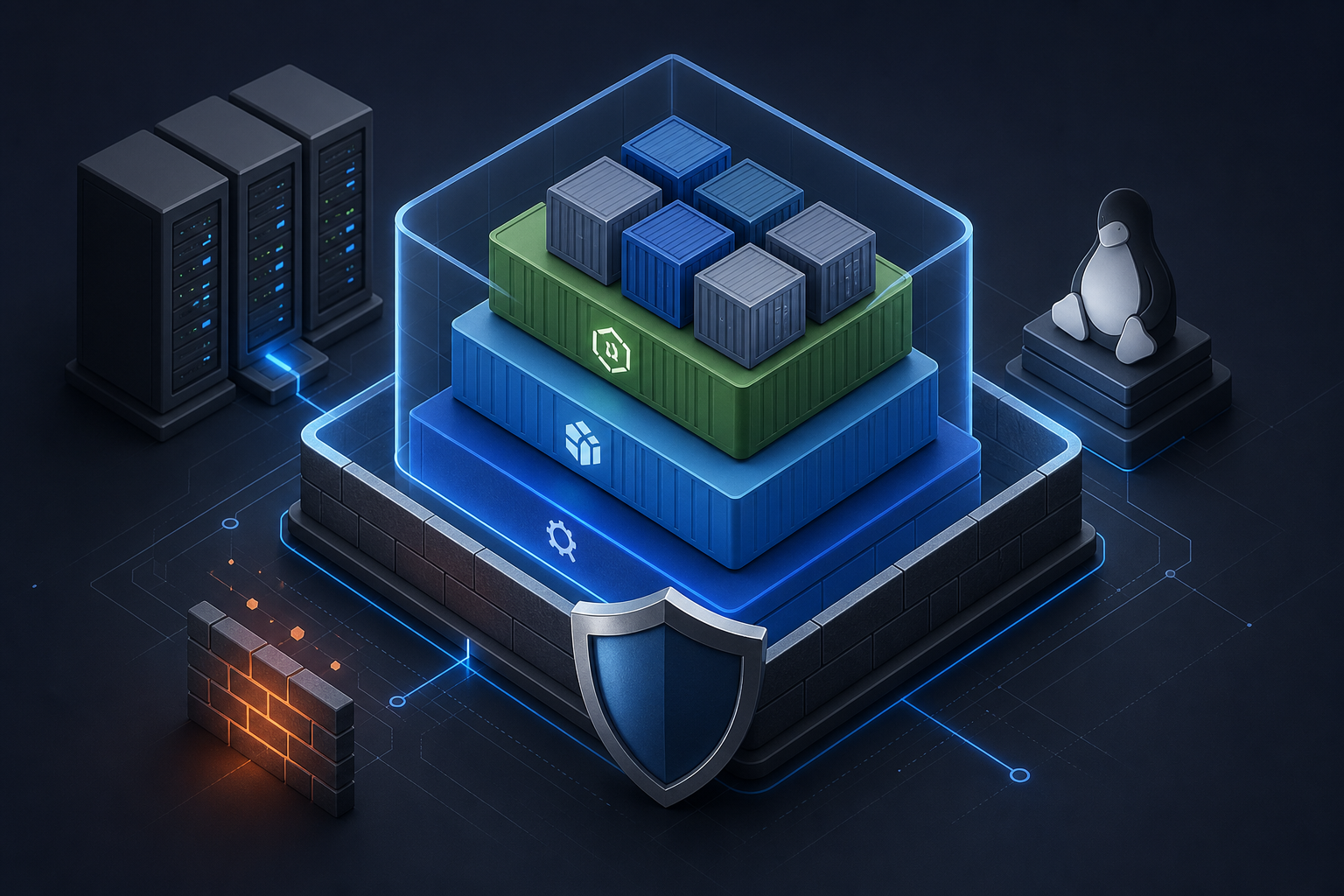
Docker container hardening is not a single control. It is a baseline that combines image hygiene, least privilege, runtime restrictions, and verification so that a container starts with fewer capabilities than the host and a smaller attack surface overall.
The practical goal is not to make containers unbreakable. It is to reduce the impact of a compromised process, prevent unnecessary host access, and make risky assumptions visible before deployment.
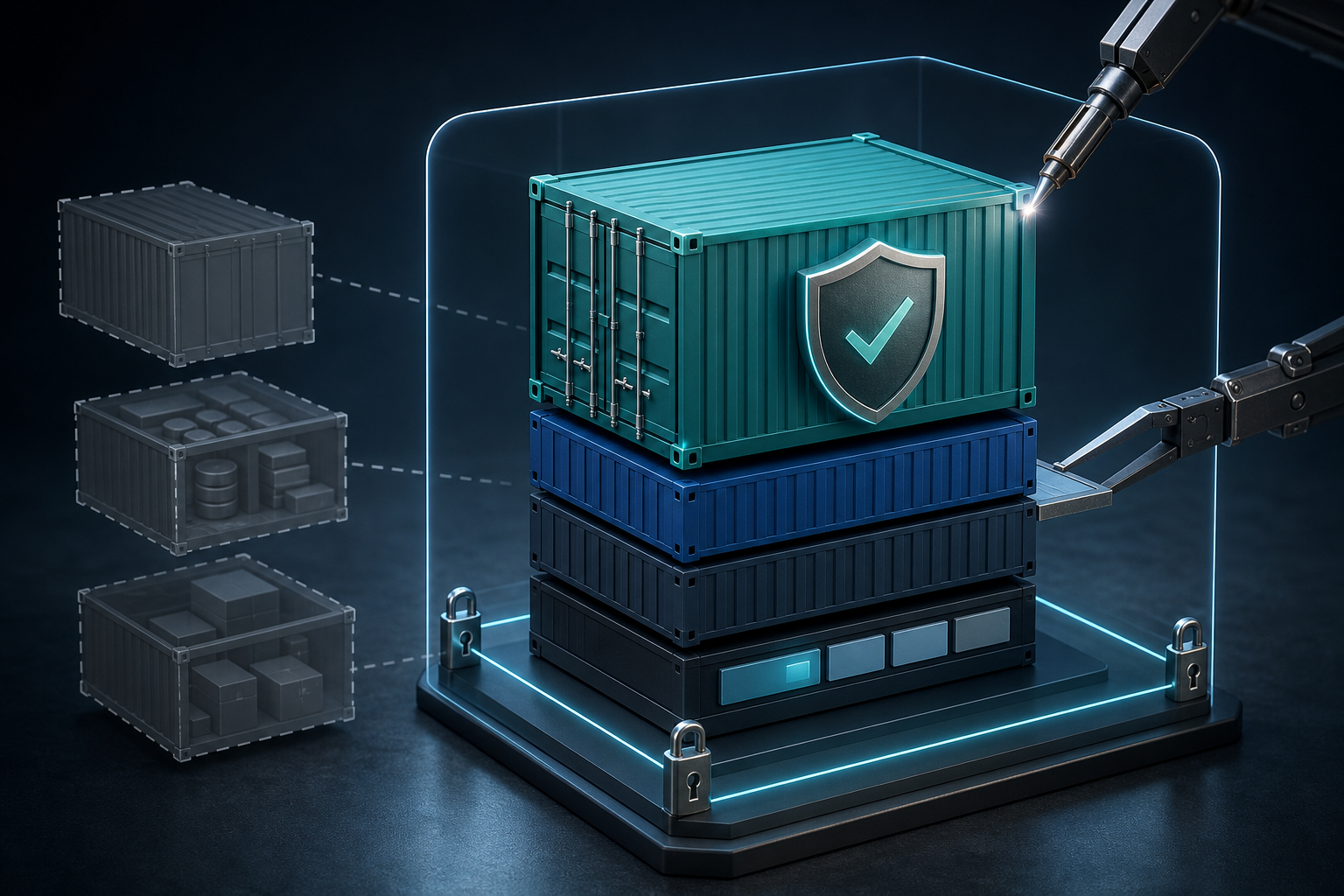
A hardened baseline usually includes a minimal image, no package manager or build tools in production layers, non-root execution, dropped capabilities, read-only filesystem where possible, controlled mounts, and validated security settings at deploy time. For image construction patterns that support this outcome, Docker Container Security Scanning with Multi-Stage Builds is a useful companion topic.
Why container hardening matters operationally
In production, container risk is usually not about the container itself being privileged by design; it is about accidental excess. A service may run as root, inherit broad Linux capabilities, mount the Docker socket, expose writable host paths, or carry tools that were only needed during the build stage. Any of those choices can turn a minor application flaw into a host-level incident.
That matters operationally because containers are often deployed at scale. A weak default multiplied across dozens of services becomes a persistent exposure pattern. Hardening also improves operational clarity: when a container is restricted, unexpected behavior becomes easier to detect, and the security review is based on explicit controls rather than assumptions.
The right baseline helps platform engineers answer a simple question before production use: if this workload is compromised, what can it actually reach?
What Docker container hardening really changes
A container is not a sandbox in the abstract sense; it is a process with Linux namespaces, cgroups, and optional security controls around it. Hardening narrows what that process can do.
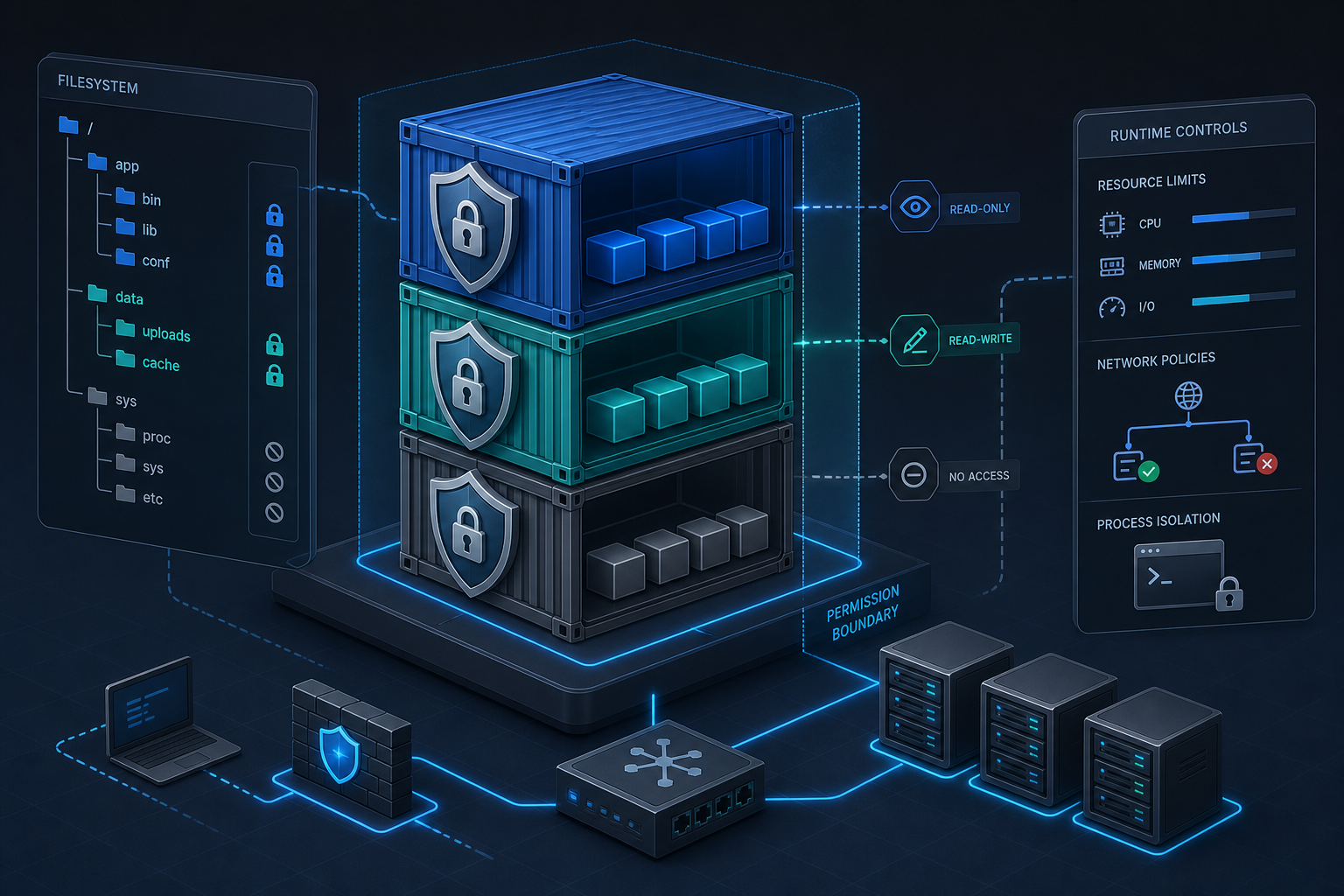
At a practical level, the main controls affect four areas:
- Image contents: fewer binaries, fewer packages, fewer secrets, and a smaller set of libraries to patch.
- Process privileges: non-root users, dropped capabilities, and no privilege escalation.
- Filesystem exposure: read-only root filesystem, explicit writable paths, and minimal host mounts.
- Kernel and daemon attack surface: seccomp filtering, AppArmor or SELinux profiles, and avoidance of Docker socket exposure.
This is why Docker Container Hardening: Best Practices for Secure Images fits naturally alongside runtime hardening. Image hardening and runtime hardening solve different problems, and you need both for a realistic baseline.
Practical baseline controls that matter most
A useful baseline is not the longest checklist. It is the smallest set of controls that materially changes the blast radius of a compromise.
Run as a non-root user
Running as root inside a container is common, but it is rarely necessary for application runtime. A non-root user reduces what a process can do inside the container and lowers the chance that a container escape or file permission mistake becomes a host problem.
The important validation point is not just whether the image declares a non-root user. It is whether the application can actually run, write only where expected, and bind to the required ports without requesting extra privileges.
Drop unnecessary Linux capabilities
Containers do not need the full set of Linux capabilities in normal application workloads. Dropping capabilities narrows the available kernel-facing actions. The default capability set may still be broader than needed, so verify the effective set for each workload rather than assuming the default is acceptable.
A common pattern is to start from a minimal set and add only what the application demonstrably needs. If a service requires a capability for a narrow reason, that should be recorded as an exception, not treated as baseline behavior.
Use a read-only root filesystem where possible
A read-only root filesystem prevents accidental writes to application directories that should remain immutable at runtime. It also surfaces assumptions early: if the workload needs temporary files, cache directories, or PID files, those should be mapped intentionally.
This control is especially valuable for stateless services. For stateful workloads, you may still be able to keep the root filesystem read-only while exposing only the necessary data directories as writable volumes.
Avoid privileged mode and host namespace sharing
Privileged containers and broad namespace sharing defeat much of the isolation that containers provide. Privileged mode should be treated as an exception requiring explicit justification and review.
Likewise, sharing the host network, PID namespace, or IPC namespace expands the visible surface of the host. When such sharing is necessary, it should be a deliberate operational choice with compensating controls and a clear ownership model.
Control mounts and secret exposure
The simplest path to accidental host compromise is often a mount that was added for convenience. The Docker socket is the most obvious example because it can effectively grant control over the host daemon. Host path mounts should be narrowly scoped, read-only where possible, and verified against the application’s real write needs.
Secrets should be injected through an approved runtime mechanism and mounted or passed in ways that avoid baking them into the image. That also makes revocation and rotation possible without rebuilding everything.
A compact workflow for validating a hardened baseline
A practical workflow should answer three questions: what is the container allowed to do, what does it actually need to do, and what evidence proves the difference.
1. Build the image without tools or secrets that are only needed at build time.
2. Start the container with non-root execution and a minimal capability set.
3. Apply a read-only root filesystem and mount only required writable paths.
4. Restrict network, namespace, and daemon access to the minimum required.
5. Validate the application writes, binds, and reads only where expected.
6. Record any exception with owner, reason, and expiration or review date.
7. Recheck the baseline after image updates, orchestrator changes, or new dependencies.
This workflow is intentionally compact because the hard part is not writing a configuration once. The hard part is proving that the configuration still matches the workload after the next release.
What this looks like in a real environment
Consider a team running a small HTTP API container in a cluster or on a single Docker host. The service listens on a non-privileged port, reads environment variables, writes temporary files during request processing, and stores nothing locally after startup.
That environment is a good candidate for baseline hardening because the application does not need elevated host access. The container can usually run as a dedicated unprivileged user, with a read-only root filesystem and one writable temp directory. The runtime likely does not need the Docker socket, broad capabilities, or host namespace sharing.
The same team might discover a hidden dependency during validation: the application writes a cache file under /tmp or needs to create a PID file in a directory that was assumed to be ephemeral. That is a useful outcome. It means the hardening exercise exposed the true runtime contract before production did.
In contrast, a workload that performs system monitoring, needs direct access to host devices, or interacts with kernel-level features may not fit the same baseline without exceptions. The question is not whether to harden those workloads at all, but which controls are still safe and where the exceptions start.
Trade-offs and implementation limits
Hardening introduces friction when the container image or application has been built with broad assumptions. That friction is not a failure; it is usually the signal that the workload depended on convenience rather than necessity.
The main trade-offs are predictable:
- Less flexibility for debugging: stripped-down images can make emergency troubleshooting harder because they do not include shells or diagnostic tools.
- More explicit volume planning: read-only filesystems require you to identify every writable path.
- More application discipline: non-root execution may expose permission mistakes in code or startup scripts.
- More validation effort: some runtimes and frameworks need a small set of kernel features or file-system behaviors that must be checked, not assumed.
In production, the goal is not maximum restriction. The goal is the narrowest practical set of permissions that allows the service to operate reliably. That is why runtime hardening should be paired with image review and scanning, not used as a substitute for them. Where you need stronger isolation at the daemon or kernel boundary, Hardening Docker Containers with Rootless Mode and Seccomp covers two controls that often strengthen the baseline further.
What this means in practice
If you are responsible for a containerized service, hardening becomes a series of decisions rather than a one-time project.
A service with no state, no device access, and no host integration should almost always start with non-root execution, a minimal capability set, restricted mounts, and a read-only filesystem. If the container breaks under those conditions, the fix is usually to correct the application’s runtime assumptions rather than relax the baseline immediately.
A service that needs file writes, temporary caches, or network listeners can still be hardened, but the write locations and privileges must be explicit. You should be able to point to each exception and explain why it exists.
A service that needs broad host integration, kernel features, or administrative access is a different class of workload. For those cases, the baseline may still apply in part, but the acceptance criteria should be stricter and the deployment review should confirm the residual risk.
Decision guidance: does this baseline apply to your workload?
Use the baseline when the container is expected to behave like an application process, not like a host administration agent.
It is usually a strong fit when the workload:
- serves requests, processes jobs, or runs a stateless application
- can run under an unprivileged UID and GID
- writes only to a few known directories
- does not need direct access to the Docker daemon or host devices
- does not require elevated Linux capabilities for normal operation
It needs a more cautious review when the workload:
- must interact with host storage, networking, or kernel features
- depends on init-like behavior or process supervision inside the container
- requires debugging tools in the runtime image for legitimate operational reasons
- has legacy permission assumptions that are difficult to change quickly
The key decision rule is simple: if the workload can express its runtime needs precisely, it is a candidate for hardening. If its needs are vague, the first task is to discover and document them.
Common mistakes that weaken the baseline
The most common failure mode is partial hardening. Teams may drop a few capabilities but still run as root, or declare a read-only filesystem but leave broad host mounts in place. In that situation, the container appears hardened on paper while the practical attack surface remains wide.
Another common mistake is confusing build-time convenience with runtime necessity. Shells, compilers, package managers, and cloud CLIs often end up in production images because they were useful during troubleshooting or build validation. If those tools are not required at runtime, they should not be part of the baseline.
A third mistake is failing to validate file-system behavior under the restricted configuration. When a container cannot write to an expected path, teams sometimes weaken the whole baseline instead of fixing the path mapping or application configuration.
Finally, some teams do not treat exceptions as first-class artifacts. If a workload needs a capability, mount, or privilege that the baseline would otherwise deny, that exception should be documented, reviewed, and periodically revalidated. Otherwise, temporary deviations become permanent drift.
Production readiness checklist
Before using a hardened Docker baseline in production, verify the following:
- The container runs correctly as a non-root user.
- Only required capabilities are enabled, and the rationale is documented.
- The root filesystem is read-only where the workload allows it.
- Writable directories are explicitly mapped and limited.
- No unnecessary host mounts, socket mounts, or namespace shares exist.
- Secrets are injected at runtime rather than baked into the image.
- The image does not rely on build-only tools in production.
- The application has been validated under the exact runtime settings intended for deployment.
- Any exception has an owner, reason, and review date.
- Revalidation is part of the change process for image updates and platform changes.
Final takeaway
Docker container hardening works best when you treat it as a baseline contract: the image is smaller, the process is less privileged, the filesystem is tighter, and every exception is intentional. That approach will not eliminate risk, but it will make compromise harder, detection clearer, and production approval much more defensible.
Use this guidance together with Azure VM performance tuning to connect the workflow with related operational context already available on the site.