Why container hardening matters
The practical problem is simple: a container image that works in development often carries far more software, privileges, and trust than the workload actually needs. That extra surface becomes risk in production because a compromised container is easier to abuse when it runs as root, includes unused tools, exposes unnecessary files, or relies on stale base layers.
Docker container hardening is the process of reducing that risk by making images smaller, more predictable, and less able to escalate once deployed. After reading this article, you should be able to decide whether your image is hard enough for the workload, apply a practical validation workflow, and verify the controls that matter before you promote an image into production.
Key takeaways
Docker container hardening is most effective when you treat the image as an operational security boundary, not just a packaging format. The most useful controls are usually the ones that remove capability rather than add tools.
- Prefer minimal base images and remove build-time dependencies from the final image.
- Run the container as a non-root user unless the workload has a clear reason not to.
- Reduce the filesystem, environment, and metadata exposed in the final image.
- Pin and verify dependencies so the image you tested is the image you deploy.
- Validate runtime posture, not only image content, because image hardening can be undone by unsafe container settings.
If you already operate with least privilege principles, container hardening becomes much easier to reason about: the image should contain only what the process needs to start, serve traffic, and exit cleanly.
What a hardened container image actually changes
A hardened image does not magically make a workload safe. It narrows the amount of software and privilege an attacker can use if they gain code execution inside the container. That matters because many container incidents are not about breaking the isolation layer itself; they are about finding a writable path, a secret, a shell, a package manager, or a root process that makes lateral movement easier.
In practical terms, hardening should make these questions answerable:
- What is the smallest set of binaries and libraries required for the application to run?
- Does the container need root, setuid binaries, package managers, shells, or debug tools in production?
- Are secrets injected at runtime rather than baked into the image?
- Is the image content reproducible and traceable to a known source?
- Can you prove that the runtime settings do not reintroduce elevated privileges?
A secure image is therefore less about a single setting and more about a chain of evidence: source, build, content, runtime posture, and verification.
A practical hardening workflow
The goal is to make the image as small and deterministic as the workload allows, then validate the runtime assumptions separately.
Source review -> build isolation -> minimal final image -> non-root runtime -> dependency pinning -> metadata scanning -> runtime validation -> production approval
This workflow is intentionally compact. It avoids turning hardening into a long checklist of disconnected tasks and instead follows the path an image takes from source code to deployed container. If any step is weak, the final image may still be operationally insecure even if it is technically smaller.
The controls that matter most
Start from the smallest reasonable base
The base image determines a large part of your attack surface. A general-purpose distribution often includes package managers, shells, locales, and utilities that are helpful during debugging but unnecessary in production.
Choose the smallest base that still supports the workload and its native dependencies. For many applications, that means using a slim or minimal variant rather than a full distribution. For some static binaries, it may mean a scratch-style final image if the application and its dependencies truly allow it.
The key decision rule is not “smallest at all costs.” It is “small enough that every included component has a runtime purpose.” If the image needs certificates, timezone data, CA trust stores, or shared libraries, include only those components and document why.
Keep build tools out of the runtime image
A common hardening mistake is leaving compilers, package managers, curl, shells, and debugging utilities in the final image because they were convenient during development. Those tools expand the options available to an attacker and often make post-compromise activity easier.
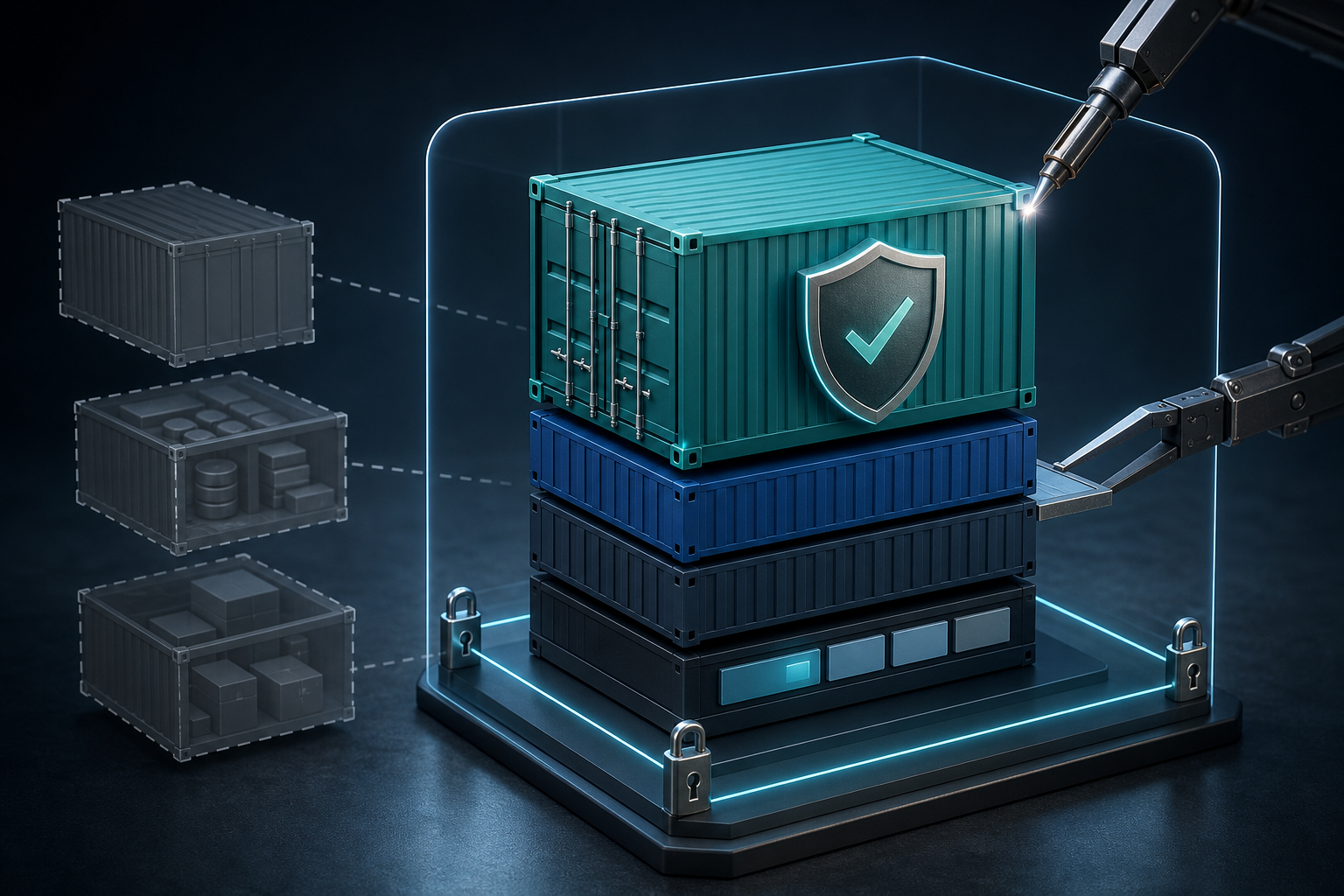
Use a multi-stage build or equivalent build separation so compile-time dependencies stay out of the production image. The final image should contain the application artifact, its runtime libraries, and only the files necessary to start successfully.
This is one of the clearest cases where operational simplicity and security align: if the runtime image contains fewer moving parts, it is easier to patch, scan, and reason about during incident response.
Run as a non-root user
Running as root inside a container is not automatically equivalent to host root, but it still increases impact inside the container and can make misconfigurations more dangerous. A non-root process usually has fewer options to modify the filesystem, bind low ports without support, or manipulate mounted paths.
The important part is not merely creating a user in the Dockerfile. You need to verify that the application can actually run with that UID/GID and that any writable directories are owned correctly. If the workload must write logs, caches, or temporary files, those locations should be explicit and limited.
Reduce writable paths and secrets exposure
Hardening is weakened when the image includes secrets, credentials, tokens, or writable areas that are broader than the application requires. Sensitive data should be provided at runtime through the approved secret mechanism in your environment rather than copied into layers or environment files.
Review the image for accidental inclusions such as SSH keys, local certificates, .env files, package manager caches, and build artifacts. Also check whether the container needs write access anywhere other than a small set of application-specific directories.
Pin dependencies and verify provenance
An image is only secure if you can explain what went into it. That means pinning base image references and application dependencies tightly enough that builds are reproducible and traceable. If the build pulls mutable tags without verification, the deployed artifact may differ from what was reviewed.
Use digest pinning where appropriate and maintain a controlled update process for rebuilding images when upstream dependencies change. The operational question is not whether dependencies change; they do. The question is whether changes are expected, reviewable, and observable before deployment.
Scan for vulnerabilities, but do not stop there
Scanning is necessary, but it is not sufficient. A clean scan does not prove the image is minimal, non-root, or free of unnecessary capability. Likewise, a vulnerable package in an image may be acceptable if the package is unused, isolated, or replaced soon after discovery, but that needs an explicit decision and owner.
Use scanning to identify what must be remediated, then verify whether the package is actually needed. In a hardened build process, the best outcome is often not patching around a large image; it is removing the package entirely.
What this means in practice
Consider a team deploying a small API service in containers. The initial image ships with a full Linux base, a shell, a package manager, build tools, and the application binary. It runs as root because the service listens on a port and writes logs to a broad application directory.
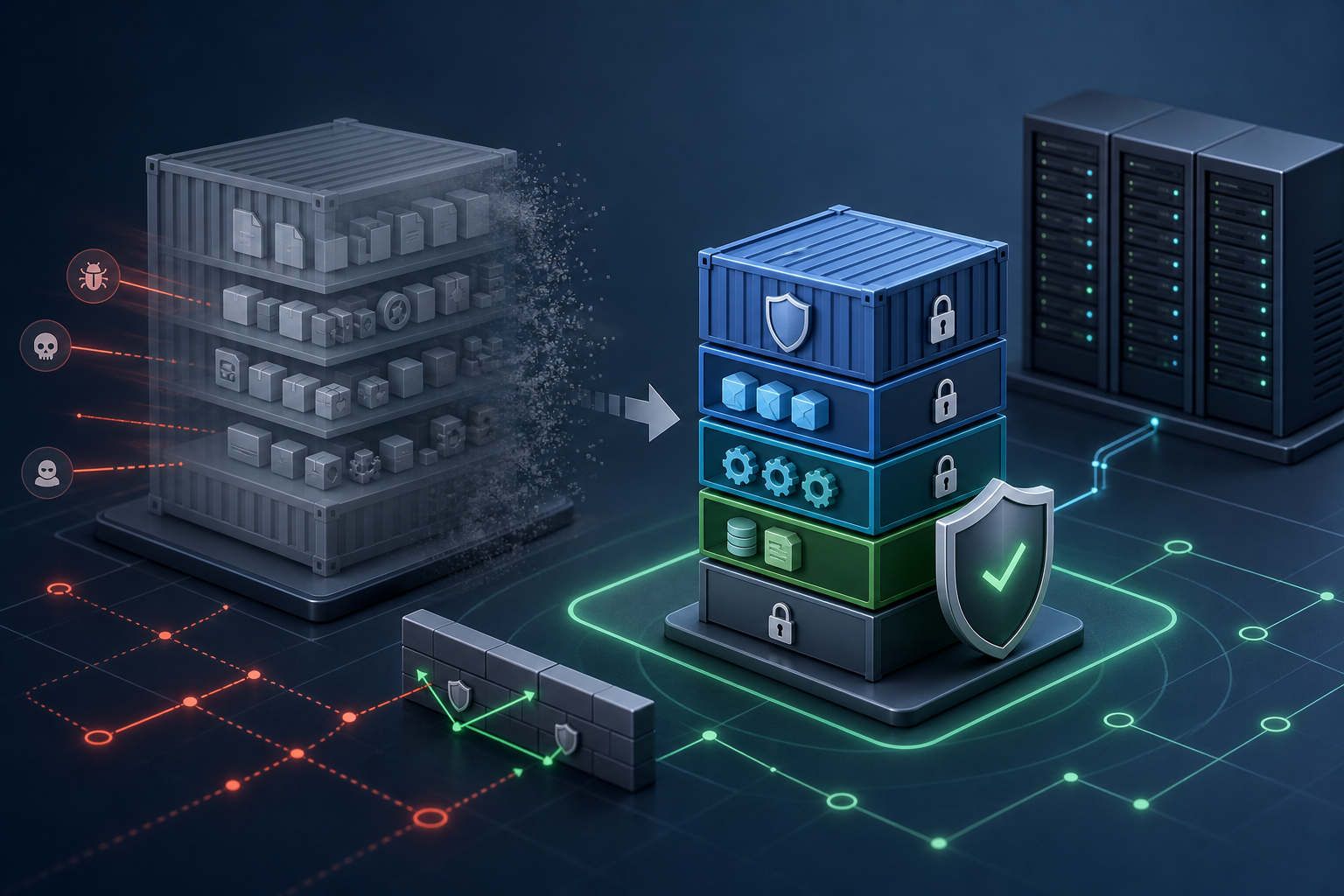
In day-to-day operations, that image works fine. But from a hardening perspective, it gives an attacker more room to move: if the process is compromised, the container already includes tools for inspection, download, and modification. If the service is vulnerable to file write abuse, the root process and broad filesystem permissions increase the blast radius.
A hardened version of that same image would usually look different:
- a smaller base or a minimal runtime stage,
- application binaries copied in from a build stage,
- a dedicated runtime user,
- explicit writable directories only where required,
- no secrets or local caches in the final filesystem,
- and runtime settings that do not reintroduce privilege.
That does not guarantee safety, but it materially changes the effort required to exploit the container and the confidence you can have in the deployed artifact.
Decision guidance: when hardening is enough and when it is not
Hardening is appropriate when your goal is to reduce attack surface, limit post-compromise actions, and make the image easier to verify and maintain. It is especially valuable for internet-facing services, long-lived workloads, and shared platforms where many teams deploy images with different maturity levels.
Hardening alone is not enough when the image is merely the visible part of a larger trust problem. If build pipelines are untrusted, secrets are handled poorly, or runtime policies are overly permissive, a minimal image will not compensate.
A useful decision rule is this: if you cannot explain why a component exists in the production image, remove it or move it out. If you cannot explain why the container needs root or broad write access, treat that as a design issue rather than a default.
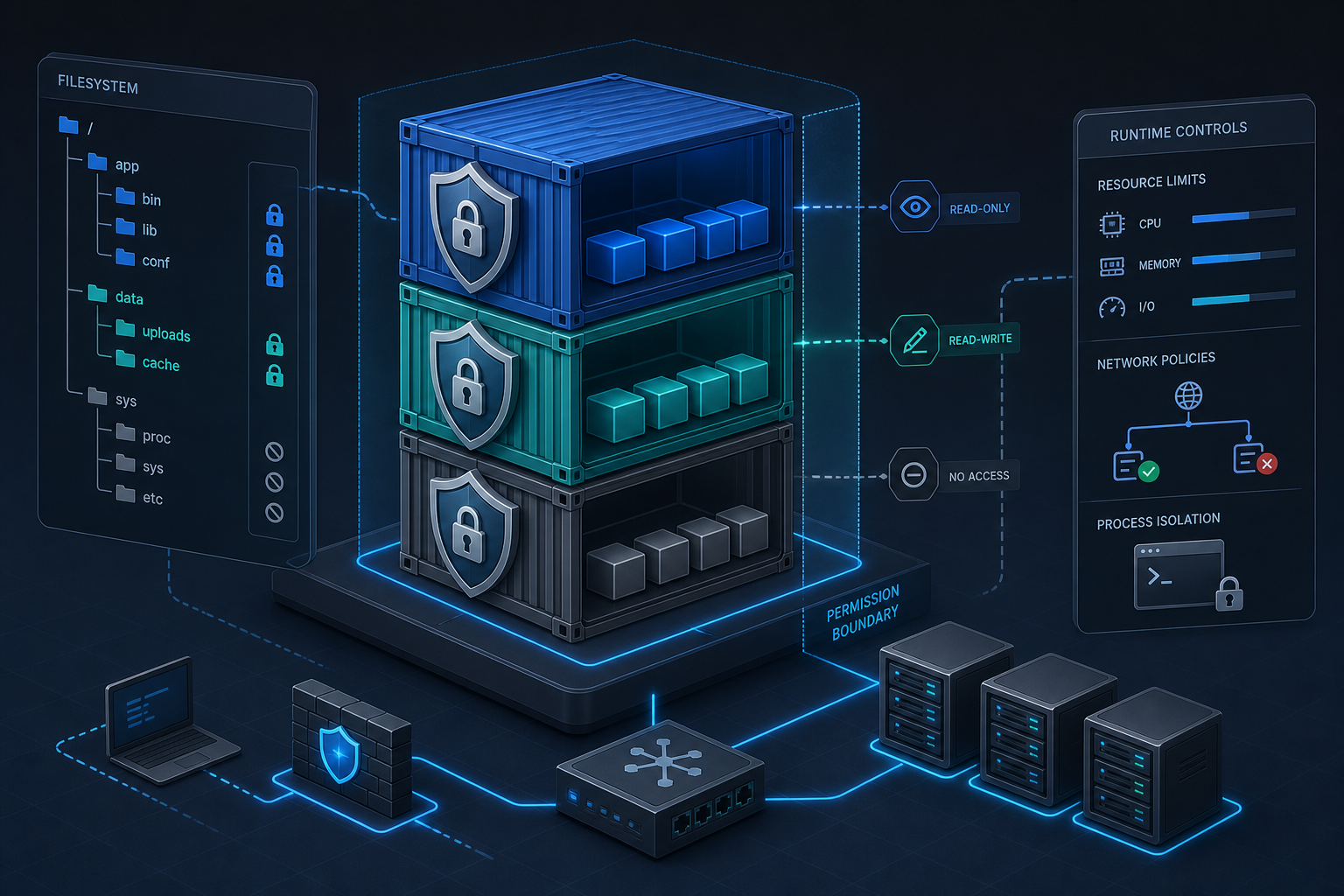
For teams already standardizing container permissions, the strongest results come when image hardening is paired with runtime controls such as seccomp, capability dropping, filesystem restrictions, and validated secret handling. The image should support those controls, not fight them.
Common mistakes that weaken hardened images
One common mistake is overfitting to the build environment. Developers often leave utilities in the image because they help with troubleshooting, then forget to remove them for production. That creates an image that is convenient but not secure by default.
Another mistake is assuming that a small image is automatically safe. Minimal images can still run as root, expose secrets, or execute untrusted code. Size helps, but only when it is part of a broader control set.
A third mistake is ignoring runtime drift. Even well-built images can be launched with unsafe flags, broad mounts, or privileged settings that override the hardening work. The image and the deployment spec must be reviewed together.
A final mistake is treating scanning as a finish line. Scanners are valuable for prioritization, but they do not replace a decision about whether the content is actually required.
Compact production readiness checklist
Before approving a hardened container image for production, verify the following:
- The final image contains only runtime dependencies required by the workload.
- Build tools, package managers, shells, and debug utilities are absent unless explicitly needed.
- The container runs as a non-root user, and file permissions match that user.
- Secrets are injected at runtime and are not embedded in image layers or environment files.
- Base images and dependencies are pinned or otherwise controlled for reproducible builds.
- Vulnerability findings have an owner, a disposition, and a remediation timeline.
- Runtime settings do not add privileged flags, broad mounts, or unnecessary capabilities.
- The image and deployment configuration have been reviewed together, not in isolation.
If you need a stricter control boundary, combine the image review with a runtime validation pass. That is the point where the hardening work becomes operationally meaningful, because you are no longer only trusting build-time intent.
Validation checks worth running before production use
The most useful checks are the ones that confirm what the container can actually do after it starts. A hardened image should be validated for runtime identity, filesystem expectations, and package exposure.
A compact validation set might include verifying the active user, confirming that only expected directories are writable, and checking whether the container includes tools that should have been removed. You can also inspect the image history and layer contents to look for accidental inclusions from the build stage.
docker image inspect <image>:<tag>
docker run --rm <image>:<tag> id
docker run --rm <image>:<tag> sh -c 'ls -la /; find / -maxdepth 2 -writable 2>/dev/null'
Treat these checks as evidence, not ceremony. If the container does not start as the expected user, if writable paths are broader than intended, or if the image still contains unnecessary utilities, the hardening story is incomplete.
Final takeaway
Docker container hardening is most effective when you focus on reducing what the image contains, limiting what the process can do, and proving both before production. The best secure image is not the one with the most controls added on top; it is the one built with the fewest unnecessary capabilities from the start.
Use this guidance together with Azure virtual network peering to connect the workflow with related operational context already available on the site.
Use this guidance together with Hyper-V VM checkpoints to connect the workflow with related operational context already available on the site.