Key takeaways
Docker container hardening is not a single setting; it is the combined effect of image hygiene, privilege reduction, runtime constraints, and deployment validation. If any one of those layers is weak, an attacker who reaches the container often has more room to move than operators expect.
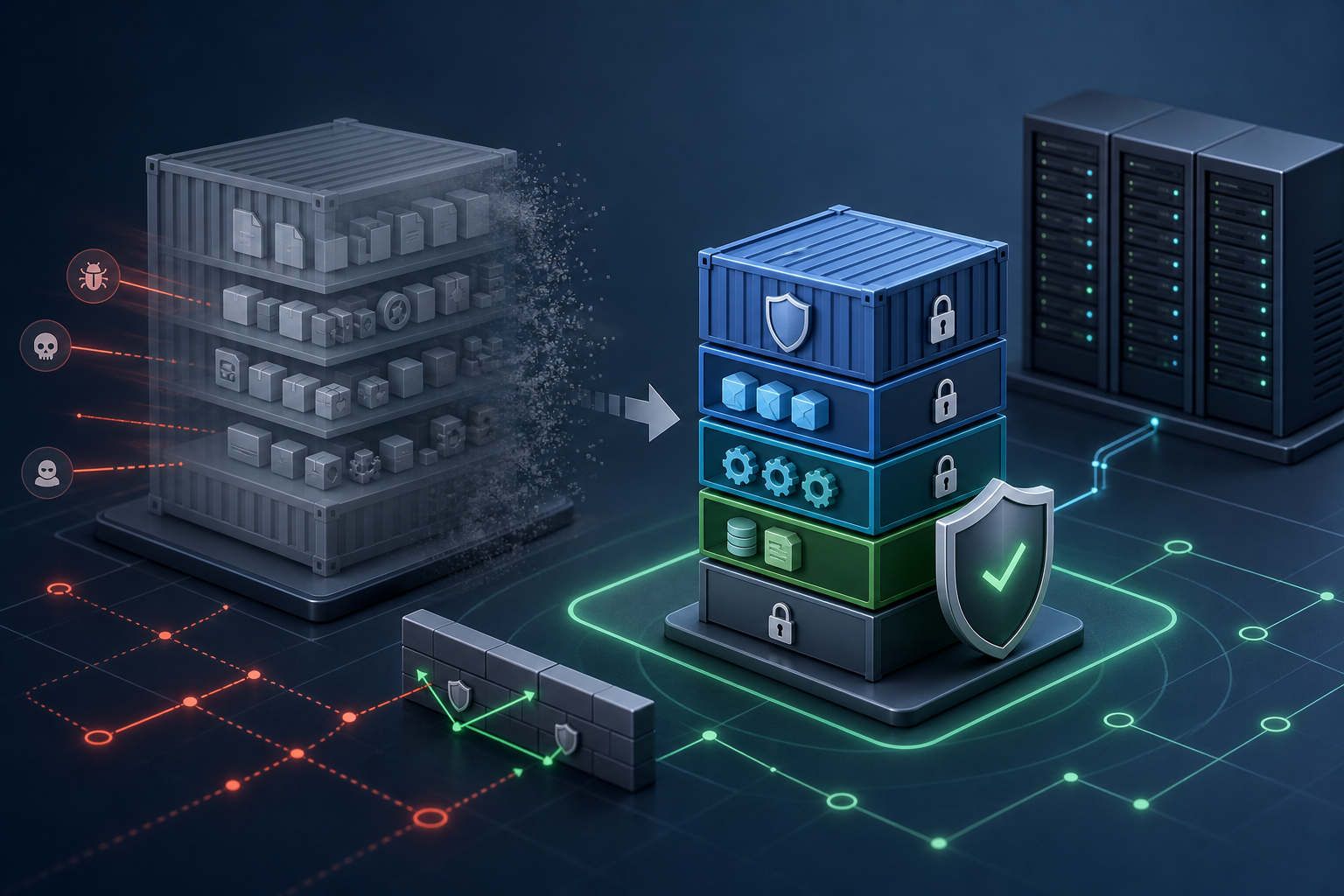
The practical goal is to make containers harder to exploit, harder to escape, and easier to trust before rollout. That means choosing minimal base images, removing build-time tools from the final image, running processes as non-root where possible, dropping capabilities, limiting filesystem write access, and reviewing runtime defaults before production.
If you apply the checks in this article, you should be able to decide whether hardening is sufficient for a given workload, validate the result with a repeatable workflow, and identify the settings that must be verified before release.
Why Docker hardening matters operationally
Container security failures are often not caused by a single catastrophic flaw. More commonly, they come from a stack of small allowances: a large image with extra utilities, a process that runs as root by default, inherited Linux capabilities that were never needed, an overly permissive mount, or a container that can write anywhere in the filesystem.
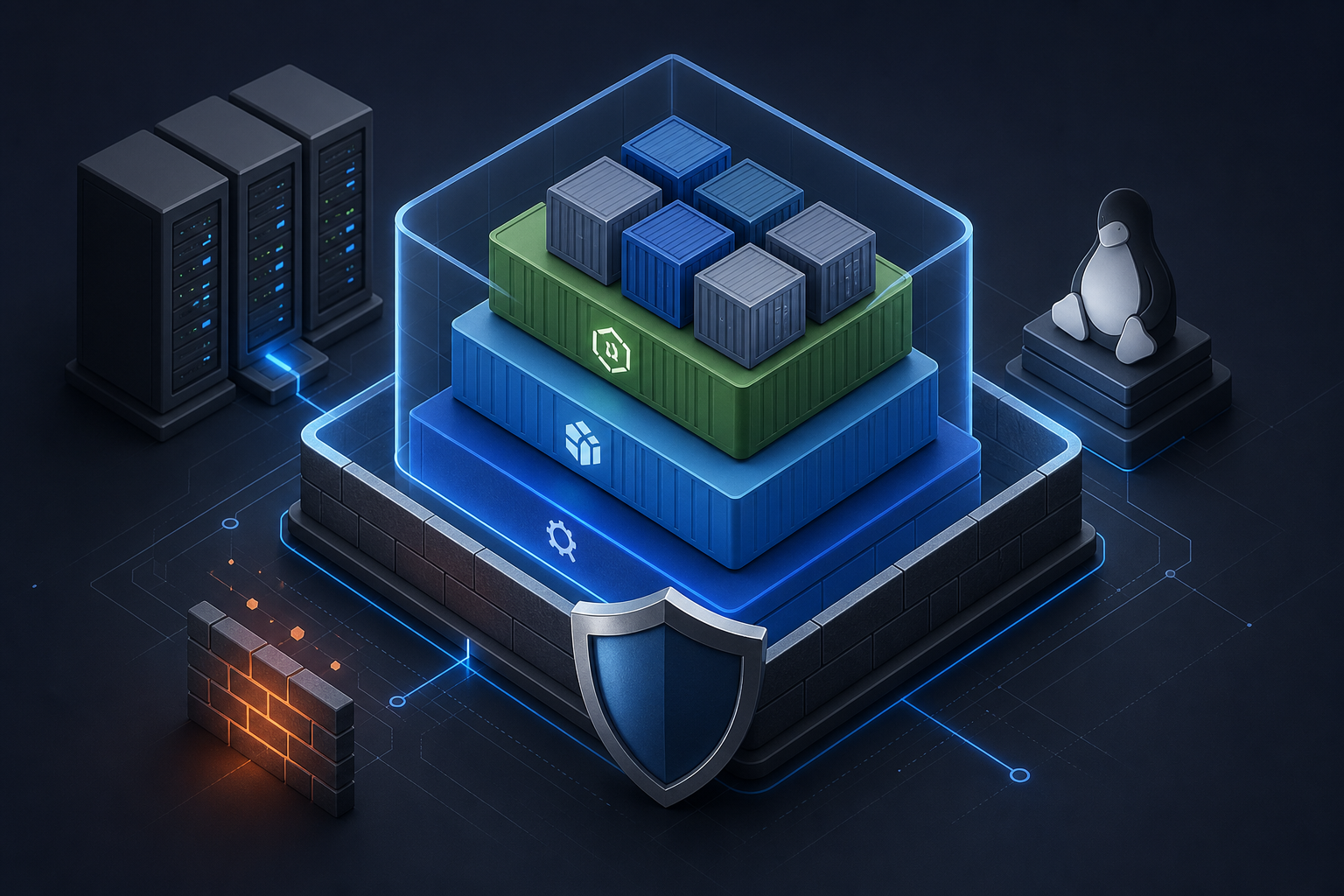
These defaults matter because a container is not a security boundary by itself. It is an isolation mechanism built on shared kernel primitives. If the image contains unnecessary software, the attack surface increases. If the runtime grants too much privilege, a successful compromise becomes more useful to an attacker. If validation is inconsistent, teams lose confidence in what actually shipped.
That is why Docker Container Hardening: Best Practices for Secure Images and Docker Container Hardening: Practical Security Baseline Techniques are best treated as complementary parts of the same operational problem: reduce what goes into the image, then reduce what the running container is allowed to do.
What Docker container hardening actually covers
Hardening a container means tightening three layers at once.
The first layer is the image itself. You want the smallest practical base, only the packages your application needs, and no build tools, package managers, secrets, or debugging utilities in the final runtime image. A smaller image is not automatically secure, but it usually contains fewer components to exploit and fewer paths to privilege escalation.
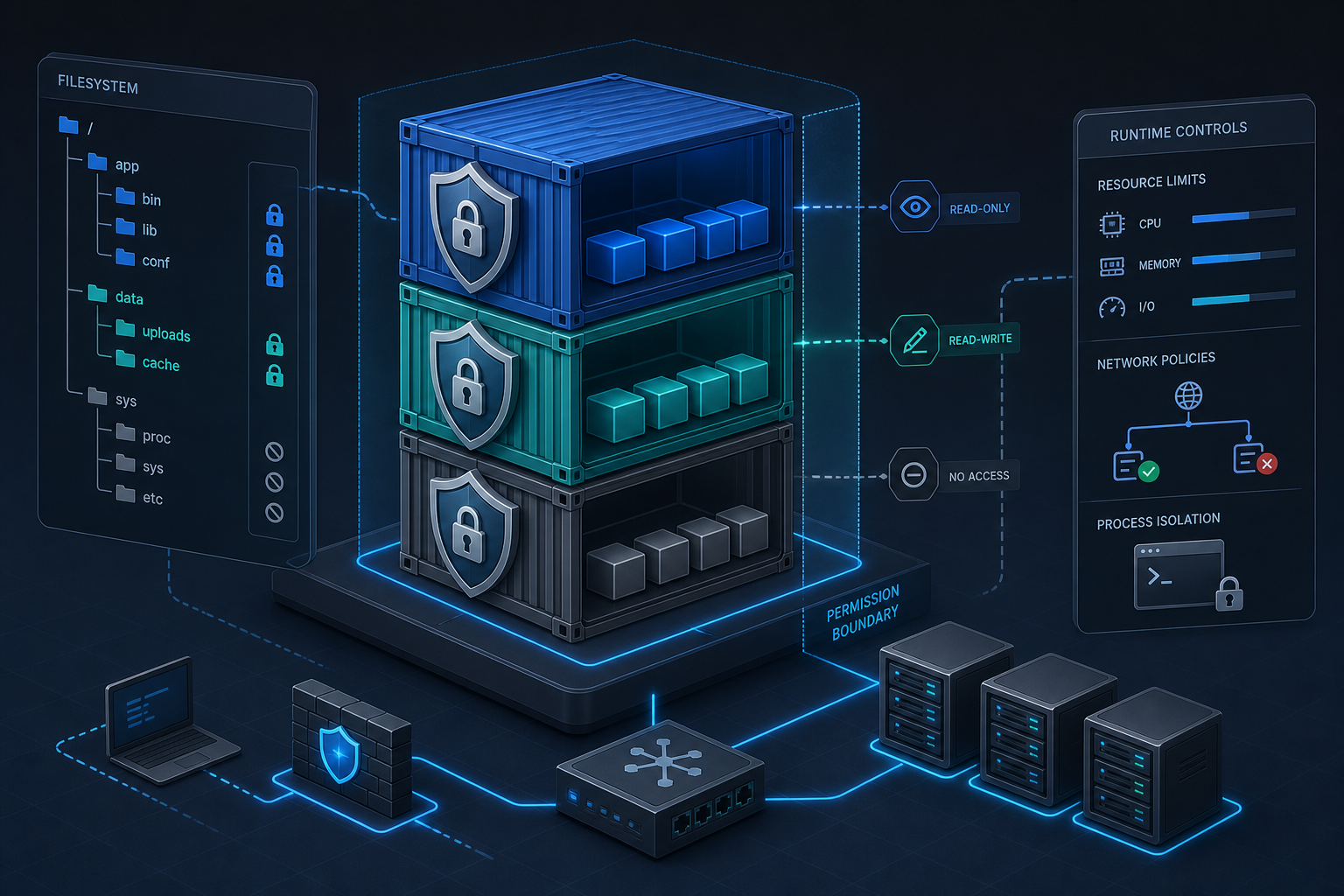
The second layer is the runtime configuration. This includes the user the process runs as, Linux capabilities, seccomp and other kernel filters, read-only versus writable filesystems, network exposure, tmpfs usage, and mount behavior. Runtime controls are where many accidental privileges live.
The third layer is validation. A hardened configuration is only useful if you can prove what the image contains and what the container is allowed to do. That includes inspection of image metadata, runtime settings, and policy checks in CI or admission control before a workload reaches production.
A practical workflow for securing images and runtime settings
A useful hardening workflow is not a long checklist performed by hand every time. It is a repeatable review that answers five questions: what is in the image, what runs inside it, what it can access, what kernel features it needs, and how you know the final result is acceptable.
1. Inspect the image contents and metadata
2. Confirm the runtime user and entrypoint behavior
3. Remove unnecessary packages, tools, and secrets from the final image
4. Constrain runtime privileges: capabilities, filesystem writes, mounts, network exposure
5. Validate the effective configuration before deployment
This sequence is intentionally ordered. If you inspect runtime settings before understanding image contents, you may miss a tool or secret that should not have survived the build. If you harden the runtime before checking application behavior, you risk shipping a configuration that fails only after deployment.
A practical implementation usually starts with image review, then moves to runtime defaults, then ends with verification in CI or a controlled environment. The point is to make hardening observable, not just aspirational.
Securing the image: reduce what ships
Image hardening starts with the simplest question: what does the final image contain that the application does not need?
For most workloads, the answer includes fewer packages than the build environment used. Build tools, shell utilities, package managers, compilers, and source trees often belong in the build stage only. A multi-stage build is the usual pattern because it lets you compile or assemble the application in one stage and copy only the runtime artifacts into the final image.
Secrets are another common issue. Credentials used during build should not persist in the image layers, environment variables, or committed files. Even if the application starts correctly, an image that contains credentials or private keys is already overexposed.
You also want to pay attention to the base image. Minimal images can reduce attack surface, but they can also remove troubleshooting tools and make debugging harder. That is a trade-off, not a universal win. For some environments, the operational cost of debugging a very small image outweighs the security gain. In that case, the right answer is still to keep the runtime image minimal, but to add a safe observability path through logging, metrics, or ephemeral debugging workflows rather than permanent shell tooling.
A secure image review should also confirm package provenance and update discipline. Even when the final image is small, you still need to know whether inherited libraries are maintained and whether rebuilds happen often enough to pick up fixes. Hardening does not mean freezing the image forever.
Hardening runtime settings: reduce what the container can do
Runtime settings matter because most container compromises become more serious when the process has unnecessary authority.
A non-root user is one of the most practical defaults to enforce. If the application can run without root, it should. Root inside a container is not equivalent to root on the host, but it is still a useful starting point for attack chaining and misconfiguration abuse. When a container truly needs elevated permissions, you should be able to justify the exception and limit its scope.
Linux capabilities deserve equal attention. Containers often inherit capabilities that are not required for the workload. Dropping all capabilities and adding back only the small set a process needs is usually safer than starting from a permissive baseline. This is especially relevant for services that do not need raw network access, device access, or administrative kernel interactions.
Filesystem settings are another frequent gap. A writable root filesystem makes persistence and tampering easier if the application is compromised. If the workload can function with a read-only root filesystem and a small number of explicit writable paths, that is usually a better security posture. Temporary data can often live in tmpfs or specific mounted volumes rather than the full container filesystem.
Network exposure is also part of runtime hardening. Exposing only the required ports, binding where needed, and avoiding unnecessary host networking reduces lateral movement opportunities. The same principle applies to mounted host paths: every mount should have a clear operational reason, a minimal scope, and a documented owner.
For deeper kernel-surface reduction, Hardening Docker Containers with Rootless Mode and Seccomp is relevant when you need to understand how user namespace isolation and syscall filtering affect the effective risk profile. Those controls are not universal requirements, but they are important when the workload and host model support them.
Practical scenario: a service that worked in development but is too permissive in production
Consider a typical internal API service built from a language runtime image. In development, it starts as root, includes a shell for convenience, writes logs into the container filesystem, and mounts a host directory so engineers can inspect output quickly. The service seems fine because the environment is controlled and short-lived.
That same setup becomes problematic in production. A shell in the runtime image increases the value of remote code execution. Root execution makes any writable path more sensitive. A host mount can turn a container compromise into access to files outside the application boundary. A writable root filesystem can hide tampering or persistence. The issue is not that the application is malicious; it is that the defaults are too broad for the risk profile.
In this scenario, hardening means making the runtime intentionally boring: the final image contains only the application and required libraries, the process runs as an unprivileged user, the filesystem is mostly read-only, the container gets only the capabilities it needs, and mounted paths are narrowed to the minimum practical scope. The application still works, but the blast radius is smaller if something goes wrong.
What this means in practice
The main operational shift is that container security becomes a specification problem instead of an after-the-fact review. You are no longer asking whether the container looks safe in general. You are asking whether this workload truly needs the privileges, files, and kernel access it has been given.
That changes how teams should think about defaults. A permissive image may be acceptable in a disposable lab environment, but the same image is a poor fit for a regulated production service. A root user may be tolerable for a legacy process with no practical refactor path, but then the exception should be explicit, monitored, and paired with compensating controls. A read-only filesystem might be ideal for a stateless API, but a batch process that generates local artifacts may need narrow write access instead of a blanket ban.
This is also where documentation matters. Hardening decisions should be visible enough that an operator can explain why each exception exists. If nobody can justify a capability, mount, or root requirement, it is usually a sign that the setting survived by accident.
Decision guidance: when this hardening approach fits
Use this approach when the container is expected to run in a shared environment, handle sensitive data, or support production availability requirements. It is especially relevant for services that expose a network port, process untrusted input, or run on hosts where other workloads depend on the same kernel.
Be more conservative with exceptions when the workload is long-lived or externally reachable. Long-lived containers are more likely to accumulate drift, and externally reachable containers benefit most from reduced privilege. If the application requires privileged host access, extensive device interaction, or deep kernel integration, the hardening baseline should be reviewed carefully because some controls may break functionality or only partially reduce risk.
The practical decision rule is simple: if the workload can run with fewer privileges, fewer files, and fewer kernel features, it usually should. If it cannot, document the dependency and verify that the exception is intentional rather than inherited.
Common mistakes to avoid
One common mistake is assuming that a small image is automatically hardened. A small image can still run as root, mount sensitive paths, or accept too many capabilities. Image size and runtime privilege are related, but they are not the same control.
Another mistake is hardening only in production. If security checks start late, teams discover breakage at the worst possible time. Build-time and pre-deployment validation should be part of the workflow, not an emergency response.
A third mistake is keeping debugging tools inside the production image just in case. If you need tooling for incident response, prefer a controlled debugging method instead of permanently shipping extra utilities in the runtime image.
A fourth mistake is treating all exceptions as harmless because the container is isolated. Isolation reduces risk, but it does not eliminate it. A compromised container with broad privileges can still create meaningful damage inside its boundary and sometimes beyond it through misconfiguration or shared resources.
Production readiness checklist
Before production use, verify the following items with the actual built image and the actual runtime manifest or compose configuration:
- The final image contains only the runtime dependencies the application needs.
- No build tools, package managers, secrets, or debug utilities remain in the shipped image.
- The process runs as a non-root user unless a documented exception exists.
- Linux capabilities are reduced to the minimum required set.
- The filesystem write model is explicit, and a read-only root filesystem is used where feasible.
- Host mounts are minimal, scoped, and justified.
- Exposed ports and network paths match the workload’s functional requirement.
- Runtime settings are validated before deployment, not assumed from the Dockerfile alone.
- Any exception is documented with an owner and a reason.
- Rebuild and revalidation are part of the normal release process.
Final takeaway
Docker container hardening is most effective when you treat images and runtime settings as one control plane. Shrink the image, remove unnecessary privilege, constrain runtime access, and verify the effective configuration before production. If you can explain why each process runs, what it can access, and which privileges it genuinely needs, you are already much closer to a defensible container security baseline.
Use this guidance together with Citrix ADC load balancing and Azure VM network isolation to connect the workflow with related operational context already available on the site.