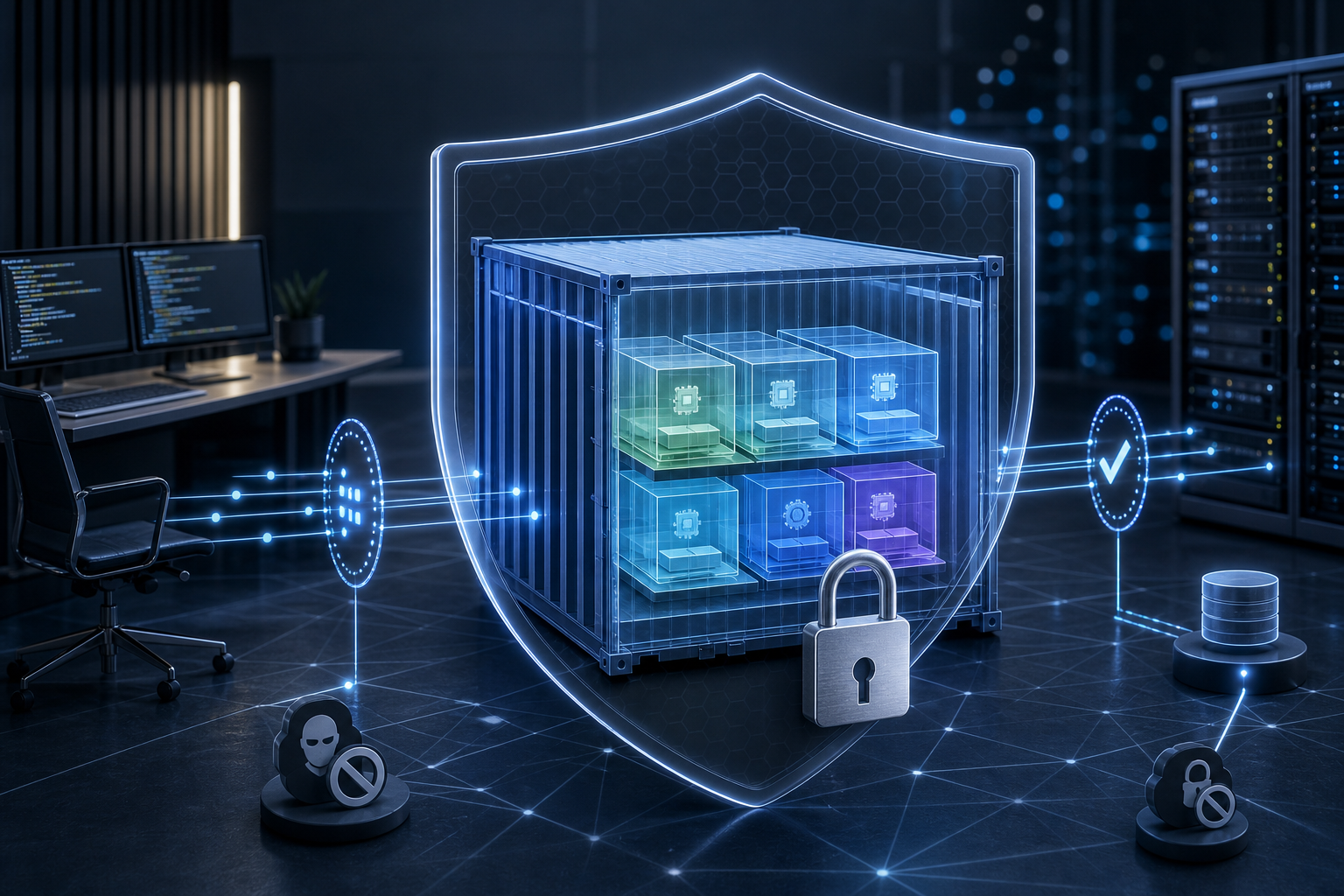
Why image hardening matters in Docker security
The practical problem is simple: a container image that contains unnecessary packages, shells, package managers, secrets, or oversized dependencies gives an attacker more to work with and gives operators more to maintain. In production, that translates into larger attack surface, more frequent patching, harder incident response, and more runtime drift when a container starts doing things it was never meant to do.
Docker image hardening is the discipline of reducing that risk before the container ever starts. Done well, it helps you ship images that are smaller, easier to scan, more predictable to run, and easier to reason about during audits or incident reviews. After reading this article, you should be able to decide whether image hardening applies to your workload, apply a practical validation workflow, and verify the image is suitable for production use.
Key takeaways
- Harden the image first; runtime controls help, but they do not compensate for a bloated or unsafe image.
- Start from a minimal, trusted base image and keep the final layer set as small as the application allows.
- Remove build tools, package managers, shells, and temporary artifacts from the runtime image whenever possible.
- Run the process as a non-root user and verify file ownership, permissions, and writable paths.
- Treat image scanning as a signal, not proof; validate what is actually present in the image and what the application needs at runtime.
- The production decision is not "is the image secure?" but "is the remaining risk acceptable for this workload and operating model?"
What Docker image hardening actually changes
Image hardening changes both the attack surface and the operational profile of a container. A hardened image usually contains fewer binaries, fewer libraries, fewer package metadata files, and fewer configuration surfaces an attacker can reuse if the container is compromised. It also makes troubleshooting more disciplined because the container exposes fewer unexpected tools and fewer mutable layers.
This matters because many container incidents do not begin with a sophisticated exploit. They begin with overprivileged images, stale dependencies, or credentials baked into build artifacts. Hardening is meant to remove those easy paths. If you already follow How to Harden Docker Containers with Security Best Practices, image hardening is the supply-side complement to runtime restrictions: one reduces what ships, the other reduces what can happen after startup.
A hardened image is not necessarily the smallest possible image. The goal is not minimalism for its own sake; it is deliberate inclusion. Every binary, library, and file should justify its presence.
How hardening works in practice
Image hardening works by narrowing what is present at build time and what remains at runtime. The most common controls are straightforward:
- choose a minimal, maintained base image;
- pin the base image to a known digest or otherwise control updates intentionally;
- install only the packages required to build or run the application;
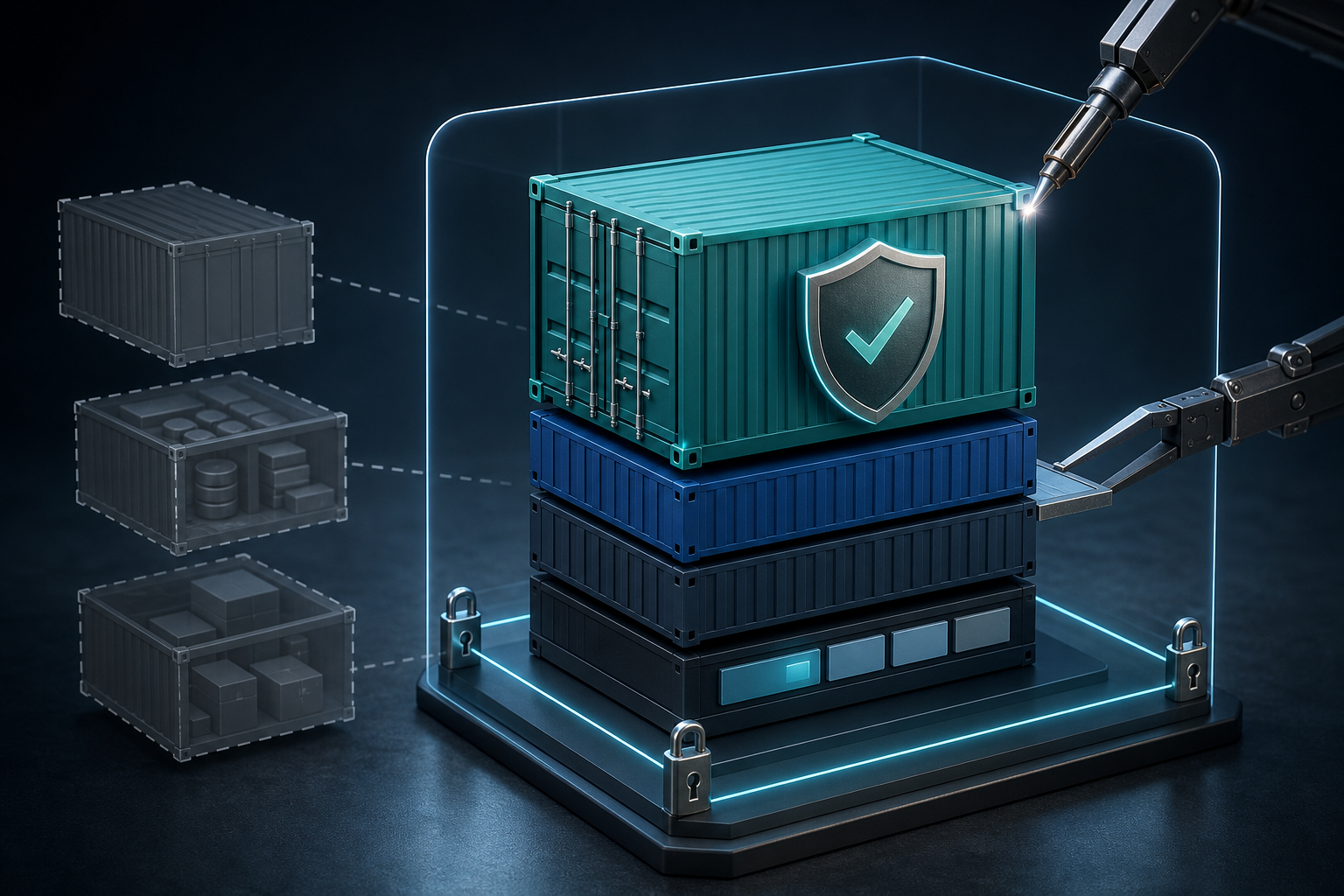
- use multi-stage builds so build tools do not ship in the final image;
- remove package manager caches, temporary files, and generated artifacts;
- run as a dedicated non-root user;
- define writable paths explicitly and avoid unnecessary write access;
- avoid embedding secrets or credentials in the image layers.
These are not independent controls. For example, a multi-stage build is only useful if the final stage does not reintroduce package managers or debugging tools. Likewise, a non-root user is only meaningful if filesystem permissions do not silently force the container to run with elevated access or broad write privileges.
A useful way to think about hardening is to ask two questions: what did we remove from the image, and what did we verify the application still needs? The second question matters because many teams stop at removal and forget to validate runtime behavior.
A compact hardening workflow
1. Select a minimal trusted base image
2. Build in a separate stage with compilers and tooling
3. Copy only runtime artifacts into the final stage
4. Remove caches, package indexes, and temporary files
5. Run the application as a dedicated non-root user
6. Declare only the writable paths the app truly needs
7. Scan the image and inspect the final filesystem contents
8. Validate startup, health checks, logging, and file writes in a staging-like environment
This workflow is intentionally compact because the critical point is sequence. Build-time tools belong in the build stage, not the runtime stage. Validation belongs after the image is assembled, not only after the code is changed.
Choosing a base image without creating hidden risk
The base image determines much of the image's default surface area. A general-purpose distribution may be convenient, but convenience often comes with package managers, shell utilities, and libraries your application never uses. A minimal base image reduces that exposure, but it can also make troubleshooting harder if your operational model depends on in-container debugging.
The decision should be driven by workload needs, not preference. If the application is a compiled service with a small runtime dependency set, a minimal base image is often a good fit. If the application depends on runtime scripting, certificate stores, timezone data, or native libraries, you still want restraint, but you must verify that the minimal image provides those dependencies correctly.
The trade-off is clear: smaller images are usually easier to harden, but they increase the importance of build discipline and runtime verification. For some teams, How to Secure Docker Containers with Read-Only Filesystems is a helpful companion control because it further limits what a compromised process can modify after startup.
A good decision rule is this: choose the smallest base image that fully supports the application without adding an operational exception you cannot justify.
Reduce the runtime image to only what it needs
Most of the hardening value comes from subtracting. Build tools, compilers, test fixtures, source trees, shell histories, package caches, and credential files should not survive into the runtime image unless there is a specific operational reason.
Multi-stage builds are the standard pattern here because they separate build dependencies from runtime artifacts. The runtime stage should contain only the files required to execute the application and support normal operation. That usually means the binary or application bundle, any required libraries, configuration files, certificates, and application-specific writable paths.
If the image still contains tools such as curl, wget, package managers, or general-purpose shells, ask whether they are there for a real production purpose or merely for convenience during debugging. Debugging convenience is not free; it creates an additional path for misuse if the container is compromised.
Run as non-root and verify permissions
Running as root inside a container is not automatically catastrophic, but it does expand the impact of application compromise and often masks poor filesystem design. A dedicated non-root user is usually the safer default, provided the application can actually run that way.
This is where many hardening attempts fail in practice. Teams change the user but do not verify ownership of log directories, cache directories, upload paths, PID files, or socket locations. The application then fails at startup or silently falls back to writing somewhere else. If the application needs writable state, define it clearly and make the permissions explicit.
A practical check is to validate three things together: the container starts, the process runs under the intended user, and every required write path is available without granting broad access to the filesystem. If any of those fail, the fix should be to correct the image and permissions, not to restore root as a convenience.
Protect against secrets and build-time leakage
Secrets should not be baked into images, copied into layers, or left behind in build artifacts. That includes credentials in application config files, private keys used during packaging, tokens in shell history, and environment files that were meant only for local development.
Image hardening should therefore include a review of build inputs and layer contents. A common failure mode is assuming that deleting a file in a later layer removes it from the image. It does not remove it from earlier layers. The safer approach is to prevent the secret from ever being added to the build context or image layers in the first place.
Operationally, this means you should distinguish between build-time secrets and runtime secrets. Build-time secrets should be injected transiently and never committed into the image. Runtime secrets should be provided through the runtime secret mechanism your platform supports, and their presence should be validated independently of image build success.
Validate the final image, not just the Dockerfile
A secure-looking Dockerfile is not enough. The final image is what matters, because the result can differ from the intent due to inherited files, dependency installation behavior, permissions, or build-stage leftovers.
Validation should answer a few practical questions:
- What packages and binaries remain in the final image?
- Does the application start under the intended user?
- Are the writable paths limited to what the application actually needs?
- Are there any secrets, package indexes, or toolchains left behind?
- Does the image behave the same way in a staging-like runtime environment as it does during build?
Image scanning tools can help identify known vulnerabilities, but they do not tell you whether the image is operationally hardened. A scan may be clean and the image may still contain unnecessary shells or write access. Conversely, a scan may report a dependency you cannot immediately remove without breaking the application. That is why hardening decisions need both security and runtime validation.
Practical scenario: the internal API service that "just needs a container"
Consider a team deploying a small internal API service. The code is compiled in CI, then copied into a generic Linux image with the language runtime, a shell, package manager metadata, certificate bundles, and a handful of admin utilities because "it makes debugging easier." The container runs as root because the application writes logs to /var/log/app and temporary files to /tmp.
This environment is common because it feels practical. It also creates a broad set of assumptions: the image can be modified from inside, a compromise would inherit extra tooling, and the log path becomes a privileged write requirement that may not actually be necessary. In a hardened version of the same service, the build stage compiles the application, the final stage contains only runtime dependencies, the process runs as a non-root user, and writable paths are restricted to a dedicated application directory.
The important recognition point is this: if your current image includes tools that no production operator should need inside the container, or if your runtime depends on root solely to compensate for missing filesystem design, you are likely carrying avoidable risk.
What this means in practice
In practice, Docker image hardening is a series of trade-offs between convenience, operability, and containment. The strongest images are often less flexible for ad hoc debugging, but that is usually acceptable if you have proper observability, logs, and a controlled way to reproduce issues outside production.
The most useful operational habit is to harden based on the application's actual behavior. If a service only needs to read configuration, serve requests, and write structured logs, then that should be reflected directly in the image. If a service requires file uploads or local caches, those paths should be named and constrained rather than left to defaults.
This is also where environment parity matters. A container that looks hardened in development may behave differently in production when mounted volumes, file ownership, kernel settings, or security profiles are added. If your deployment model enforces stricter defaults, validate the image under those conditions before rollout.
Decision guidance: when hardening is enough and when it is not
Docker image hardening is appropriate when you control the build pipeline, can change the final image composition, and can validate runtime behavior before release. It is especially valuable for internet-facing services, privileged internal services, and workloads that will live for a long time without frequent rebuilds.
Hardening alone is not sufficient when the application architecture itself is unsafe. If the service requires broad host access, depends on writable root paths, embeds credentials, or ships with unmaintained dependencies that cannot be updated, then the image problem is really an application and deployment design problem as well.
A useful decision rule is:
- Harden the image when risk comes from unnecessary content, excessive privileges, or build leakage.
- Revisit the application design when risk comes from core runtime requirements that force unsafe defaults.
Common mistakes that weaken image hardening
Several mistakes appear repeatedly in production environments.
One is using a minimal base image and assuming the job is done. Minimal does not mean safe if the image still runs as root, exposes secrets, or copies in unnecessary tools.
Another is removing tools in the Dockerfile but leaving them in earlier layers or in intermediate artifacts. This is especially common when build contexts are too broad or when generated files are copied too aggressively.
A third is failing to validate write paths. The application works in the build environment but fails in production because the intended user cannot write to a directory or because the image relies on a path that is not actually provisioned.
A fourth is equating vulnerability scan results with hardening quality. Scanning is valuable, but it does not confirm that the final image is lean, non-root, or free of build leftovers.
Finally, teams often keep shell access in the runtime image purely for comfort. That convenience is sometimes justified, but it should be a deliberate exception with an explicit rationale, not the default.
Production readiness checklist
Before treating a hardened image as production-ready, verify the following:
- The runtime image contains only the files, binaries, and libraries required for normal operation.
- Build tools, package managers, caches, and temporary artifacts are absent from the final image.
- The application runs as a dedicated non-root user.
- All required writable paths are explicit, limited, and permissioned correctly.
- No secrets, tokens, or private keys are present in image layers or build artifacts.
- The image starts successfully in an environment that matches production security constraints.
- Vulnerability findings have been reviewed for relevance, not just counted.
- Logging, health checks, and graceful shutdown still work after hardening.
- The team can explain any exception, such as a shell or diagnostic tool, and why it must remain.
Final takeaway
Docker image hardening is not about producing the smallest image or chasing a perfect score from a scanner. It is about shipping a runtime artifact with a deliberately limited attack surface, explicit permissions, and verified behavior. If you can explain exactly what remains in the image, why it remains there, and how you validated it under production-like conditions, you have a hardened image worth deploying.
Use this guidance together with Azure VM scaling strategies and EC2 isolation to connect the workflow with related operational context already available on the site.