Key takeaways
Git rebase conflict resolution is the process of reconciling diverging changes while replaying commits onto a new base. It matters because rebasing can produce a cleaner, linear history, but it also rewrites commit ancestry and can make mistakes harder to recover from if you continue blindly. After reading this article, you should be able to recognize when rebase is the right integration method, resolve a paused rebase with a repeatable workflow, and verify whether the result is safe to publish.
The practical rule is simple: use rebase when you need a tidy commit sequence and you control the branch lifecycle; avoid it when preserving merge structure or minimizing history rewriting is more important. If you are deciding between the two approaches, Git Rebase vs Merge: Choosing the Right Workflow gives the operational trade-offs in more detail.
Why rebase conflicts matter operationally
A rebase conflict is not just a file-editing task. It is a signal that the commit you are replaying depends on code that has changed in a different direction on the target branch. In a controlled development workflow, that is normal. In a shared or production-adjacent branch, it can be a risk indicator: the same logical change may need to be re-evaluated, not just mechanically merged.
For system engineers and DevOps teams, the stakes are usually consistency and traceability. A rebased branch can make review easier because the history reads like a straight line, but that benefit only holds if the resulting commits still represent the intended change set. Security teams should be especially careful when a rebase affects patches, hardening changes, or compliance-related fixes, because a clean history does not guarantee an equivalent change set.
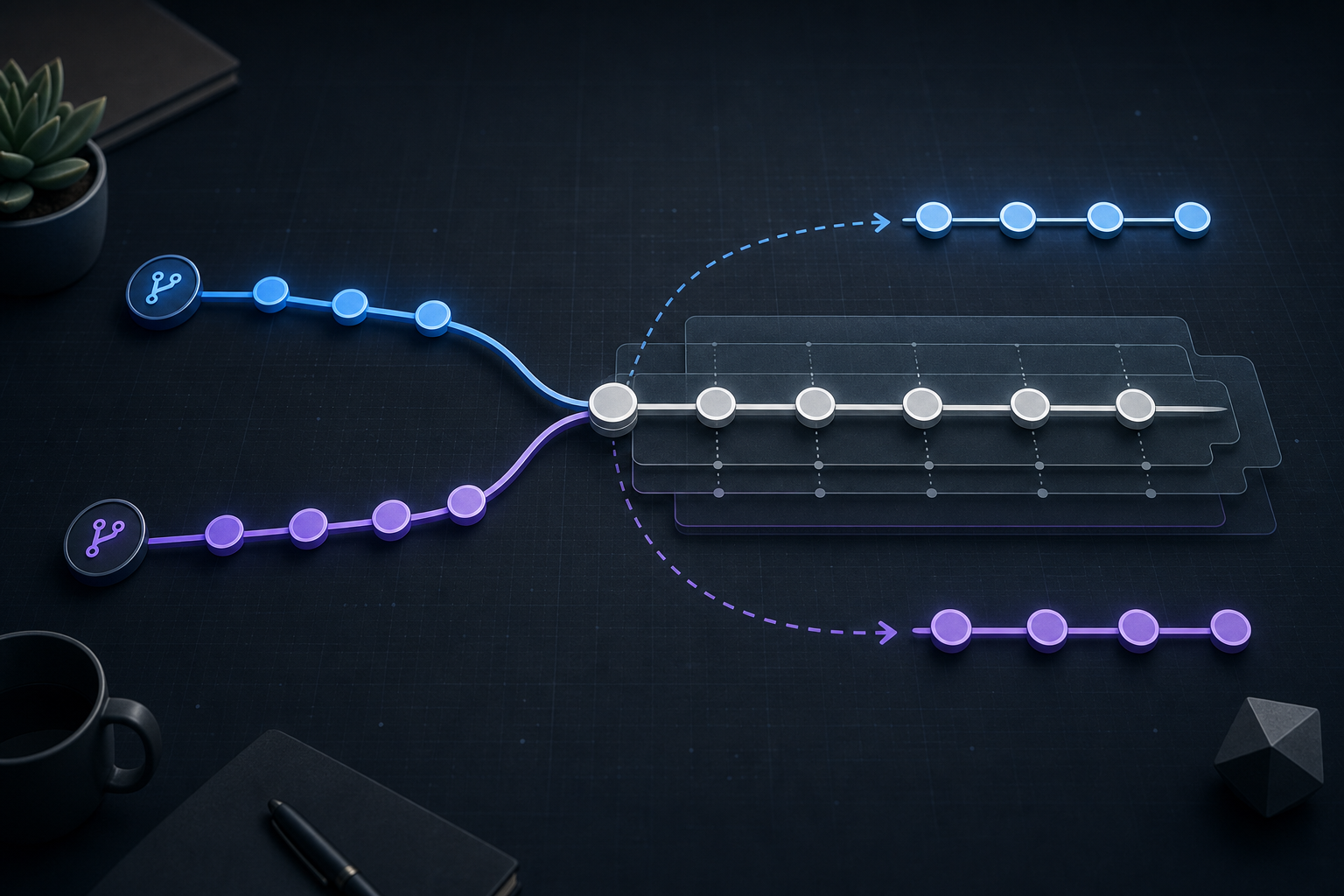
A useful mental model is that rebase is a replay operation, not a reconciliation report. When the replay pauses, Git is asking you to decide whether the original commit still applies cleanly, whether it needs to be adapted, or whether the branch should stop and be rebuilt in another way.
How rebase conflict resolution works
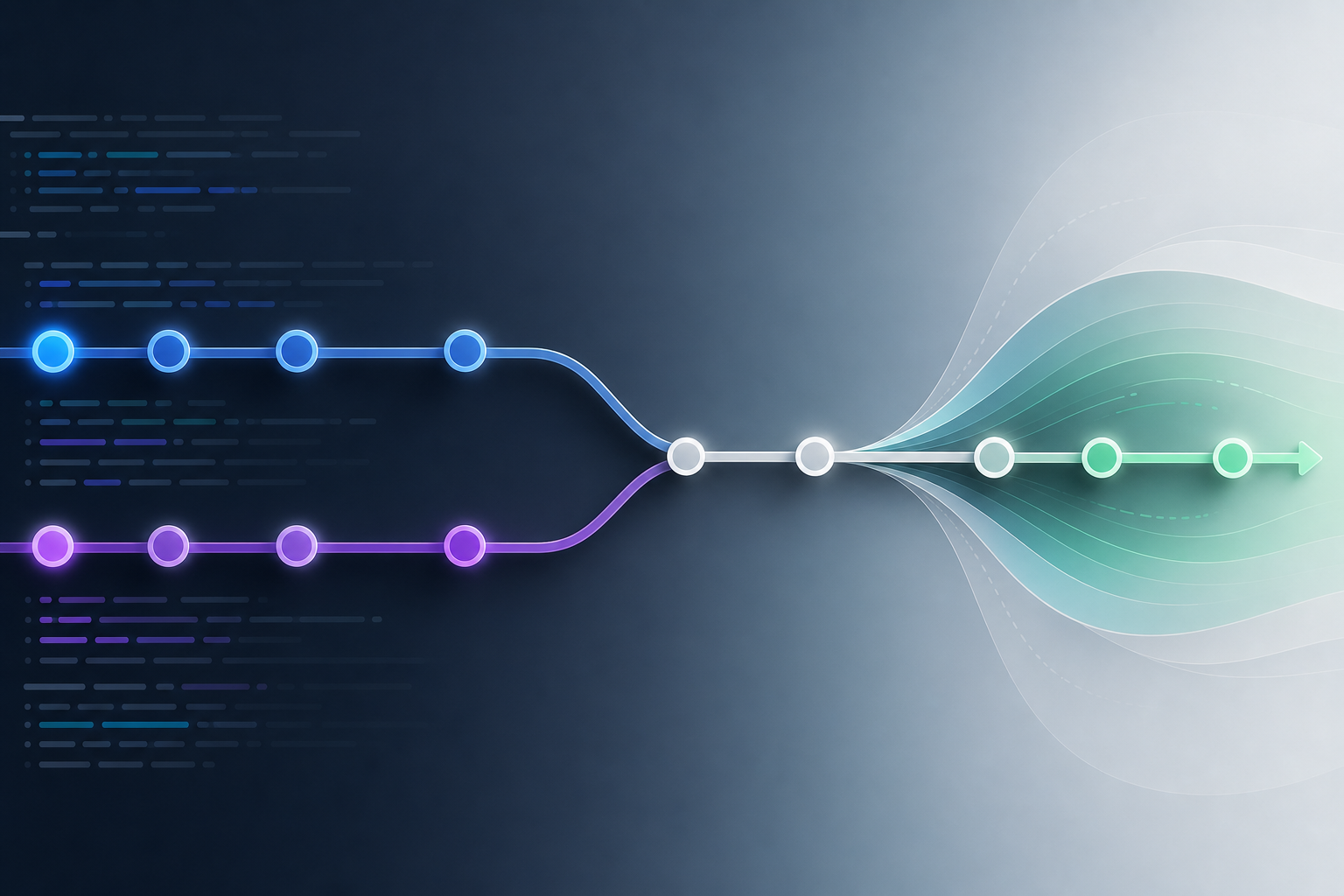
During a rebase, Git takes the commits from your branch and reapplies them one by one onto a new base. If a later commit touches the same lines, files, or surrounding context that changed upstream, Git pauses and marks the conflict. At that point, the repository is in an intermediate state: some commits may have been applied, others have not, and the branch tip may no longer match either the original branch or the target branch.
This is why rebase conflict resolution needs a verification mindset. You are not only fixing syntax in a file; you are validating whether the replayed commit still expresses the same intent after the upstream changes. That is also why conflict markers alone are not enough. You should inspect the surrounding history, understand the functional change, and check whether the conflict reflects a benign overlap or a real semantic difference.
If you need a focused operational walkthrough for the paused state itself, Git Rebase Conflicts: Resolve and Continue Safely covers the pause, inspect, continue, and abort flow in a compact format.
Compact workflow block
# See where the rebase stopped
git status

# Inspect the upstream context and the commit being replayed
git log --oneline --graph --decorate --max-count=12

git diff --merge

# Edit files to resolve conflicts, then stage the result
git add <resolved-files>

# Continue the replay
git rebase --continue

# If the resolution changes the intended outcome, stop safely
git rebase --abort
This workflow is intentionally compact because the important work is not the command sequence itself. The important work is deciding whether the resolution is structurally sound before continuing.
A practical scenario you can recognize
Consider a shared service repository where one branch contains a refactor of an authentication helper and another branch contains a security patch that updates token validation logic in the same file. The feature branch has three commits: one renames variables, one adds tests, and one changes a configuration default. Meanwhile, the target branch receives a direct fix for an expired-token edge case.
When you rebase the feature branch onto the updated target, Git pauses on the helper file because both branches changed nearby code. The temptation is to preserve your original feature commit exactly as written and move on. That is often the wrong instinct. The upstream patch may have changed the validation flow in a way that makes the old refactor assumptions obsolete. In this case, conflict resolution should verify the intended runtime behavior, not only the textual diff.
This is a common environment in platform engineering: a branch that looked stable when it was created now has to be replayed over a faster-moving base. The correct response is to check whether the functional contract still holds after the upstream fix. If the test suite or targeted checks reveal that the old commit no longer makes sense as-is, the branch may need to be adjusted more broadly or rebased with additional follow-up changes.
What this means in practice
The most important operational lesson is that a rebase conflict is a decision point. It can mean one of three things:
- The conflict is mechanical, and a careful merge of the lines preserves the original intent.
- The conflict is semantic, and the commit must be updated to match the new upstream behavior.
- The conflict reveals that the branch should not be rebased as originally planned.
That distinction matters because a successful git rebase --continue only proves that Git can complete the replay. It does not prove that the replayed commits are correct, secure, or reviewable. For that reason, validation should include both repository state and functional evidence. At minimum, confirm that the affected files are staged as intended, the branch history looks sane, and the relevant test or lint checks pass for the touched area.
For teams that enforce branch policy, a compact pre-rebase review can help prevent unnecessary conflict churn. A checklist such as Git Branching Checklist for Safer Merge and Release Workflows is useful when you need to confirm branch ownership, integration timing, and release risk before rewriting history.
Decision guidance: when to continue, revise, or abort
A good rebase decision should be based on intent, not convenience. Continue the rebase when the conflict is local, the resolution is straightforward, and the resulting code still behaves as designed. Revise the commit more broadly when the upstream change makes your original implementation incomplete or misleading. Abort the rebase when the target branch has changed enough that a different integration strategy is safer.
In practice, the choice often depends on branch criticality:
- Short-lived feature branch: continue if the conflict is narrow and tests pass.
- Shared integration branch: be stricter; confirm whether rewriting history is acceptable before starting.
- Security-sensitive change: verify behavior carefully, because a textual resolution can hide a semantic regression.
- Release or hotfix work: prefer the option that leaves the clearest audit trail and the least surprise for downstream consumers.
If the branch is already shared, rebasing can create downstream coordination work even after the conflict is resolved. Other collaborators may need to reset or rebase their own work, and that operational cost should be weighed before you proceed.
Common mistakes that turn a conflict into a bad history
The most common mistake is resolving conflict markers without understanding the upstream change. That approach can produce code that compiles but no longer does the right thing. Another frequent error is continuing the rebase before running targeted validation. If the conflict affected business logic, access control, or configuration defaults, a clean commit list is not a sufficient success signal.
A third mistake is ignoring the branch context. Rebase is often excellent for local feature work, but it is a poor fit when the branch already acts as a collaboration boundary. In those cases, the rewriting overhead may outweigh the benefit of a linear history. Finally, do not assume that a single conflict means a single file review is enough. Related files, tests, and configuration often need to be checked together because the visible conflict is only the surface symptom.
Production readiness checklist
Use this compact checklist before considering a rebased branch ready for production use:
- Confirm the branch is appropriate for history rewriting.
- Inspect
git statusand the paused rebase state before editing. - Review the upstream commit(s) that caused the conflict.
- Resolve both the text conflict and the underlying functional intent.
- Stage only the intended files and verify the diff before continuing.
- Run the relevant test, lint, or validation commands for the changed area.
- Check the final commit list and ensure the history still matches the release story.
- Confirm collaborators will not be broken by the rewritten branch.
This checklist is intentionally short because the critical question is not whether the rebase finished, but whether the resulting history and code are trustworthy.
Final takeaway
Git rebase conflict resolution is safest when you treat it as a validation task, not just an editing task. The cleanest commit history is useful only when the replayed commits still represent the intended behavior, the branch policy allows rewriting, and the final result has been checked against real operational requirements. If you can inspect the paused state, decide whether the conflict is mechanical or semantic, and verify the outcome before continuing, you can use rebase to keep history readable without sacrificing correctness.
Use this guidance together with branch and bound algorithm to connect the workflow with related operational context already available on the site.