Key takeaways
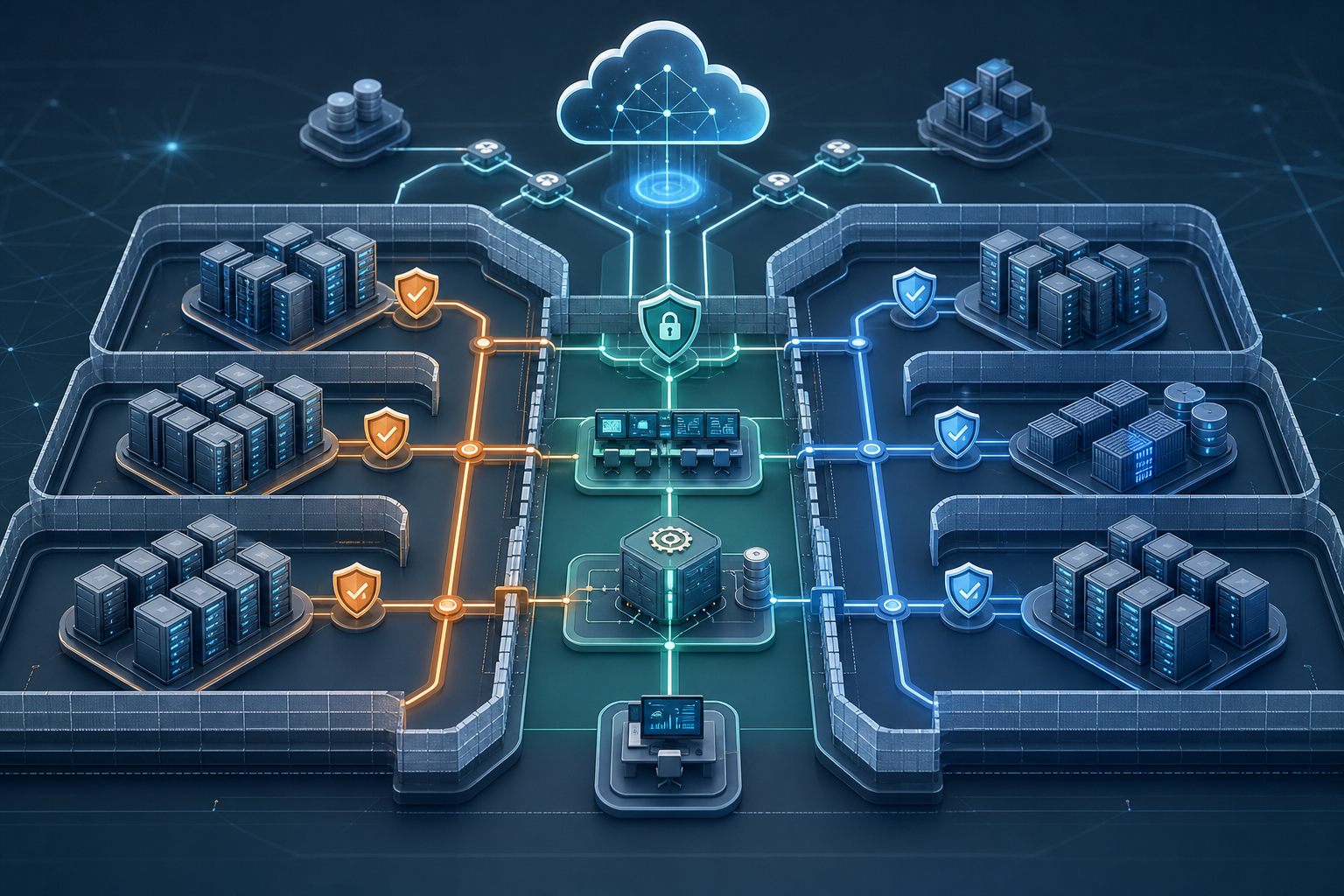
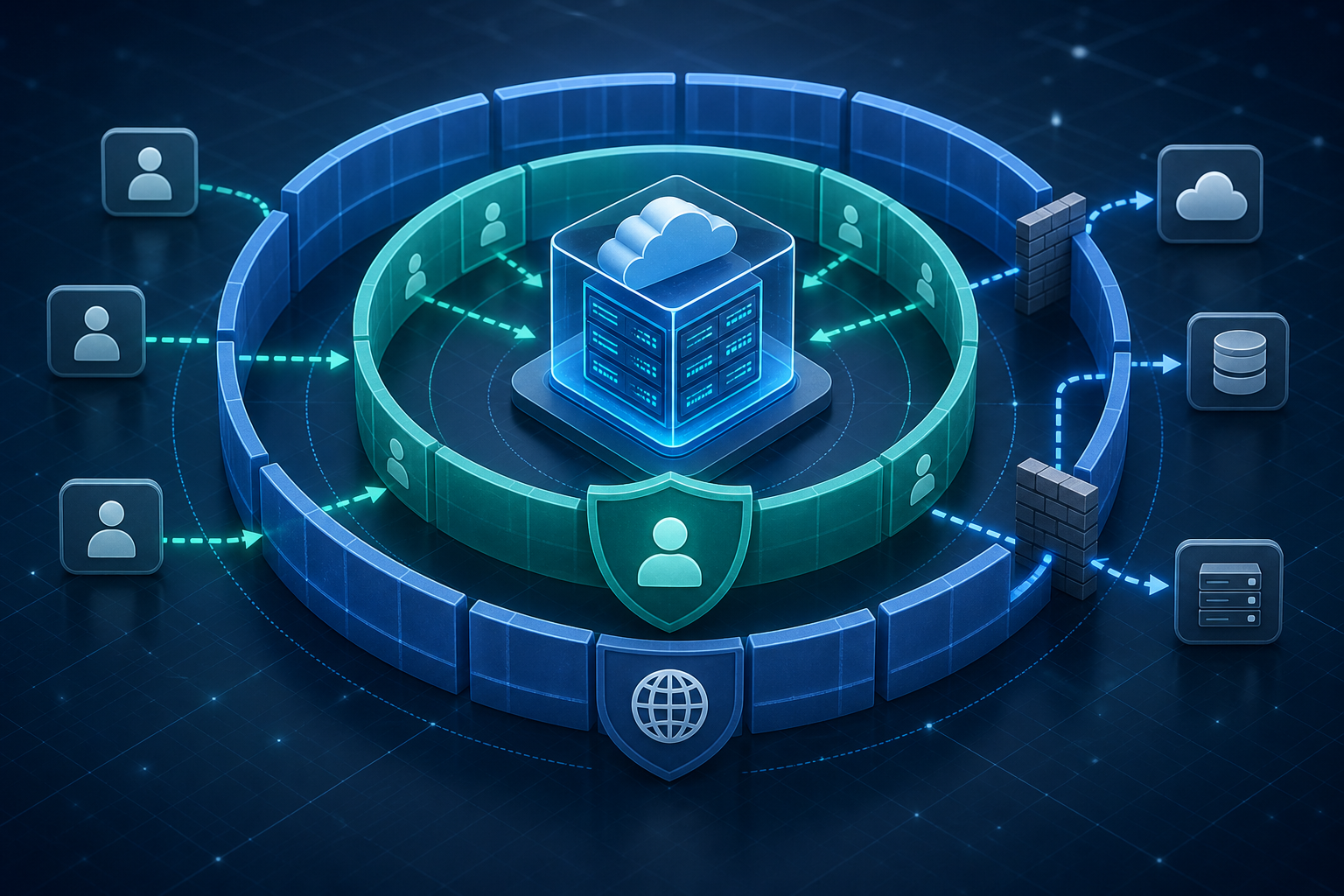
Hardening EC2 with IAM roles and security groups is not about adding more controls for their own sake. It is about separating who the instance is allowed to call from what network traffic is allowed in and out. That separation reduces long-lived credential exposure, narrows the blast radius of a compromised workload, and makes policy review more operationally meaningful.
A practical hardening model usually looks like this:
- Use an IAM role attached to the instance instead of static access keys.
- Give the role only the permissions the workload actually needs.
- Use security groups to allow only explicit ingress and egress paths.
- Validate that the instance can still reach required dependencies after policy tightening.
- Review both controls together, because one does not compensate for the other.
If you are operating production EC2 fleets, this approach helps you answer two questions before launch: can the instance authenticate without embedded secrets, and can it only communicate with the systems it truly needs? That is the operational value of the model.
Why this matters operationally
EC2 hardening often fails at the boundary between identity and connectivity. Teams may remove public IPs and still leave broad IAM permissions in place, or they may lock down network paths while keeping long-lived access keys on disk. Either pattern creates avoidable risk because a compromise can still turn into data access, lateral movement, or service abuse.
IAM roles and security groups address different failure modes. IAM roles reduce the need to distribute credentials to the operating system or application. Security groups reduce the attack surface by defining which traffic is actually permitted at the instance level. In practice, this is especially important for workloads that process secrets, call AWS APIs, talk to databases, or exchange data with internal services. If you are also designing broader segmentation, it is worth aligning this pattern with AWS Virtualization Security Best Practices for EC2 Isolation so the instance hardening model fits the larger trust boundary.
This matters most when you need a defensible answer to questions from operations, security, or audit: how does the instance authenticate, what can it reach, and what prevents a single compromise from becoming a wider incident?
How the control model works
An IAM role attached to an EC2 instance provides temporary credentials through the instance metadata service. The application or AWS CLI retrieves short-lived credentials when needed, rather than reading an access key from a file or environment variable. That means the credential lifecycle is handled by the platform, not by manual rotation scripts or ad hoc secret distribution.
A security group acts as a stateful packet filter associated with the instance or its network interface. Inbound rules define what traffic can initiate connections to the workload. Outbound rules define what the workload can initiate to other systems. Because security groups are stateful, return traffic for an established connection is allowed automatically without requiring a matching return rule.
The key operational point is that these controls are complementary, not interchangeable. IAM controls are evaluated when the workload tries to call an AWS API. Security groups are evaluated when packets enter or leave the instance. A workload can be perfectly authorized in IAM and still be unreachable because the network policy blocks it. The reverse is also true: a service can be reachable over the network and still fail because its IAM role lacks permission to use the downstream service.
If you need to compare this with the underlying compute isolation model, Securing AWS Virtual Machines with Nitro-Based Isolation is useful context because it explains the host-side threat reduction that sits underneath these controls.
Compact workflow: harden identity and network together
A compact way to reason about the implementation is to work through one loop: identity, exposure, dependency, verification.
1. Identify what the instance must do
   -> Which AWS APIs, which internal services, which inbound clients?

2. Replace static credentials with an instance role
   -> Grant only the needed API permissions, scoped as tightly as possible.

3. Restrict security groups
   -> Allow only required ingress sources, destinations, and ports.
   -> Limit egress to required services where operationally feasible.

4. Validate dependencies
   -> Confirm the workload still starts, authenticates, and reaches required systems.

5. Review runtime evidence
   -> Check CloudTrail, application logs, and connection behavior for denied actions.
That sequence is useful because it prevents a common failure mode: teams harden one layer, then discover too late that the missing dependency lives in the other layer.
A practical scenario you may recognize
Consider a typical internal API service running on EC2 in a private subnet. The service needs to read objects from a storage bucket, publish to a queue, and receive traffic only from an application load balancer or a small set of upstream services. It does not need shell access from the internet, nor does it need unrestricted outbound access to the entire network.
A secure and workable configuration in this case would attach an IAM role that allows only the required storage and queue actions, while security groups allow inbound traffic only from the load balancer or the specific upstream security group. Outbound rules can be narrower than the default “allow all” posture if the service only needs to reach internal endpoints, a VPC endpoint, or a small number of approved destinations.
The important recognition point is this: the service may still function after hardening because it never needed broad access in the first place. If tightening the role or the security group breaks the workload, that usually reveals undocumented dependencies rather than a flaw in the hardening strategy. For hybrid environments, pairing this with AWS Virtualization: Designing Secure Hybrid Network Segmentation can help avoid ad hoc network exceptions that accumulate over time.
What this means in practice
In production, the hardening decision usually comes down to whether the workload has a stable, knowable dependency set. If the instance is part of a controlled service with a small number of API calls and network peers, IAM roles and security groups are usually the right control combination. If the workload is still evolving, the first iteration should still remove static credentials and reduce unnecessary exposure, but you may need a short observation window before you can tighten egress and IAM permissions safely.
What this means operationally is that you should not treat security groups as a generic perimeter and IAM roles as a generic permission bucket. Both controls work best when they are derived from concrete workload behavior:
- Which AWS services does the process call?
- Which ports and source ranges are actually required?
- Which peers are expected during startup, health checks, and normal traffic?
- Which actions are required for steady-state operation versus emergency maintenance?
The answer to those questions should be reflected in the policy and then confirmed at runtime. If the observed traffic or API usage is broader than expected, that is a signal to revisit the application design, not just the policy document.
Decision guidance: when this approach fits
Use IAM roles and security groups as your default EC2 hardening baseline when the instance is a long-lived service, batch worker, or internal application component. The model is a strong fit when the instance should authenticate to AWS services without embedded secrets and should only communicate with a known set of peers.
Be cautious when a workload depends on highly dynamic third-party integrations, uncontrolled outbound internet access, or legacy software that assumes broad network reach. In those cases, the controls still apply, but the initial policy may need more observation and staged tightening. The goal is not to block the application; it is to make the dependency set explicit and then narrow it safely.
A useful decision rule is simple: if you cannot explain why a permission or port is needed, it probably should not be open by default. If you can explain it but cannot verify it, keep it temporary and monitor the runtime evidence before converting it into a permanent allowance.
Common mistakes
One common mistake is leaving static access keys on the instance even after attaching an IAM role. That creates ambiguity about which credential source the workload is really using, and it weakens the security benefit of the role. If the application can use the role, remove the embedded credentials entirely.
Another mistake is granting the instance role permissions that belong to an operator, not the workload. For example, a service role should not have broad administrative access just because a human might need to troubleshoot the box later. Separate operational access from application identity.
A third mistake is assuming that “private subnet” means “secure enough.” Network placement helps, but it does not replace explicit security group rules or least-privilege IAM permissions. Likewise, a restrictive security group does not prevent an overprivileged role from exfiltrating data through allowed AWS API calls.
A fourth mistake is locking down egress without validating dependencies. Some workloads need package repositories, internal DNS, time synchronization, certificate revocation checks, or service discovery. If egress is tightened too aggressively, the failure may appear as a random application bug when it is actually a policy issue.
Finally, teams often review IAM and network controls separately. That split view misses interactions such as metadata access, bootstrap dependencies, or downstream services that expect a particular source security group. Treat the instance policy set as one operational system, not two unrelated checklists.
Validation checks before production use
Before production rollout, verify the controls with evidence, not assumptions. A short validation pass should confirm that the instance authenticates through the role, that only expected traffic is allowed, and that denied access behaves as intended.
Useful checks include:
- Confirm the instance has no long-lived credentials stored in application config, user data, or environment variables.
- Verify the attached role is the credential source used by the application.
- Confirm CloudTrail or equivalent audit logs show the expected API calls and no unexpected privileged actions.
- Test that inbound traffic is blocked from sources outside the approved security group or CIDR.
- Validate that required health checks, service-to-service calls, and bootstrap dependencies still work.
- Review outbound behavior for unexpected destinations before finalizing egress restrictions.
A practical validation script should be safe to run in a staging or pre-production environment and should focus on evidence collection rather than making changes. For example, a simple metadata and identity check can confirm the role in use:
#!/usr/bin/env bash
set -euo pipefail

TOKEN=$(curl -sS -X PUT "http://169.254.169.254/latest/api/token" \
  -H "X-aws-ec2-metadata-token-ttl-seconds: 60")

ROLE_NAME=$(curl -sS -H "X-aws-ec2-metadata-token: ${TOKEN}" \
  http://169.254.169.254/latest/meta-data/iam/security-credentials/)

curl -sS -H "X-aws-ec2-metadata-token: ${TOKEN}" \
  http://169.254.169.254/latest/meta-data/iam/security-credentials/${ROLE_NAME}
This does not prove the permissions are correct, but it does confirm that the instance is using role-based credentials instead of a static key. Pair that with application-level checks and network connectivity tests to verify the full control path.
Production readiness checklist
Use the following checklist as a compact readiness gate before you promote the workload:
- The instance uses an IAM role, not embedded access keys.
- The role grants only the API actions the workload requires.
- Security groups allow only the required inbound sources and ports.
- Egress rules are explicit where operationally feasible.
- Required internal services, endpoints, and health checks are documented.
- Denied traffic and denied API calls are observable in logs.
- The team has verified bootstrap, steady-state operation, and restart behavior.
- There is a rollback plan if a tightened rule blocks a critical dependency.
If any item is unknown, the safe answer is to keep the control narrower in staging and collect more evidence before widening production exposure.
Final takeaway
Hardening EC2 with IAM roles and security groups is effective because it closes two of the most common gaps in cloud workload security: secret sprawl and unnecessary network exposure. The model works best when you treat it as an operational dependency map, not just a set of permissions. If the instance can authenticate without static credentials, talk only to approved peers, and still meet its service objectives, you have achieved meaningful hardening without guessing.
Use this guidance together with Windows 10 Local Security Policy to connect the workflow with related operational context already available on the site.