Why image attack surface matters
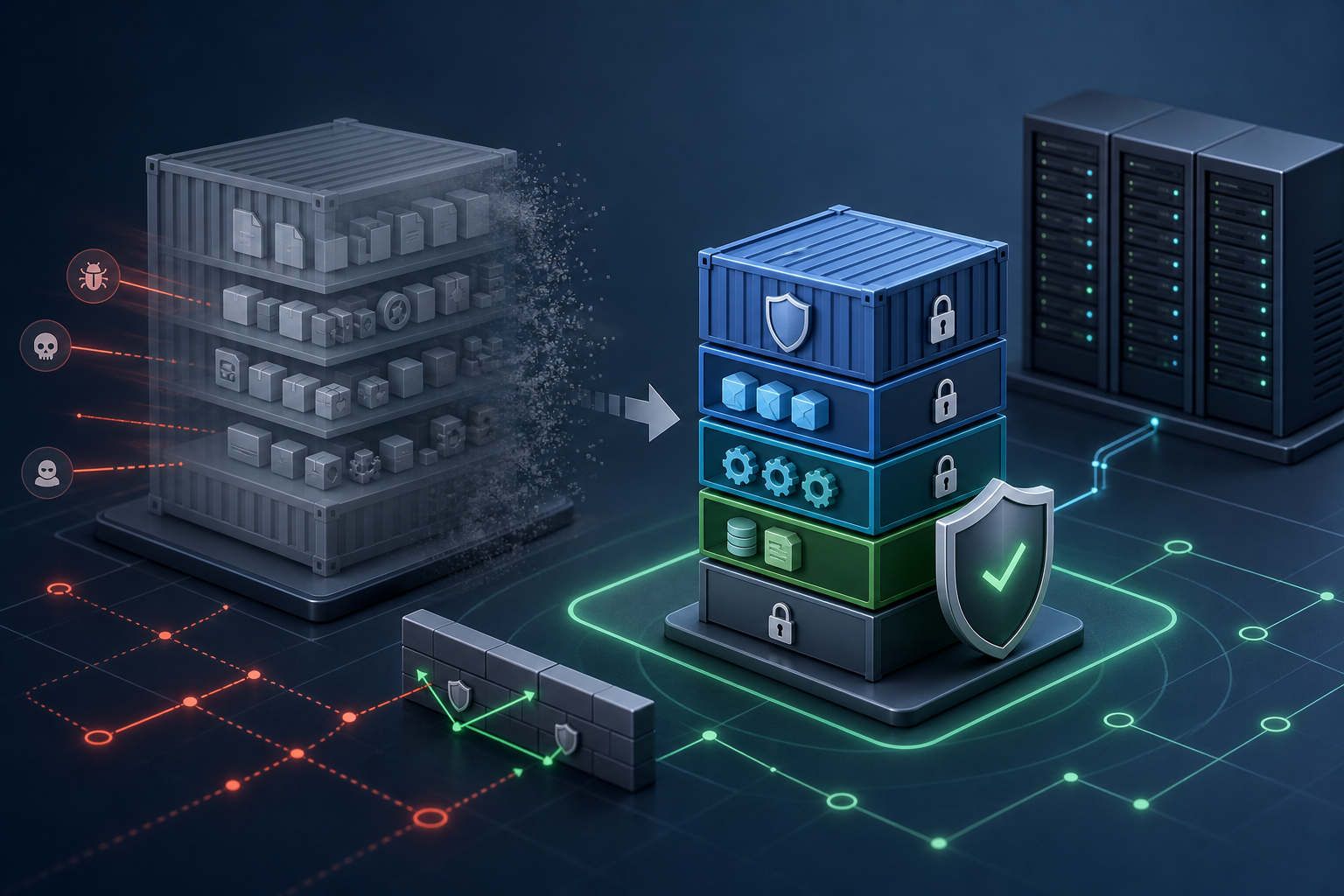
The practical problem with Docker container hardening is not whether a container can run, but how much unnecessary software it carries into production. Every extra package, shell, library, service, certificate store, and helper binary expands the image attack surface. That increases the chance that an attacker, a misconfiguration, or a vulnerable dependency can be used to pivot inside the container or abuse the runtime environment.
Operationally, this matters because container images are often reused across many services, promoted through CI/CD, and deployed at scale. A small weakness in one image becomes a repeated weakness everywhere that image is used. Hardening the image is therefore one of the most effective ways to reduce risk without changing application code.
After reading this article, you should be able to decide whether image hardening is appropriate for your workload, understand which parts of an image contribute most to exposure, apply a practical validation workflow, and verify that the result is suitable for production use.
Key takeaways
A hardened container image is not simply a smaller image. It is an image that contains only what the application needs to start, run, and stop safely.
A useful hardening effort usually focuses on four areas:
- choosing a trusted and minimal base image
- removing build tools and interactive utilities from the runtime image
- running as a non-root user with the least practical privileges
- validating the final image with vulnerability and runtime checks
The main trade-off is operational convenience versus reduced exposure. Some debugging tools, shells, and package managers make incident response easier, but they also increase the attack surface. The right balance depends on the deployment model, support process, and whether you can provide separate debug tooling rather than shipping it in production.
If you already run container security scanning in CI/CD, pair hardening with policy gates so that unsafe images do not get promoted. An operational pattern like Docker Image Vulnerability Scanning with Trivy and CI/CD works best when scanning is combined with base image controls and release rules.
What Docker image attack surface actually includes
In practice, image attack surface is the set of components an attacker can potentially misuse once a container is started. For a Docker image, that often includes more than the application binary itself.
Common contributors are:
- package managers and build tools left in the runtime stage
- shells such as
sh,bash, orashwhen they are not required at runtime - compilers, debuggers, and network utilities
- service daemons that were never meant to run in a container
- unnecessary shared libraries and language runtime components
- writable paths, secrets, and credentials copied into the image
- extra certificates, keys, SSH clients, and admin tooling
Some of these components are not vulnerabilities by themselves. The risk is that they expand the options available to an attacker after a compromise, and they increase the number of packages that must be patched, scanned, and tracked.
A smaller image is often easier to secure, but the goal is not minimalism for its own sake. The goal is to remove anything that the application does not need at runtime and to keep only the dependencies that are necessary, supportable, and observable.
How hardening reduces exposure
Container image hardening works because it narrows both the software inventory and the available abuse paths. Fewer binaries mean fewer known vulnerabilities. Fewer tools mean fewer opportunities for post-compromise reconnaissance, privilege escalation, and persistence. Fewer libraries and packages also reduce the maintenance burden when patching and scanning.
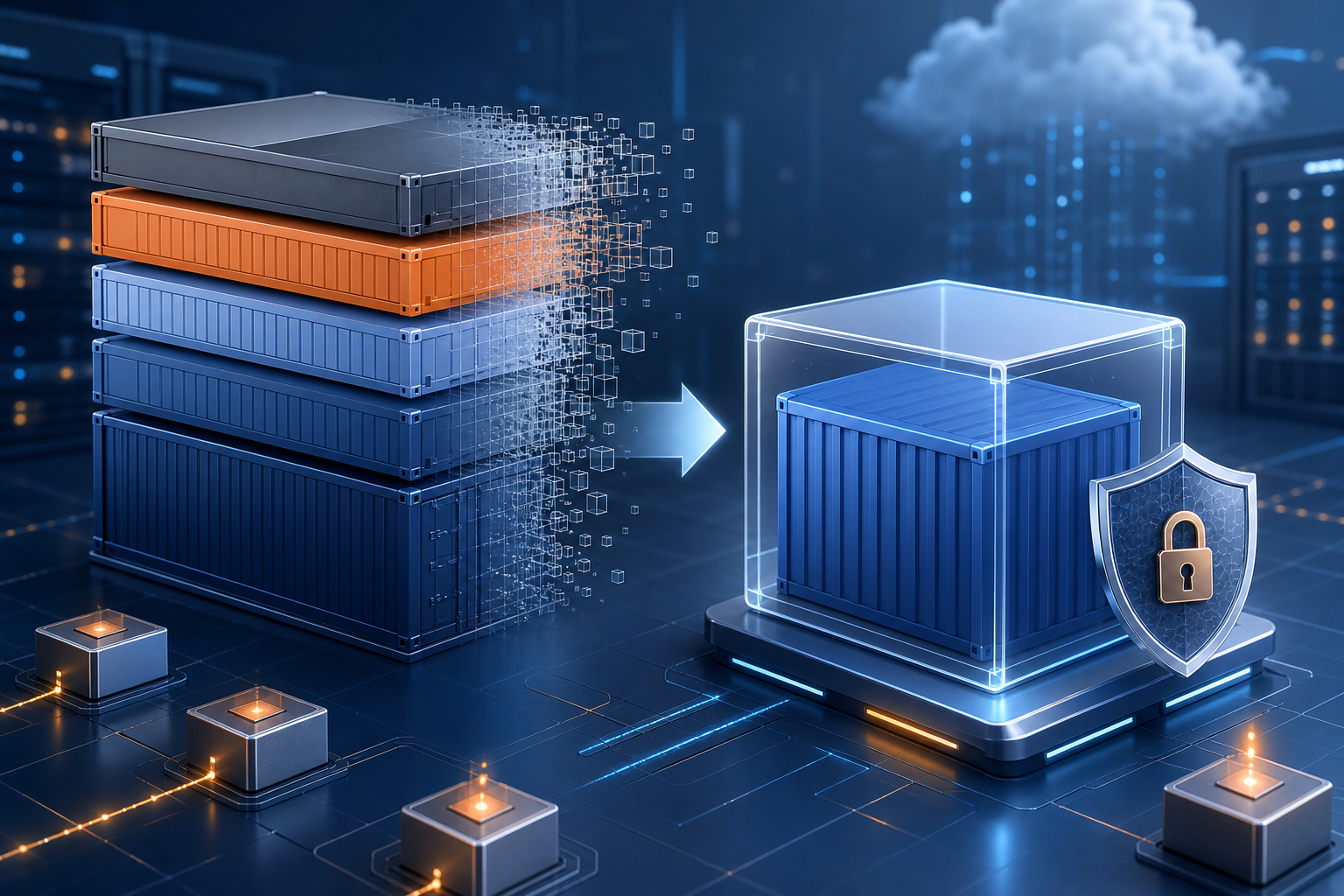
The strongest gains usually come from separating build-time and runtime concerns. Build dependencies are useful during compilation, dependency installation, or asset generation, but they should not survive into the final image unless they are required in production. Multi-stage builds are a common pattern for achieving that separation because they let you compile or assemble the application in one stage and copy only the final artifacts into a lean runtime image.
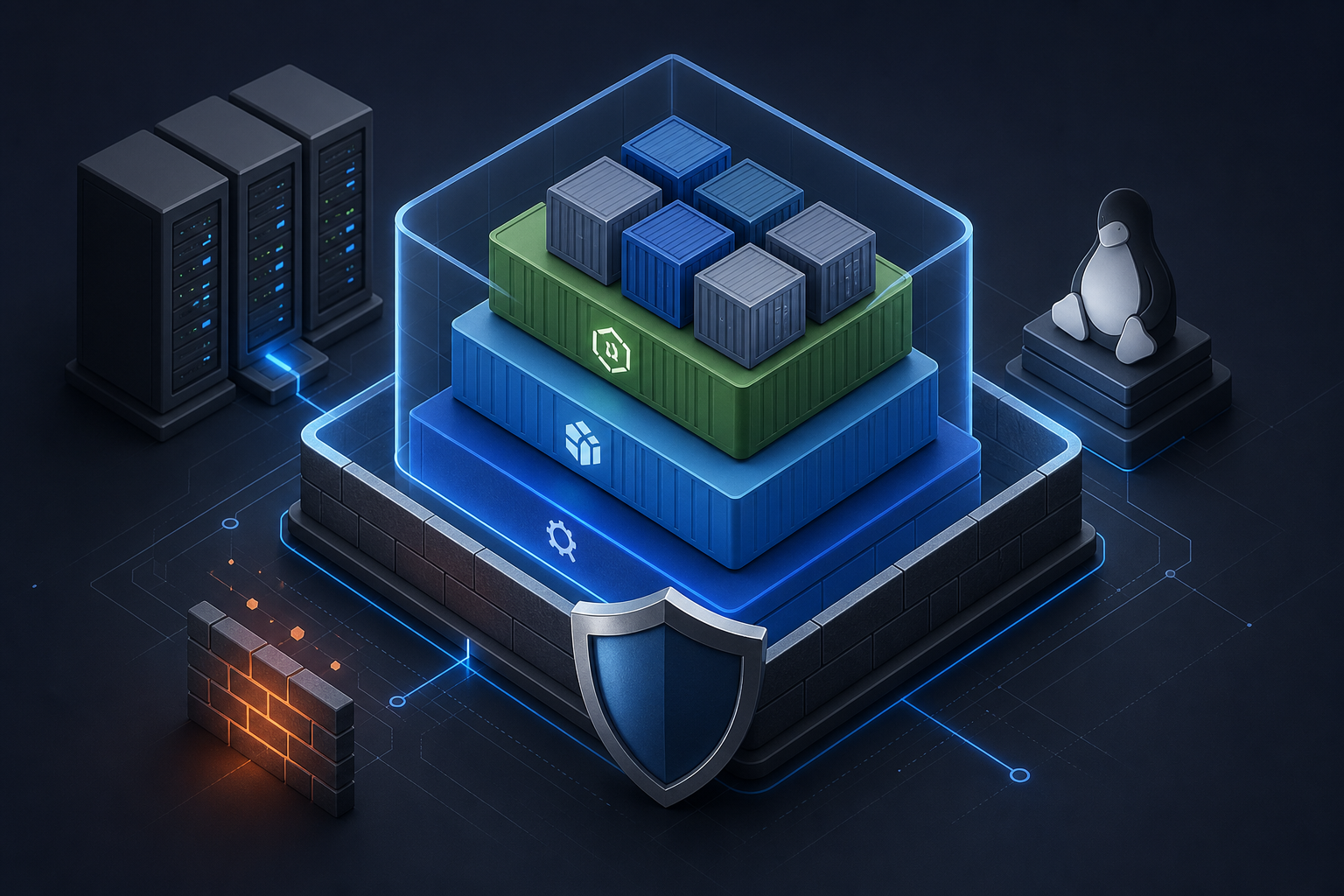
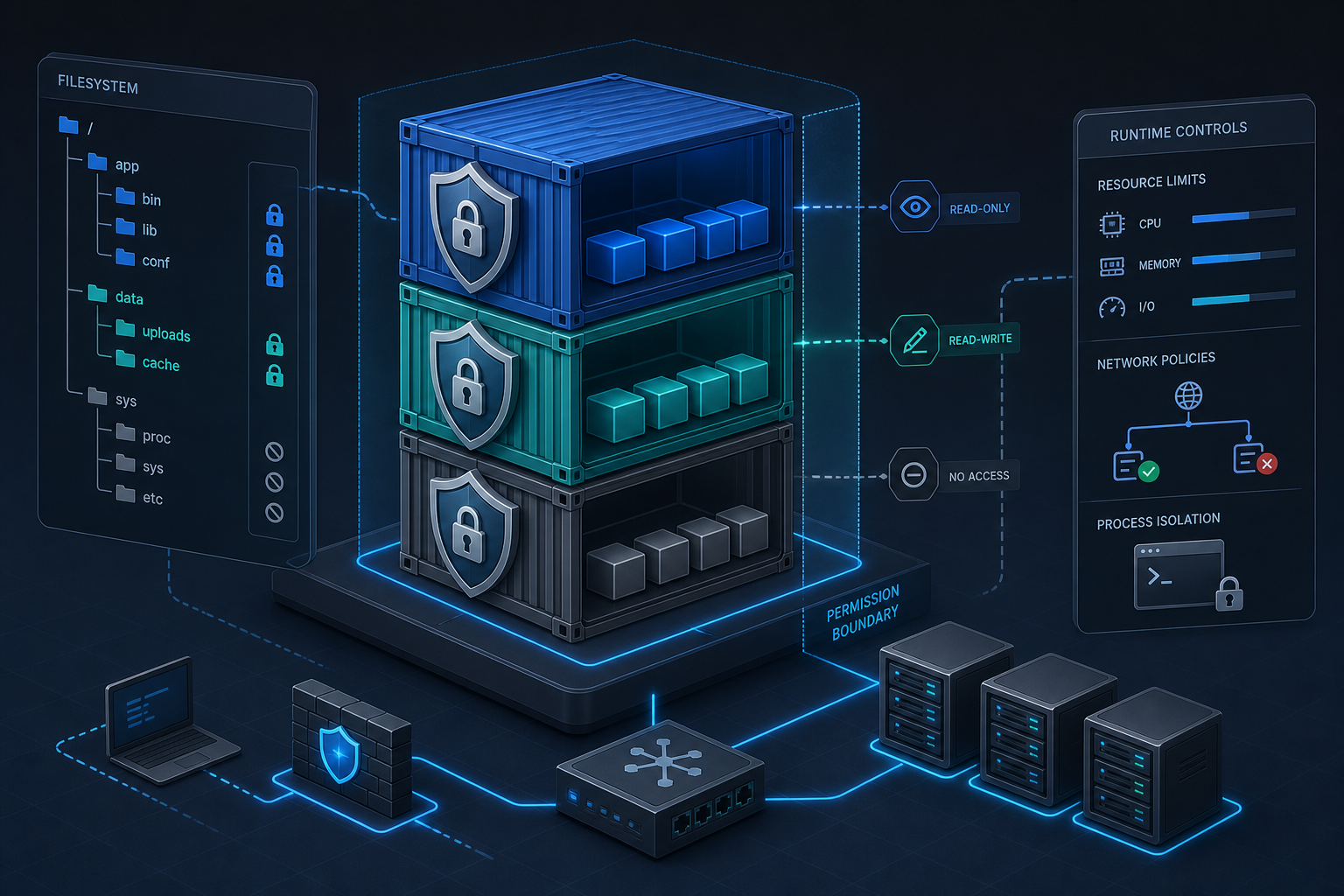
Hardening also works at the process level. Running the container as a non-root user limits damage if the application is compromised. Dropping unnecessary Linux capabilities reduces the ability to tamper with networking, kernel settings, or file permissions. Making the root filesystem read-only, where the application supports it, further reduces the opportunity for runtime modification.
A compact workflow for reducing image attack surface
A practical hardening workflow does not need to be elaborate. It should answer a simple question: what does the application genuinely need at runtime, and what can be removed without breaking behavior?
Inventory image contents
  -> identify runtime-only requirements
  -> move build tools to earlier stages
  -> replace the base image with a minimal supported option
  -> run as non-root and drop unused privileges
  -> scan the final image and inspect the results
  -> test startup, health checks, file writes, networking, and logs
  -> promote only if the image meets policy and operational checks
This workflow is effective because each step validates a different failure mode. Inventory tells you what is present. Runtime requirement review tells you what is necessary. Scanning identifies known vulnerabilities. Functional tests confirm that removal did not break startup or observability. Policy gating prevents accidental regression later.
A practical scenario you may recognize
Consider a team deploying a Java or Node.js web service in containers. The image was originally built from a general-purpose base, then extended with shell utilities, package managers, curl, editors, and a handful of troubleshooting tools because they were convenient during development. The application works, and the container starts reliably.
The problem appears later when the same image is promoted into multiple environments. Security scans return a growing list of vulnerabilities, many in packages that the application never uses at runtime. Investigations become harder because the image contains enough tooling for interactive access, which means the image itself now becomes a more attractive target if an attacker gains exec access. At the same time, patching becomes noisy because every update to the base image changes multiple package versions, some of which are irrelevant to the service.
This is the point where image attack surface reduction pays off. By moving build dependencies into a build stage, using a slimmer runtime base, and removing debugging tools from the final image, the team reduces the number of packages to maintain and the number of paths available to an attacker.
What to remove, keep, and verify
The right hardening choices depend on the application, but the same pattern usually applies.
Remove from the runtime image when possible
Anything that exists only to build, debug, or inspect the application should usually stay out of the final image. Common examples include package managers, compilers, shells used only for troubleshooting, SSH clients, text editors, and download tools.
For many workloads, these tools are useful in a build or test image but not in production. If your operational model requires live debugging, consider separate debug images or ephemeral sidecar tooling rather than shipping everything in the release artifact.
Keep only what the application needs
Runtime necessities are different from development conveniences. An application may need a language runtime, certificate authorities, timezone data, shared libraries, or a specific system user. Keep those only if the program actually depends on them.
If the application writes files, verify where it writes them and whether those paths can be made writable by a non-root user. If it opens outbound connections, confirm that DNS resolution and certificate validation still work after hardening.
Verify what is still present
After cleanup, inspect the image contents and runtime behavior. The goal is not only to reduce size but to ensure that hidden dependencies were not accidentally removed. A shell-free image is acceptable if the service starts and the health checks pass. A read-only root filesystem is acceptable if temporary paths are correctly mounted and application state is handled elsewhere.
Decision guidance: when hardening is worth the effort
Image hardening is usually worth doing when the image is deployed broadly, promoted across environments, or exposed to untrusted networks. It is especially valuable for internet-facing services, shared internal platforms, and workloads that must meet security or compliance review.
It may be lower priority when the image is short-lived, non-production, or already managed by a platform that rebuilds images frequently from a tightly controlled source. Even then, reducing obvious excess is still beneficial if the change does not increase operational risk.
A simple decision rule is this: if a component is not needed to start the service, operate it safely, or observe it effectively, it probably does not belong in the runtime image.
There are exceptions. Some teams intentionally keep limited tooling in non-production images to improve incident response. Others maintain a separate debug image for support workflows. Those choices are reasonable if they are explicit, controlled, and not accidentally reused in production.
Implementation trade-offs you should expect
Hardening almost always introduces some friction, and that is normal.
The first trade-off is observability versus exposure. A stripped-down image may be harder to troubleshoot interactively. That is usually acceptable if logs, metrics, tracing, and sidecar-based diagnostics are available. It is less acceptable if your only incident response plan depends on shell access inside every container.
The second trade-off is compatibility versus minimalism. Some applications depend on native libraries, system certificates, locale data, or specific filesystem paths. If those are removed too aggressively, the container may start but fail under load, during TLS negotiation, or when writing temporary files.
The third trade-off is build complexity. Multi-stage builds and minimal base images often require more careful Dockerfile design. That extra effort is usually repaid through smaller images, fewer false positives, and cleaner promotion pipelines, but the complexity should be introduced deliberately.
What this means in practice
In production, image hardening should be treated as a controlled reduction of functionality, not a cosmetic cleanup. That means you need evidence that the final image still satisfies operational requirements.
A strong implementation usually shows these characteristics:
- the final image contains only runtime dependencies
- the application runs as a non-root user by default
- the container does not rely on a shell for normal operation
- package managers and compilers are absent from the runtime layer
- secrets are injected at runtime rather than baked into the image
- the image is scanned after the final build stage, not only during intermediate stages
- startup, health checks, file writes, and network calls are validated in a test environment
If you already enforce build-time policy, hardening works best when release is blocked unless the final image meets both vulnerability and configuration expectations. Scanning alone is useful, but it is stronger when tied to deployment gates and trusted baselines.
Common mistakes that weaken the result
The most common mistake is confusing a small image with a secure image. A tiny image can still run as root, contain secrets, or expose an oversized API surface. Size reduction helps, but it does not replace access control or runtime validation.
Another common issue is removing tools without understanding runtime dependencies. A container may appear healthy until a specific code path is triggered, such as certificate renewal, file upload, or DNS resolution. Hardening should be validated against realistic application behavior, not only the startup command.
A third mistake is scanning the wrong artifact. If you scan an intermediate builder image but deploy a separate runtime image, the scan results do not describe the production artifact. The final image is the one that matters.
A fourth mistake is leaving privilege decisions vague. If the image is intended to run as a non-root user, make that default explicit and verify that the orchestrator does not silently override it.
A fifth mistake is copying secrets, tokens, or SSH material into the image during build. Those values should be injected through runtime mechanisms, not stored in the image layer history.
Production readiness checklist
Use this compact checklist before promoting a hardened image into production:
- the image uses a minimal base that is still supported and suitable for the application
- build tools, package managers, and debugging utilities are absent from the runtime stage unless explicitly required
- the application runs successfully as a non-root user
- the filesystem, network access, and temporary paths work as expected under production-like tests
- secrets are provided at runtime and are not embedded in image layers
- the final image is scanned after the production build is created
- any exceptions, such as required shells or admin tools, are documented and approved
- a rollback or rebuild path exists if removal of a dependency breaks service behavior
Final takeaway
Docker container hardening is most effective when you treat the image as a production artifact with a tightly controlled contents list. Reduce the image attack surface by removing what the application does not need, keeping only verified runtime dependencies, and validating the final image against real operational behavior. The result is usually smaller, easier to patch, and less exposed — but only if you confirm that the hardening changes did not remove something the workload truly requires.
Use this guidance together with vSphere hardening to connect the workflow with related operational context already available on the site.
Use this guidance together with remote desktop services hardening and VMware VM snapshots to connect the workflow with related operational context already available on the site.