Key takeaways
Azure virtual network peering is usually reliable, but most connectivity problems come from a small set of causes: address-space overlap, asymmetric routing, missing gateway transit settings, NSG or route conflicts, and DNS assumptions that do not match the actual traffic path. When peering behaves unexpectedly, the fastest path to resolution is to confirm what the source host is trying to reach, inspect the effective route and security rules on both sides, and verify whether traffic is meant to stay private or exit through a gateway.
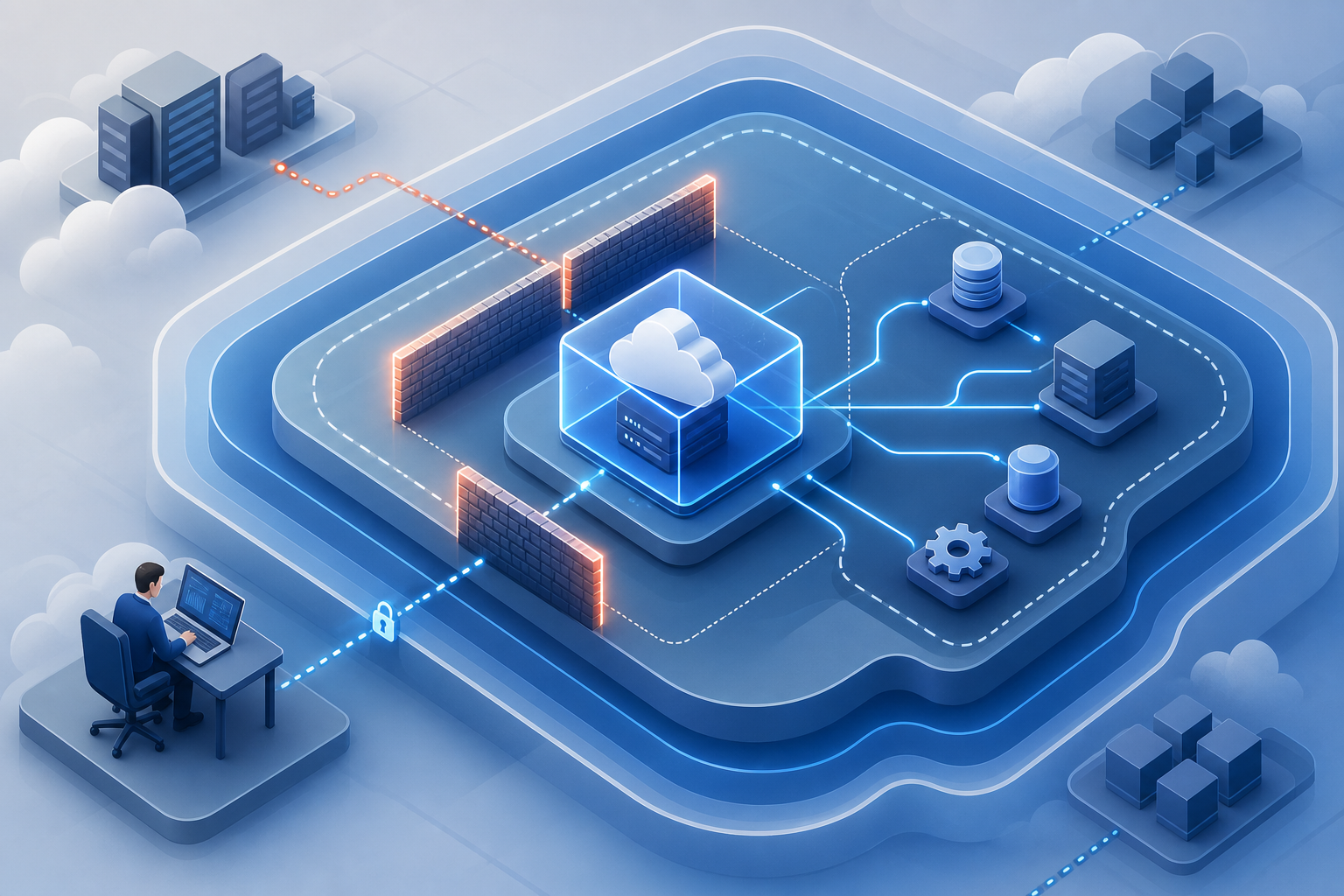
For security-sensitive environments, peering should be treated as a controlled trust relationship rather than a simple network shortcut. That means you need to validate reachability, segmentation, inspection points, and transitive assumptions before allowing applications to depend on it. If your design also relies on VM isolation or hardening, it can help to review Azure Virtualization Network Security Best Practices for VM Isolation alongside the peering configuration so that network access and workload boundaries remain aligned.
Why peering issues matter operationally
Virtual network peering is often introduced to reduce latency, avoid public exposure, and simplify east-west connectivity between application tiers, shared services, or separate environments. In practice, it becomes part of the production dependency chain. When it fails, symptoms can look unrelated: a database connection times out, a management shell cannot reach a host, a private API becomes unreachable, or a deployment pipeline loses access to a jump box.
The operational risk is not only downtime. Misconfigured peering can also create unexpected lateral movement paths, bypass intended inspection controls, or silently route traffic in ways the network team did not plan for. Troubleshooting is therefore not just about restoring packets; it is also about proving that the path is the one you intended.
How virtual network peering works in practice
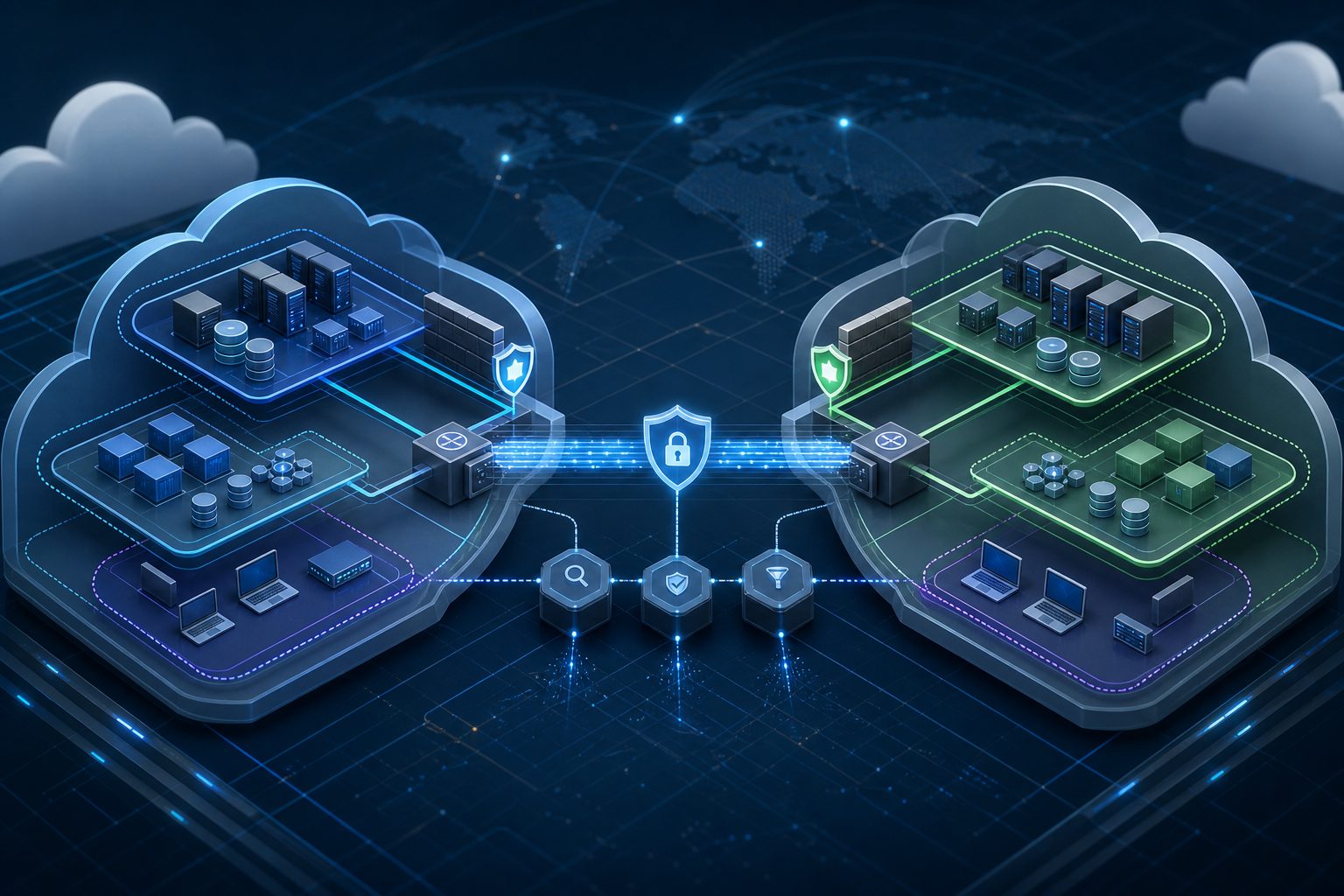
Peering creates a private, direct relationship between two virtual networks so resources in one network can communicate with resources in the other using private IP addresses. The data path is not a tunnel in the traditional VPN sense, but the relationship still depends on routing, security rules, DNS resolution, and optional gateway settings.
That means a successful design has to line up several layers at once:
- The address spaces must not overlap.
- The peering configuration must allow the intended direction of traffic.
- Network security groups and route tables must permit the actual ports and next hops.
- DNS must resolve the target name to the expected private address.
- If gateway transit is involved, both peering objects must be configured consistently.
A common source of confusion is that peering connectivity is not transitive by default. If network A peers with B, and B peers with C, that does not mean A can automatically reach C. Another common misunderstanding is that reachability in one direction does not guarantee the reverse direction. Many production issues appear only when traffic returns through a different path than the requester expected.
Troubleshooting workflow
A practical troubleshooting workflow starts with the smallest verifiable claim: what exact source, destination, protocol, and port are failing. Then confirm whether the failure is routing, filtering, DNS, or application-level behavior.
1. Confirm source VM, destination VM/service, port, and protocol.
2. Verify the two virtual networks do not have overlapping address spaces.
3. Check peering state and direction on both virtual networks.
4. Inspect effective routes on the source and destination NICs.
5. Inspect NSGs, Azure Firewall, UDRs, and any appliance path.
6. Validate DNS resolution to the expected private IP.
7. Test with a simple connection check before blaming the application.
8. Compare success in one direction vs the reverse direction.
9. Review gateway transit settings only if a gateway is intentionally in the path.
10. Document the verified path and preserve evidence before changing controls.
This workflow is intentionally ordered to avoid chasing symptoms. For example, an application timeout may tempt teams to inspect the app first, but peering problems are often revealed sooner by a route mismatch or a DNS record pointing to the wrong address.
Likely causes and what they usually look like
Overlapping or changed address spaces
If either virtual network includes an overlapping range, peering will not behave as expected and may fail outright. This often appears after a network expansion or merger when an address range is added later. Even if the overlap is only partial, it can invalidate assumptions about return routing and complicate host selection.
Missing or inconsistent peering settings
A peering can exist but still not support the intended flow if options such as forwarded traffic, gateway transit, or gateway use are not aligned. This often happens when one side was updated and the other was left with default settings or an older configuration.
NSG or firewall blocking
Connectivity may fail even though the peering is healthy. That is because peering only creates the network path; it does not override security policy. If the source subnet or destination subnet uses an NSG, firewall, or appliance, the allow rule still has to match the actual source and destination addresses and the real service port.
User-defined route conflicts
UDRs can send traffic to a network virtual appliance, firewall, or another next hop instead of the peering path. This is often intentional in secure designs, but it becomes a problem when the route table no longer matches the intended design or when return traffic takes a different path.
DNS resolution mismatch
A name may resolve to a public endpoint, stale private IP, or an address in the wrong environment. Because peering commonly supports private connectivity between equivalent service tiers, DNS errors can look like peering failures even though the packet never targeted the intended host.
Gateway transit or hub-and-spoke assumptions
If your topology includes a hub with a gateway, the question is not just whether peering exists but whether gateway transit is allowed and used correctly. This is a frequent issue in hub-and-spoke networks where teams expect shared connectivity across spokes without confirming that the gateway-related settings support that flow.
What this means in practice
The most effective way to debug peering is to treat each failed connection as a path validation problem. Do not assume that “private network to private network” is enough. You need evidence for three questions: can the source route to the destination, is the destination willing to accept the traffic, and does the return path send replies back the same way or through a valid alternate path.
In many environments, a workload team sees a timeout and the network team sees “peering is connected,” which leads to a stall. The practical answer is to collect the evidence that separates the layers. Effective routes show where traffic will go. NSGs and firewalls show whether traffic is allowed. DNS shows what address was actually targeted. Only after those are known should you make configuration changes.
If your environment is part of a larger security posture, peering should also be assessed alongside VM hardening and segmentation controls. For example, a successful peering between application and management networks may still be unacceptable if the destination subnet is exposed to more traffic than policy allows. In that case, network optimization must be paired with workload control, not treated as a standalone fix. You can apply the same discipline used in Azure Virtual Machine Security Hardening Best Practices to ensure the host itself remains protected even when private connectivity is expanded.
Practical scenario: when the topology looks right but the app still fails
Consider an environment with a shared services virtual network and an application virtual network. The application team can ping the shared DNS server by IP, but the application still cannot resolve internal names and the deployment service times out when connecting to a private repository mirror.
At first glance, this looks like a peering outage. In reality, the peering may be healthy. The issue could be that the application subnet is sending DNS queries to a resolver that is reachable over peering, but the resolver itself forwards to an external service that is blocked by firewall policy. Another possibility is that a recent change introduced a user-defined route that sends DNS traffic through a firewall appliance with no matching allow rule.
The recognition pattern is important: if direct IP connectivity works but name-based access fails, the first suspicion should be DNS path and policy, not peering state alone. If one port works and another does not, the likely culprit is filtering or application policy, not reachability. If traffic works from one subnet but not another, compare the subnet-specific NSGs and route tables before altering the peering.
Optimization trade-offs
Peering can improve performance and simplify connectivity, but it is not free of design trade-offs. The right optimization depends on how much control you need versus how much operational simplicity you want.
A flatter design with broad peering is easier to administer at first, but it can reduce segmentation and make troubleshooting harder because more routes and permissions overlap. A more controlled hub-and-spoke model centralizes inspection and policy enforcement, but it increases dependency on routing consistency and gateway or firewall behavior. In tightly regulated environments, the second model is often worth the complexity because it gives you a clearer control point.
From an operational perspective, the most common optimization mistakes are trying to solve performance problems by adding more peering, or trying to solve security problems by removing all routes. Better results usually come from minimizing unnecessary paths, keeping DNS aligned with the intended route, and ensuring that every peered connection has a documented business purpose.
Bandwidth and latency are usually not the limiting factor in a healthy peering design. Routing ambiguity, policy drift, and return-path inconsistency are more common causes of degraded behavior. Optimization should therefore focus first on path clarity and policy alignment, and only secondarily on raw connectivity.
Decision guidance
Use peering when you need private, low-friction connectivity between workloads that should communicate frequently and predictably. It is a good fit for shared services, internal APIs, management traffic, and application tiers that benefit from private IP routing.
Be more cautious when the networks belong to different security domains, when traffic must be inspected centrally, or when you expect transitive reachability across multiple virtual networks. In those cases, peering alone may be insufficient unless the broader routing and inspection design is explicitly built around it.
A useful rule is this: if the success criteria depend on a specific inspection point, a specific return path, or a strict segmentation boundary, validate those requirements before enabling the connection. If the only requirement is private reachability between two trusted workloads, peering is usually appropriate once routes, filters, and DNS are confirmed.
Common mistakes that prolong outages
A frequent mistake is to verify only that the peering status says connected and then stop. That tells you the control plane is healthy, not that the data plane works for the intended port and destination.
Another mistake is to test only from one side. Because directionality matters, a source-to-destination success does not prove the reverse direction or the return path. This becomes especially important when asymmetric routing or firewall inspection is involved.
Teams also often change several variables at once: route tables, NSGs, DNS records, and peering settings. That makes it difficult to identify the root cause and can create a configuration that appears to work only temporarily. Safer troubleshooting keeps changes minimal and evidence-based.
Finally, some environments rely on inherited assumptions from on-premises networking. Peering does not automatically behave like a routed WAN, and it does not create full mesh behavior unless you design for that explicitly. If the topology is changing, reevaluate the assumptions rather than extending them.
Production readiness checklist
Before you rely on peering in production, confirm the following points and keep the evidence with the change record:
- Address spaces do not overlap and are sized for future growth.
- Both peering objects are configured for the intended direction of traffic.
- Gateway transit settings are enabled only where the design requires them.
- Effective routes on the source and destination NICs match the expected path.
- NSGs, firewalls, and route tables permit the exact source, destination, and port.
- DNS resolves internal names to the correct private IPs.
- Return traffic has a valid path and has been validated from both directions.
- Any inspection or logging point is documented and monitored.
- The design’s segmentation assumptions are still valid after the peering change.
- Rollback is defined if the peering creates unwanted reachability or policy violation.
Final takeaway
Azure virtual network peering troubleshooting is most effective when you separate control-plane status from actual packet flow, then validate routing, filtering, DNS, and return-path behavior in that order. If you can prove the intended path and the intended security posture before production use, peering becomes a reliable way to connect workloads without sacrificing operational clarity or network control.
Use this guidance together with AWS workload isolation and ESXi ransomware hardening to connect the workflow with related operational context already available on the site.