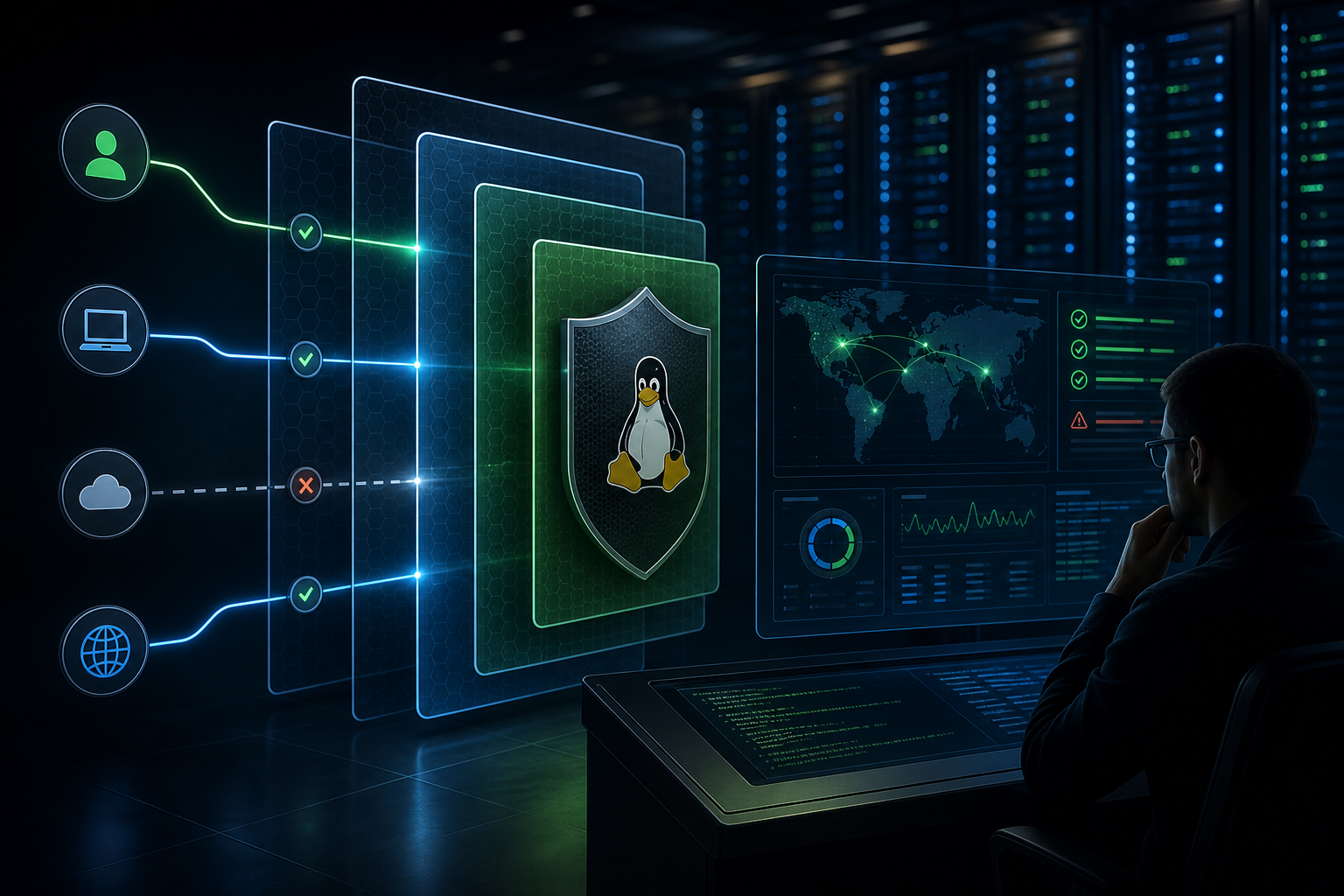
Why SSH hardening matters on RHEL
SSH is the default remote management path on many Red Hat Enterprise Linux systems, which means it is also one of the first services attackers probe. If SSH remains broadly exposed, accepts weak authentication, or permits unnecessary administrative behavior, it becomes a direct route to privilege escalation and lateral movement. Hardening SSH access is not about making administration difficult; it is about reducing the probability that a single credential, stale account, or exposed port turns into a server compromise.
After reading this article, you should be able to decide which SSH controls belong in your environment, understand how the core hardening measures work together, apply a practical validation workflow, and verify that changes are safe before production use.
Key takeaways
A hardened SSH configuration on RHEL usually comes down to four control areas: restricting who can connect, strengthening how they authenticate, limiting what they can do after login, and verifying the change without locking yourself out. The highest-value improvements are usually disabling password authentication where feasible, enforcing key-based access with strong key handling, removing unnecessary root login paths, and narrowing access by user, group, address, or network boundary.
SSH hardening should also be treated as part of a broader access-control posture. Network policy, firewalling, and SELinux do different jobs, and they complement SSH configuration rather than replace it. If you are already aligning service exposure and host policy, it is worth coordinating SSH changes with hardening Red Hat Linux with SELinux and Firewall Rules so that service-level controls and host-level controls stay consistent.
What SSH hardening changes in practice
The SSH daemon on RHEL is controlled primarily through sshd_config, with some behavior also influenced by PAM, local account policy, firewall exposure, and identity management. Hardening usually means changing the default trust model from "any valid credential may try to log in" to "only approved identities, from approved sources, using approved authentication methods, may connect."
In practical terms, that means reducing the number of ways an attacker can succeed. Password authentication is vulnerable to guessing, reuse, phishing, and credential stuffing. Root login over SSH creates a high-impact target because it bypasses per-user accountability. Open-ended access based only on a reachable port increases the blast radius of a leaked credential. By tightening these controls, you make compromise harder and make authentication events easier to audit.
A secure SSH posture does not require every available control. It requires the right set of controls for the system's role, the operational model, and the recovery path you have in case something goes wrong.
A compact hardening workflow
1. Inventory who needs SSH access and from where.
2. Confirm an out-of-band recovery path before changing anything.
3. Back up the current SSH daemon configuration.
4. Apply the smallest useful set of restrictions.
5. Validate the configuration syntax and test from a second session.
6. Review logs and access behavior after rollout.
This workflow is intentionally compact because the main risk with SSH hardening is not the configuration itself; it is the operational mistake of making the server unreachable. A second active session, console access, or remote management path should always exist before you tighten login rules.
The controls that matter most
Restrict authentication to stronger methods
The most common hardening change is to prefer public key authentication and disable password login once you have verified that all legitimate administrative access can use keys, certificates, or another approved method. This matters because SSH passwords are usually the weakest part of remote access control, especially on systems that have many administrators or are internet-reachable.
A typical hardened baseline may include PasswordAuthentication no and a deliberate decision about whether keyboard-interactive authentication is still required for PAM-backed workflows such as multi-factor authentication. If MFA is in use through PAM or an identity provider, you must verify the full login path rather than assuming that disabling password auth will preserve the same behavior. Authentication decisions can depend on your PAM stack, directory integration, and account source.
Disable direct root login when possible
Allowing root to log in directly over SSH concentrates risk into one account. A better pattern is to require named administrative accounts and use privilege elevation after authentication. That gives you accountability, easier auditing, and a cleaner path to enforcing individual access decisions.
If a service, automation tool, or recovery process still needs root access, document that exception explicitly and confirm whether a constrained mechanism can replace it. In some environments, PermitRootLogin prohibit-password or an equivalent restricted mode may be acceptable during transition, but the operational goal should be to eliminate direct root SSH where possible.
Limit which users or groups may connect
Authorization is separate from authentication. A valid account should not automatically mean SSH access. AllowUsers, AllowGroups, DenyUsers, and DenyGroups are useful when you want explicit administrative intent rather than implicit access through a shared role or directory group.
This is especially useful on systems that have service accounts, automation identities, or many local users. If a user should not ever have interactive shell access, SSH should not be the mechanism that accidentally grants it. Keep access lists small and review them as part of user lifecycle management.
Reduce exposure at the network edge
SSH hardening is strongest when the service is not broadly reachable. Restricting the port with host firewall rules or upstream network policy reduces opportunistic scanning and limits attack paths to approved management networks. This is not a substitute for authentication hardening, but it meaningfully lowers exposure when credentials are compromised.
Avoid unnecessary protocol and cipher risk
Modern RHEL releases generally ship with secure defaults, but it is still important to verify that you are not carrying forward legacy compatibility settings. Any customization to ciphers, MACs, or key-exchange algorithms should be justified by a real interoperability requirement, not inherited habit. Over-customizing cryptography often creates maintenance risk without improving security.
A practical scenario you will recognize
Consider a fleet of RHEL servers that support a production application. Administrators connect over VPN, some automation jobs use SSH keys, and one legacy process still logs in as root for emergency maintenance. The team has experienced a few failed password attempts in logs, and the servers are reachable on port 22 from a broad internal subnet.
This is a common mixed-trust environment. The right hardening approach is not to "turn everything off" in one move. It is to identify which logins are truly required, confirm the automation accounts, move human administrators to named user accounts, restrict root login, and narrow the source network. If the environment uses directory-backed identities, you should also review whether SELinux context or policy denials are affecting expected behavior; for denial analysis, the article on RHEL SELinux troubleshooting for access denial events is helpful when SSH-related failures turn out not to be SSH problems at all.
In a mixed environment like this, the key question is not whether SSH can be hardened. It is which access paths must remain, which can be removed, and how you will validate that the remaining ones still work.
What this means in practice
SSH hardening changes the failure mode of remote access. Before hardening, a weak password or overbroad access rule may be enough for a successful login. After hardening, the attacker needs a valid key, a permitted account, an allowed source path, and a configuration that still permits the login method they are trying to use.
For operators, that means fewer incidents caused by opportunistic brute force and fewer ambiguous login surfaces to investigate. For security teams, it means clearer control boundaries and better alignment with least privilege. For system engineers, it means more upfront validation but more predictable remote access over time.
The practical trade-off is straightforward: every restriction improves security but can increase operational friction. Disabling passwords is valuable, but only if you have a proven key distribution and revocation process. Restricting by source address is valuable, but only if remote administration traffic is stable and well documented. Disabling root login is valuable, but only if administrators have a reliable privilege elevation path.
Decision guidance for common environments
If the server is internet-exposed, hardening should be aggressive: keys only, no direct root login, narrow source restrictions, and logging reviewed for authentication anomalies. If the server is internal but handles sensitive data, the same controls usually still make sense, though source restrictions may be based on management subnets or jump hosts rather than public IPs.
If you operate a small number of servers with a single admin team, the main risk is often weak account hygiene and forgotten access. In that case, focus on named accounts, keys, and periodic review of authorized identities. If you operate a larger fleet with automation, the main risk is inconsistent access paths. In that case, standardize on one approved administrative pattern and make exceptions explicit.
If you depend on external authentication systems or MFA, verify the complete path before changing SSH settings. A control that looks secure on paper can break access if PAM, directory lookups, or agent-based authentication is not validated end to end.
Validation signals to check before production use
A hardening change is only complete once you confirm that the intended controls are actually active. Check the SSH daemon configuration for the current effective values, not just the edited file. Then test from a separate session with a known-good administrative account before closing your original session.
You should verify at least three things: that the intended login methods still work, that the disallowed login methods fail as expected, and that logging captures the outcome clearly. For example, if password login is disabled, confirm that a password attempt is rejected and that key-based login still succeeds. If root login is disabled, confirm that direct root SSH access fails but privileged escalation through the approved path still works.
A simple validation command can be useful for catching syntax mistakes before a reload:
sshd -t
If the command returns no output, the configuration syntax is acceptable. That does not prove policy correctness, but it does reduce the chance of breaking the daemon with a malformed file. After that, reload the service only when you still have a recovery path.
Common mistakes when hardening SSH
One frequent mistake is disabling password authentication before confirming that every legitimate account has a working key. Another is editing sshd_config and assuming the service picked up the change without a syntax check or reload verification. A third is locking down PermitRootLogin without ensuring there is a tested method for emergency access and privileged escalation.
A subtler mistake is treating firewall restrictions as a complete substitute for SSH controls. A restricted port reduces exposure, but it does not remove the need for strong authentication and authorization. Another subtle issue is assuming that one control will not affect another. For example, PAM-based authentication, group-based access control, and SELinux-related denials can interact in ways that are not obvious until you test with a real user session.
The most expensive mistake is changing SSH on a remote system without a recovery path. If you cannot reach a console, rescue environment, or second management plane, you do not have a safe rollout plan.
Production readiness checklist
Use this as a concise pre-change review rather than a substitute for testing:
- Confirm who needs SSH access and from which source networks.
- Verify at least one out-of-band recovery path.
- Ensure every approved administrator has a working non-password login method.
- Confirm whether root login must remain enabled for any documented exception.
- Review any group-based or user-based access restrictions for accuracy.
- Validate the configuration with
sshd -tbefore reload. - Test one successful approved login and one expected denied login.
- Check logs after rollout for unexpected denial patterns.
- Reconcile SSH access with firewall policy and any host-based controls.
Final assessment
Hardened SSH access on RHEL is less about a single setting and more about a disciplined access model: only the right identities, from the right places, using the right method. If you remove unnecessary login paths, verify the configuration carefully, and keep a recovery path open during changes, you can materially reduce remote-access risk without making administration brittle. The right result is not a locked-down server that nobody can reach; it is a server that only the right people can reach, in the right way, with evidence to prove it.
Use this guidance together with Windows 11 BitLocker TPM and PIN to connect the workflow with related operational context already available on the site.