Key takeaways
Hardening a Red Hat Linux system is not just about closing ports or enabling one security feature. SELinux and firewall rules protect different layers of the stack, and they work best when you use them together with clear intent.
The practical outcome is simple: you can reduce attack surface without breaking legitimate services, and you can tell whether a blocked connection is a network exposure issue, a policy issue, or an application labeling problem before making changes in production.
Why this matters operationally
On a live server, many security incidents begin with services that are reachable when they should not be, or with processes that can access more files and capabilities than necessary. A firewall reduces network exposure. SELinux constrains what a process can do after it is already running. Those controls are complementary, not interchangeable.
That distinction matters because teams often troubleshoot the wrong layer first. If a web service cannot bind to a port, the issue may be SELinux rather than the firewall. If a daemon is reachable from the network when it should not be, SELinux will not fix that on its own. Understanding which control is responsible for which outcome helps you avoid unsafe workarounds and makes the system easier to operate over time.
If you need a deeper method for reading denials and separating labeling problems from policy issues, RHEL SELinux Troubleshooting for Access Denial Events is a useful companion when the system is already showing blocked access.
How SELinux and firewall rules divide responsibility
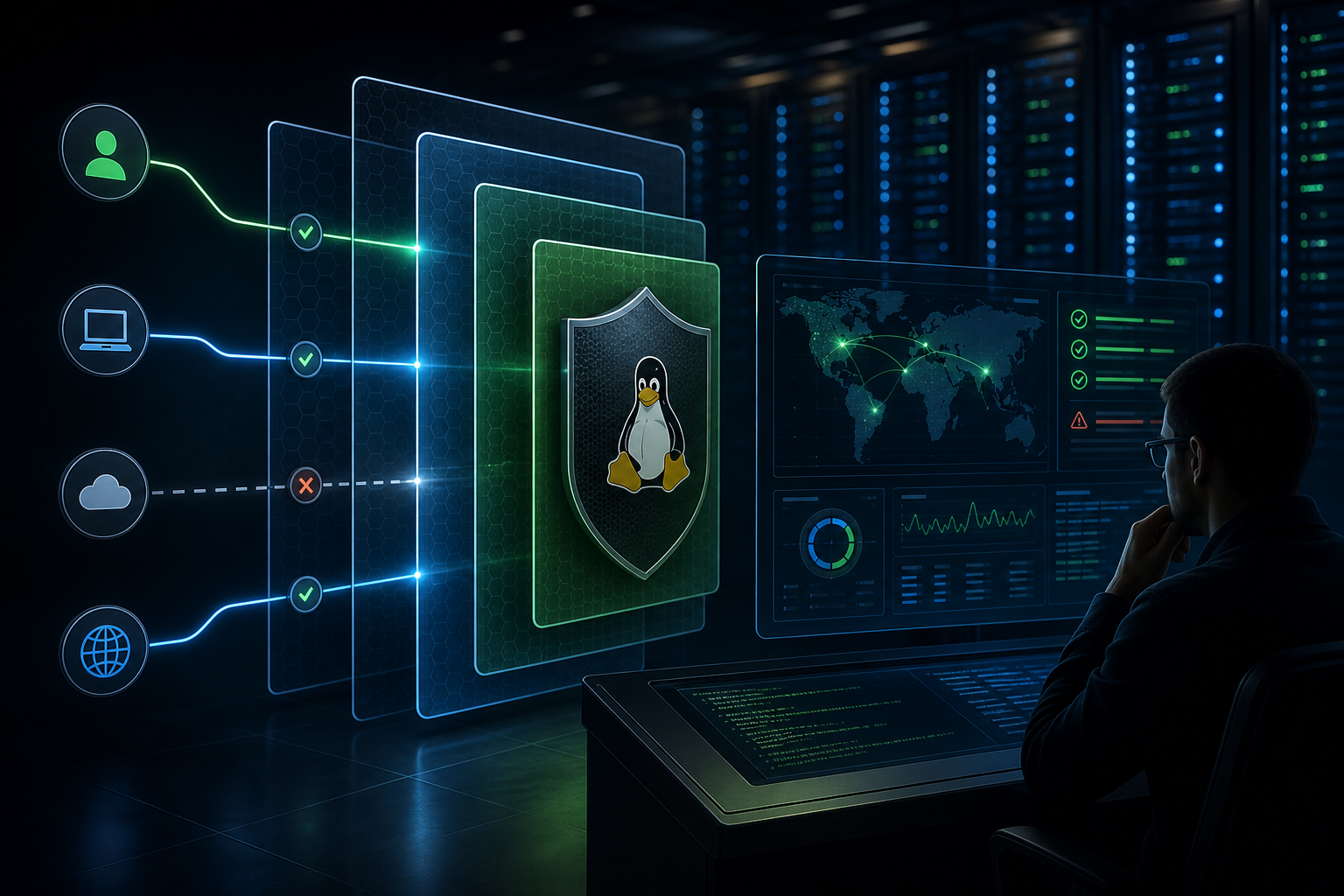
Think of the firewall as the network gatekeeper and SELinux as the mandatory local policy engine.
The firewall decides whether traffic can enter or leave based on interfaces, ports, protocols, zones, and rules. It is most effective at limiting who can even reach a service. SELinux, by contrast, decides whether a process in a given security context may read a file, open a socket, transition to another domain, or perform other privileged operations. A process may pass the firewall and still be denied by SELinux; that is expected behavior when the process is not allowed to do the requested action.
This means hardening should be layered:
- Expose only the network ports the service actually needs.
- Keep SELinux enforcing so process behavior is constrained.
- Prefer correct file labels, service contexts, and booleans over broad policy changes.
- Validate that access denials are truly policy-related before changing the policy.
For environments where you need to audit denials and confirm evidence before adjusting policy, How to Audit Red Hat SELinux Policy Violations on RHEL can help you build a safer change process.
A compact operational workflow
Use this workflow when you harden a service or troubleshoot a blocked connection:
1. Confirm the service should be reachable at all.
2. Verify the listening port and intended interface.
3. Check firewall rules and zone assignment.
4. Confirm SELinux mode is enforcing, not disabled.
5. Inspect recent denials and file labels if the service is blocked locally.
6. Make the smallest change that matches the actual control layer.
7. Re-test from the client side and on the host.
The point of the workflow is not speed alone. It is to avoid changing both layers at once, which makes root cause analysis much harder later.
What hardening looks like in practice
A practical example helps anchor the decision-making. Imagine a server hosting an internal application with a database listener and a web frontend. The network team wants the application accessible only from a specific subnet, and the security team wants the service confined so that a compromised process cannot freely read unrelated files under /var or open arbitrary outbound connections.
In that environment, the firewall should restrict the web and database ports to the expected source networks, while SELinux should remain enabled so the application runs only within its allowed context. If the application needs to access a custom directory or bind to a non-default port, you should verify whether the SELinux label or boolean supports that requirement before changing the policy broadly. If the port is not supposed to be reachable externally, the firewall should block it even if SELinux would allow the process to listen locally.
This is the environment where many teams recognize their own reality: a service owner asks for a port to be opened “just for testing,” then the rule remains in production. Hardening is the discipline of making the network exposure intentional and the process permissions narrow enough that a later application mistake does not become a system-wide problem.
What to verify before changing either control
Before you touch configuration, verify the service boundary. Ask three questions:
1. Should this service be reachable from the network?
If the answer is no, do not add a firewall exception just to simplify testing. Use localhost testing, temporary lab access, or a controlled jump path instead. A service that should not be reachable externally should stay unreachable externally.
2. What exact traffic must be allowed?
Document the protocol, port, source network, and whether the service listens on one interface or several. A precise rule is easier to review and less likely to create unintended exposure.
3. Does the process need a special SELinux allowance?
If the application writes to nonstandard paths, listens on a nonstandard port, or accesses a resource outside the default policy, check whether the labels or booleans are already designed for that case. If not, review the denial evidence before changing policy behavior.
These checks are not bureaucratic overhead. They are the minimum evidence needed to decide whether the problem belongs to network exposure, policy enforcement, or application design.
Common implementation trade-offs
Hardening with SELinux and firewall rules is effective, but it comes with operational trade-offs that are worth stating clearly.
The first trade-off is convenience versus precision. A broad firewall rule or a permissive SELinux change may get the application working quickly, but it weakens the control you were trying to enforce. In production, the goal is not simply to restore service; it is to restore service with the narrowest safe change.
The second trade-off is standardization versus customization. Default ports, default paths, and standard service contexts are usually easier to support because existing policy already understands them. Custom ports and paths are valid, but they require stronger validation and more careful documentation.
The third trade-off is troubleshooting speed versus evidence quality. When a service fails, teams are often tempted to change both firewall and SELinux settings in one edit. That may shorten the outage, but it obscures the cause and raises the risk of leaving an unnecessary exception behind.
Decision guidance
Use the following rules to decide where to intervene:
- If external clients cannot connect to a service that should be exposed, check the firewall, zone assignment, source filtering, and listening port first.
- If a local service can listen but fails to read files, write to a path, or bind to a resource it should use, inspect SELinux labeling and denials first.
- If both controls appear involved, fix the narrowest obvious problem first, then re-test before changing the second layer.
- If the service requires a recurring exception, document why the default controls do not fit and what evidence justifies the exception.
A useful rule of thumb: firewall rules answer “who can reach it,” while SELinux answers “what can it do once it is reached.” If you can state the problem in one of those phrases, you are usually looking at the right layer.
Common mistakes that weaken hardening
Several mistakes show up repeatedly in production environments.
One is disabling SELinux because a service failed during deployment. That may remove the symptom, but it also removes a major containment layer. Another is opening firewall access broadly across all networks when only one source subnet needs access. A third is relying on a single security control and assuming the other will compensate. It will not.
Another frequent error is treating every denial as a reason to loosen policy. Sometimes the real issue is mislabeled files, an application using an unexpected path, or a service running under the wrong context. In those cases, a policy exception is the wrong fix. That is why it helps to validate the denial evidence before making a change.
A final mistake is failing to re-test from the perspective of the client. A rule may look correct on the host but still fail because the zone, interface, source address, or context does not match the real traffic path.
Production readiness checklist
Before you consider the system hardened enough for production, confirm the following:
- SELinux is enabled and enforcing unless a documented exception exists.
- The firewall only allows the ports and source networks required by the service.
- The service is listening on the intended interface and port.
- File paths, labels, and application contexts match the service’s expected behavior.
- Any SELinux denials have been reviewed and tied to evidence, not guesswork.
- Temporary test rules have been removed.
- The change is documented so future operators understand why each exception exists.
If any item is unresolved, the system is not fully hardened yet; it is merely working.
What this means in practice
In practice, hardening Red Hat Linux with SELinux and firewall rules is about reducing ambiguity. You want network access to be explicit, application permissions to be narrow, and troubleshooting to be evidence-based. When a service behaves unexpectedly, the first question is not “what setting can I disable?” It is “which control is actually responsible for the block or exposure?”
That mindset produces safer systems and faster incident response. It also makes audits easier, because you can explain why the service is reachable, why it is confined, and what verification you used to justify the configuration.
The best operational outcome is a system that remains functional under normal load, resists unnecessary exposure, and gives you enough signal to correct problems without weakening the overall security model.
Use this guidance together with Windows 11 BitLocker TPM and PIN and Ubuntu firewall rules to connect the workflow with related operational context already available on the site.