What you will build
An AI model training pipeline is the repeatable workflow that turns raw data into a trained, validated, and versioned model artifact. In operational environments, the problem is not training a model once; the problem is making training reliable enough that teams can rerun it after data refreshes, code changes, or incident recovery without guessing which inputs produced which result.
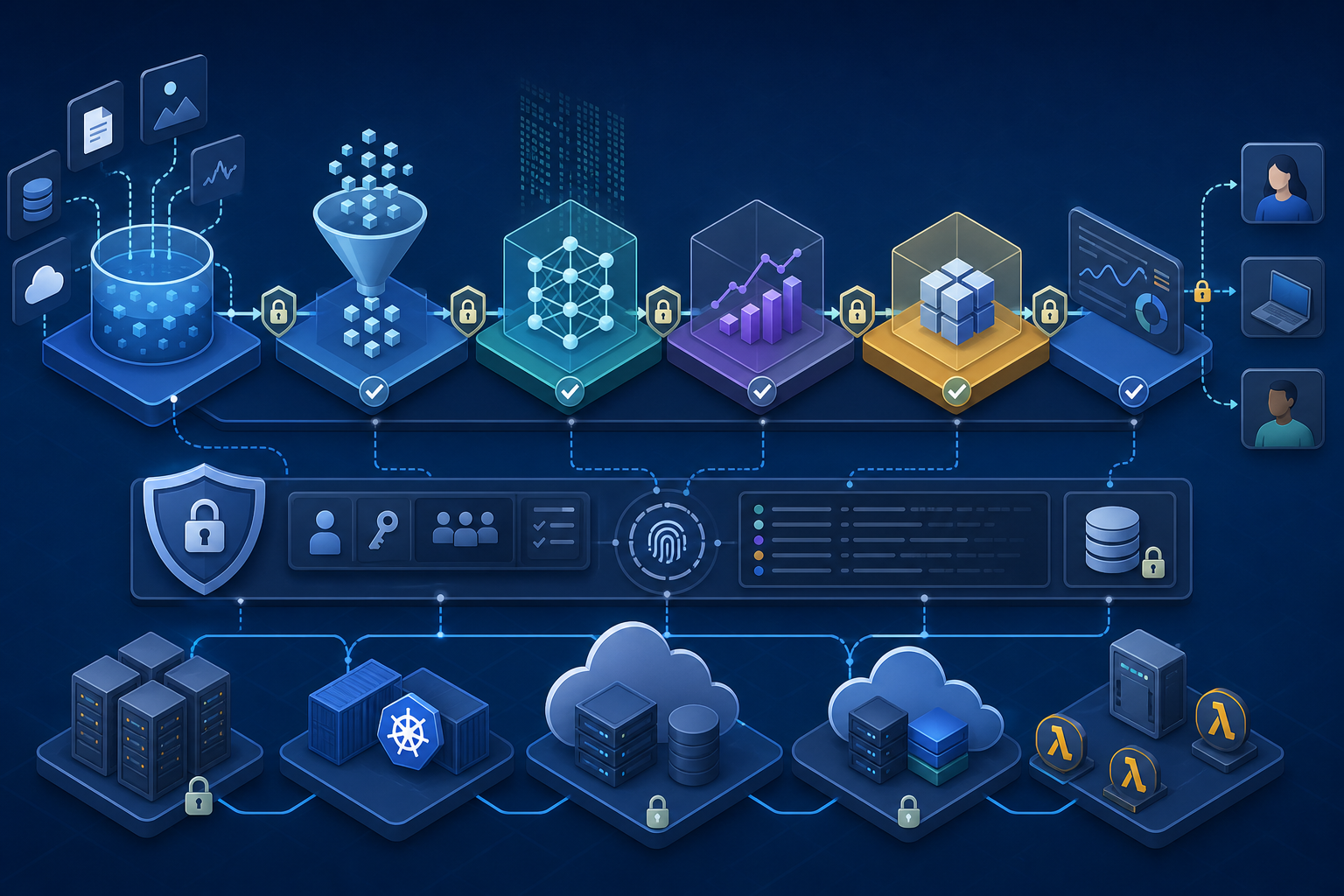
In this tutorial, you will build a Python-based training pipeline with clear stages for data loading, validation, feature preparation, model training, evaluation, and artifact export. By the end, you will know how to decide whether this approach fits your use case, implement a practical pipeline structure, validate the output, and verify what must be true before you consider production use.
Prerequisites and stop-here checks
Goal
Make sure the environment and data assumptions are safe before you write pipeline code. Training pipelines fail most often because of hidden data issues, missing dependencies, or unclear expectations about labels and feature availability.
Action
Confirm the following before starting:
- Python 3.10 or later is available.
- You can install and pin dependencies in an isolated environment.
- You have a dataset with a clearly defined target column.
- The data access method is authorized and repeatable.
- You know whether the task is classification, regression, or ranking.
- You have enough data to support a stable train/validation split.
If the following are not true, stop here:
- You cannot explain what the target variable represents.
- Labels are incomplete, inconsistent, or generated using a process that would not be available at inference time.
- Features include values that would leak future information into training.
- You do not know how the trained model will be evaluated in a way that matches operational use.
Expected output
A validated project scope, a usable dataset, and a safe assumption set for training.
Validation
Check the dataset schema, label distribution, and missing-value patterns before training. For example, confirm that the label column is present in every training row and that the same feature columns exist in each file or table snapshot.
Common failure
A common mistake is skipping data review and discovering only after training that the model is learning from leaked fields, unstable labels, or columns that disappear in later exports.
Project setup
Goal
Create a repeatable Python workspace that supports dependency management, reproducibility, and later automation.
Action
Create a project directory and isolated environment:
mkdir ai-training-pipeline
cd ai-training-pipeline
python -m venv .venv
source .venv/bin/activate
pip install --upgrade pip
Install a minimal set of packages appropriate for a tabular training workflow:
pip install pandas scikit-learn joblib pyyaml
A practical project layout looks like this:
ai-training-pipeline/
  data/
  models/
  src/
    pipeline.py
  config.yaml
Expected output
A clean workspace with a pinned dependency set and a place to store code, inputs, and artifacts separately.
Validation
Run python --version and pip freeze to confirm the environment version and installed packages. Verify that the models/ directory is writable and that you can import each package without errors.
Common failure
The most common setup failure is mixing system Python packages with project dependencies, which makes reruns unstable and breaks portability across machines or CI runners.
Define the pipeline contract
Goal
Make the pipeline explicit about inputs, outputs, and decision points so it can be rerun without manual interpretation.
Action
Write down the training contract before implementation:
- Input: a dataset containing features and a target column.
- Output: a serialized model artifact, evaluation metrics, and metadata.
- Split strategy: train and validation partitions that preserve the problem constraints.
- Success criteria: metrics that are acceptable for the chosen task.
- Failure criteria: conditions that block model publication.
For security and operational use cases, this contract should also define whether sensitive columns are excluded, whether audit logs are required, and whether the model artifact must be signed or checksum-verified before deployment.
Expected output
A shared definition of what the pipeline does and what “done” means.
Validation
Review the contract with whoever owns data quality and model use. If the team cannot agree on the target, split method, or acceptance metric, the pipeline is not ready to implement.
Common failure
A frequent error is building the pipeline around code convenience instead of the actual training objective. For example, using accuracy for a highly imbalanced problem can make the pipeline appear successful while producing a weak model.
Implement data loading and validation
Goal
Load data consistently and reject bad inputs early, before training consumes time and produces misleading results.
Action
Use a small Python module to load the data and validate basic assumptions.
import pandas as pd

REQUIRED_COLUMNS = {"feature_1", "feature_2", "target"}

def load_data(path: str) -> pd.DataFrame:
    df = pd.read_csv(path)
    missing = REQUIRED_COLUMNS - set(df.columns)
    if missing:
        raise ValueError(f"Missing required columns: {sorted(missing)}")
    if df.empty:
        raise ValueError("Input data is empty")
    return df
This is the right place to check for:
- Missing required columns
- Empty files
- Duplicate rows where duplicates should not exist
- Unexpected null rates in critical fields
- Obvious label corruption, such as non-numeric values in a numeric target
If you are building a workflow that will later feed anomaly or drift checks, this is also where you would preserve the raw input snapshot for comparison. If that is part of your design, How to Build an Anomaly Detection Model with Python is a useful companion once you need a model specifically for detecting unusual records rather than predicting a target value.
Expected output
A dataframe that is structurally valid and suitable for feature preparation.
Validation
Run a quick schema check and print a summary:
print(df.shape)
print(df.isna().sum())
print(df.dtypes)
Confirm that the row count, column names, and missing-value profile match expectations.
Common failure
A common failure is accepting any CSV that parses successfully. Parsing success does not mean the data is valid for training.
Prepare features and split the dataset
Goal
Separate training and validation data in a way that reflects how the model will be used and avoid leakage between partitions.
Action
For a standard tabular classification task, use train_test_split with a fixed random seed:
from sklearn.model_selection import train_test_split

X = df.drop(columns=["target"])
y = df["target"]

X_train, X_val, y_train, y_val = train_test_split(
    X,
    y,
    test_size=0.2,
    random_state=42,
    stratify=y,
)
If your data is time-based, do not shuffle records. Use a time-aware split instead so the validation set represents future data. If your use case is sensitive to distribution shifts, a more realistic split may be more important than a random one.
Expected output
Training and validation sets that are separated correctly and reproducibly.
Validation
Check that the split preserves target distribution where appropriate, and verify that rows from the same entity, session, or time period are not leaking into both partitions.
Common failure
The most damaging mistake here is leakage from future information or duplicate entities across splits. That can produce excellent validation scores that disappear in production.
Build the training pipeline in Python
Goal
Create a pipeline object that combines preprocessing and model training so the same transformations are applied consistently.
Action
Use a scikit-learn pipeline with preprocessing and a baseline model. A simple example for mixed numeric data is shown below:
from sklearn.compose import ColumnTransformer
from sklearn.impute import SimpleImputer
from sklearn.pipeline import Pipeline
from sklearn.preprocessing import StandardScaler
from sklearn.linear_model import LogisticRegression

numeric_features = ["feature_1", "feature_2"]

numeric_transformer = Pipeline(steps=[
    ("imputer", SimpleImputer(strategy="median")),
    ("scaler", StandardScaler()),
])

preprocessor = ColumnTransformer(
    transformers=[
        ("num", numeric_transformer, numeric_features)
    ]
)

model = LogisticRegression(max_iter=1000)

training_pipeline = Pipeline(steps=[
    ("preprocessor", preprocessor),
    ("model", model),
])

training_pipeline.fit(X_train, y_train)
For a first pipeline, prefer a baseline model that is easy to explain and debug. If a simpler model cannot meet your acceptance criteria, that is useful information before you move to more complex architectures.
Expected output
A fitted pipeline that performs preprocessing and training in one reproducible object.
Validation
After fitting, verify that the pipeline can transform and predict on the validation set without manual feature manipulation:
predictions = training_pipeline.predict(X_val)
print(predictions[:5])
Common failure
A common failure is preprocessing training data one way and production data another way. Packaging transformations inside the pipeline prevents that class of error.
Evaluate the model against operational criteria
Goal
Measure whether the trained model is good enough for the intended use and whether it fails in predictable ways.
Action
Select metrics that fit the task. For classification, consider precision, recall, F1 score, ROC AUC, or confusion matrix analysis. For regression, use RMSE, MAE, or R² as appropriate.
from sklearn.metrics import classification_report, confusion_matrix

print(classification_report(y_val, predictions))
print(confusion_matrix(y_val, predictions))
Do not rely on a single metric if the use case has asymmetric cost. For security or fraud-like workflows, false negatives may matter more than overall accuracy. For operational decisioning, false positives may create avoidable work.
Expected output
A metrics report that shows not only performance but also the error pattern.
Validation
Compare results to the baseline you established in the contract. If the model underperforms the baseline or performs well only on aggregate metrics while failing on critical classes, it should not be promoted.
Common failure
The most common evaluation error is choosing metrics that hide important failures. Another frequent problem is validating on data that is too similar to the training set to be meaningful.
Save artifacts and training metadata
Goal
Produce reproducible outputs that can be used for audit, rerun, or deployment.
Action
Serialize the full pipeline, not just the estimator, and save a metadata file with the training context.
import joblib
import json
from datetime import datetime, timezone

joblib.dump(training_pipeline, "models/model.joblib")

metadata = {
    "trained_at": datetime.now(timezone.utc).isoformat(),
    "rows_train": len(X_train),
    "rows_val": len(X_val),
    "features": list(X_train.columns),
}

with open("models/metadata.json", "w", encoding="utf-8") as f:
    json.dump(metadata, f, indent=2)
If your organization requires stronger operational controls, use checksums, signed artifacts, or restricted storage permissions for model files and metadata.
Expected output
A model artifact and a metadata record that can be traced back to the training run.
Validation
Reload the model from disk and confirm that it can still predict:
loaded = joblib.load("models/model.joblib")
loaded.predict(X_val[:3])
Also confirm that the metadata reflects the actual run and not a stale previous version.
Common failure
A common failure is saving only the fitted estimator while losing preprocessing logic, dataset version information, or the feature order used during training.
Add operational checks before production use
Goal
Make the pipeline safe to run repeatedly and easier to trust in automated environments.
Action
Add checks for the following before promotion:
- Input schema matches the expected contract.
- Training and validation splits are reproducible.
- Metrics meet the approved threshold.
- Artifact storage succeeded.
- The trained model can be reloaded and executed.
- Feature names and column order are preserved.
- Sensitive fields are excluded or handled according to policy.
If the pipeline will be used in a broader MLOps workflow, plan for drift monitoring after deployment. A trained model can still degrade when production data changes, so MLOps Model Drift Detection with Python and Prometheus is relevant once you need evidence that the input distribution is still within expected bounds.
Expected output
A pipeline that is not only trainable, but also operationally inspectable and safer to automate.
Validation
Run the pipeline from a clean environment, not just from an interactive notebook. Confirm that the same code path works in CI or a scheduled job and that failures stop the run instead of producing partial artifacts.
Common failure
The most common operational issue is allowing silent failures, such as skipped validation or artifact overwrite, to look like successful runs.
What the finished state should look like
At the end of this workflow, you should have a Python training pipeline that can:
- load data from a defined source,
- validate the input schema,
- split data reproducibly,
- preprocess features consistently,
- train a baseline model,
- evaluate performance with task-appropriate metrics,
- save the model and metadata, and
- fail safely when inputs or metrics do not meet expectations.
That is the right finish line for a practical first pipeline. It is not a one-off notebook and it is not a full platform. It is a repeatable training workflow that you can run, inspect, and harden before production use.
If the same model will later serve live traffic, treat training as only one part of the lifecycle and apply deployment-time controls separately. For that stage, How to Secure AI Model Inference Pipelines with MLOps Controls helps you think about the security boundaries that matter after training is complete.
The key decision rule is simple: if you can rerun the pipeline on fresh data, reproduce the artifact, explain the metrics, and reject unsafe inputs, you have built a solid training foundation in Python.
Use this guidance together with Kafka Spark streaming data to connect the workflow with related operational context already available on the site.