Why image scanning matters
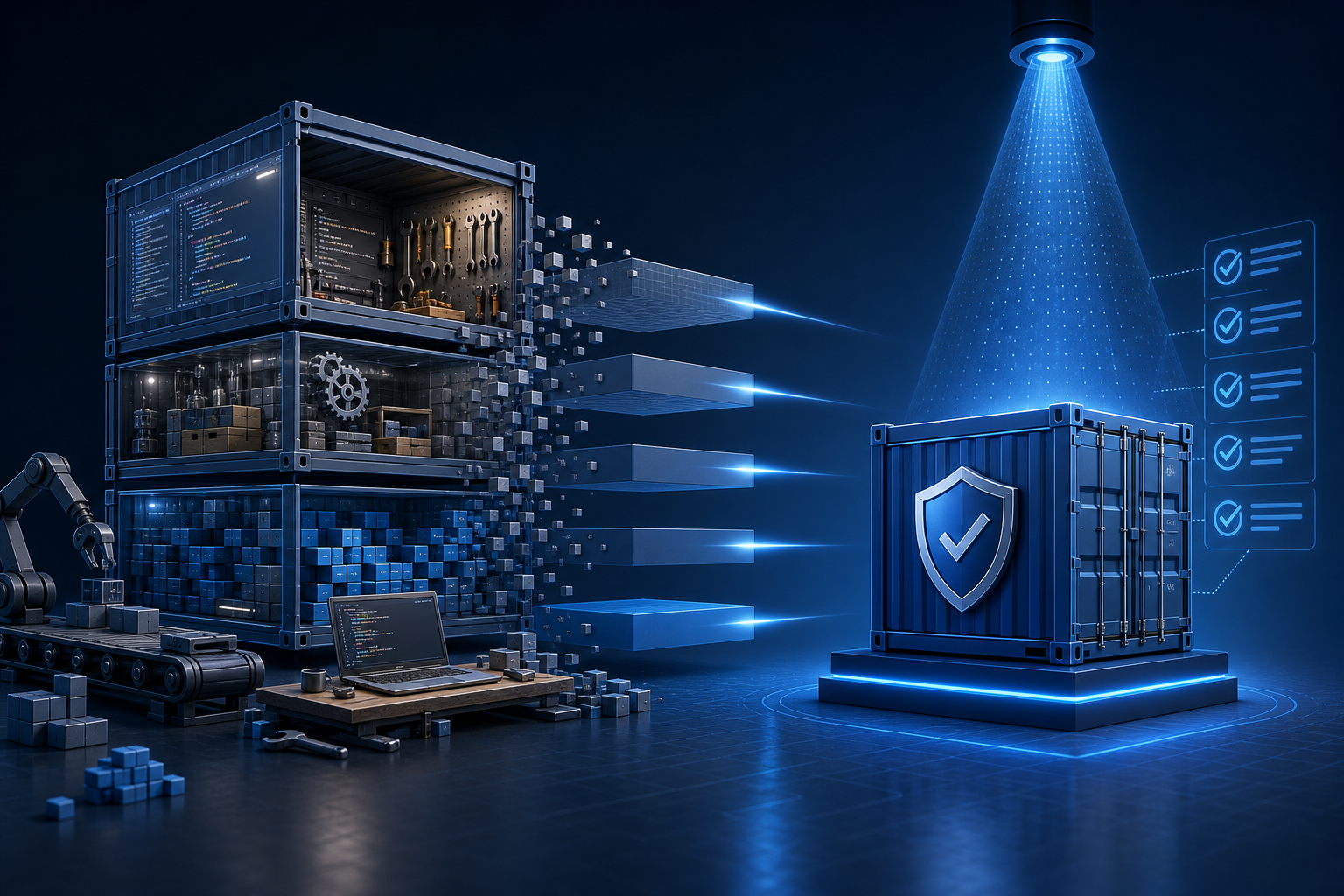
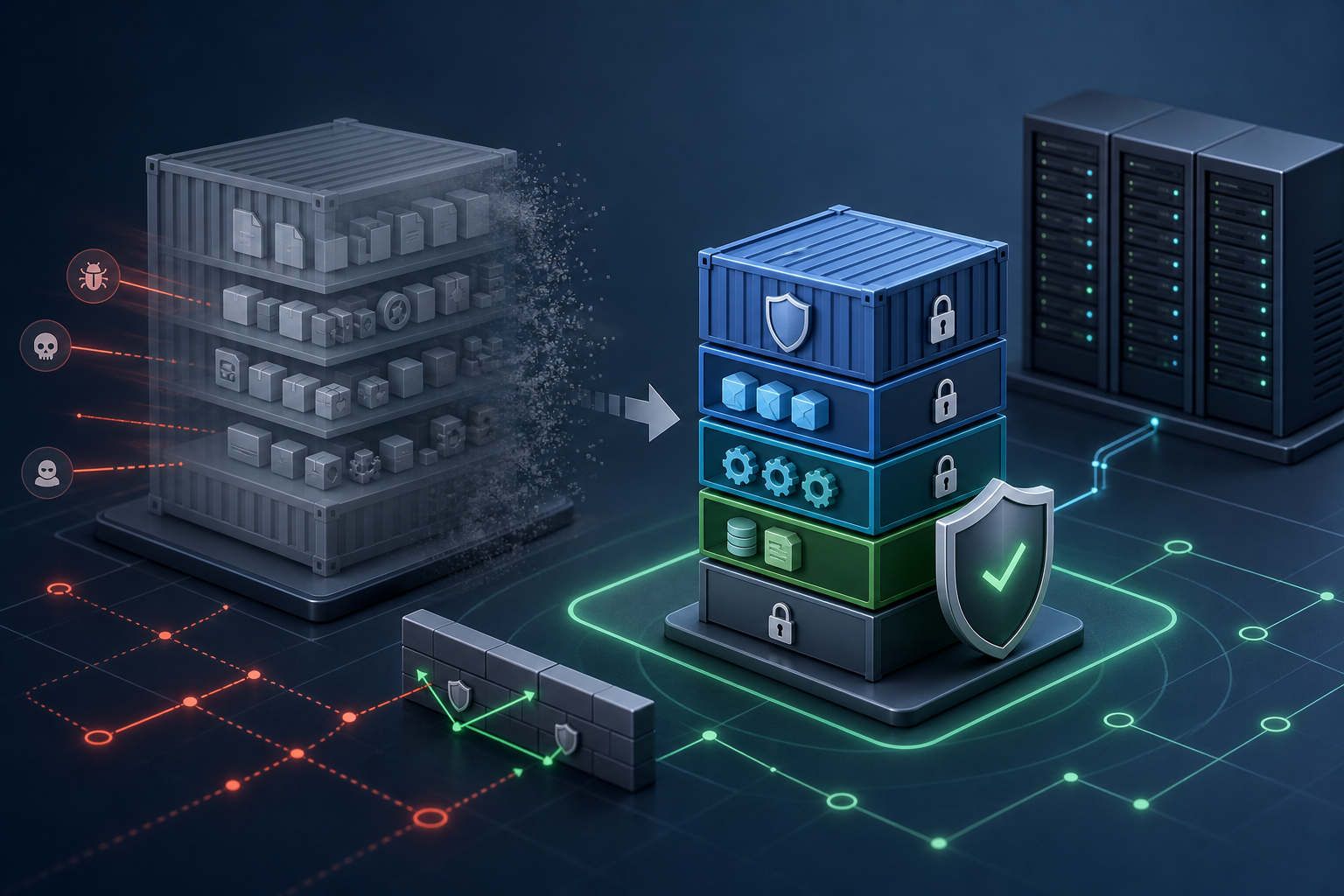
The practical problem is straightforward: container images often ship with operating system packages, language dependencies, build tools, and transitive libraries that contain known vulnerabilities long before the image reaches production. If those weaknesses are not detected early, they can move from a build system into a runtime environment where remediation is slower, blast radius is larger, and emergency patching is more disruptive.
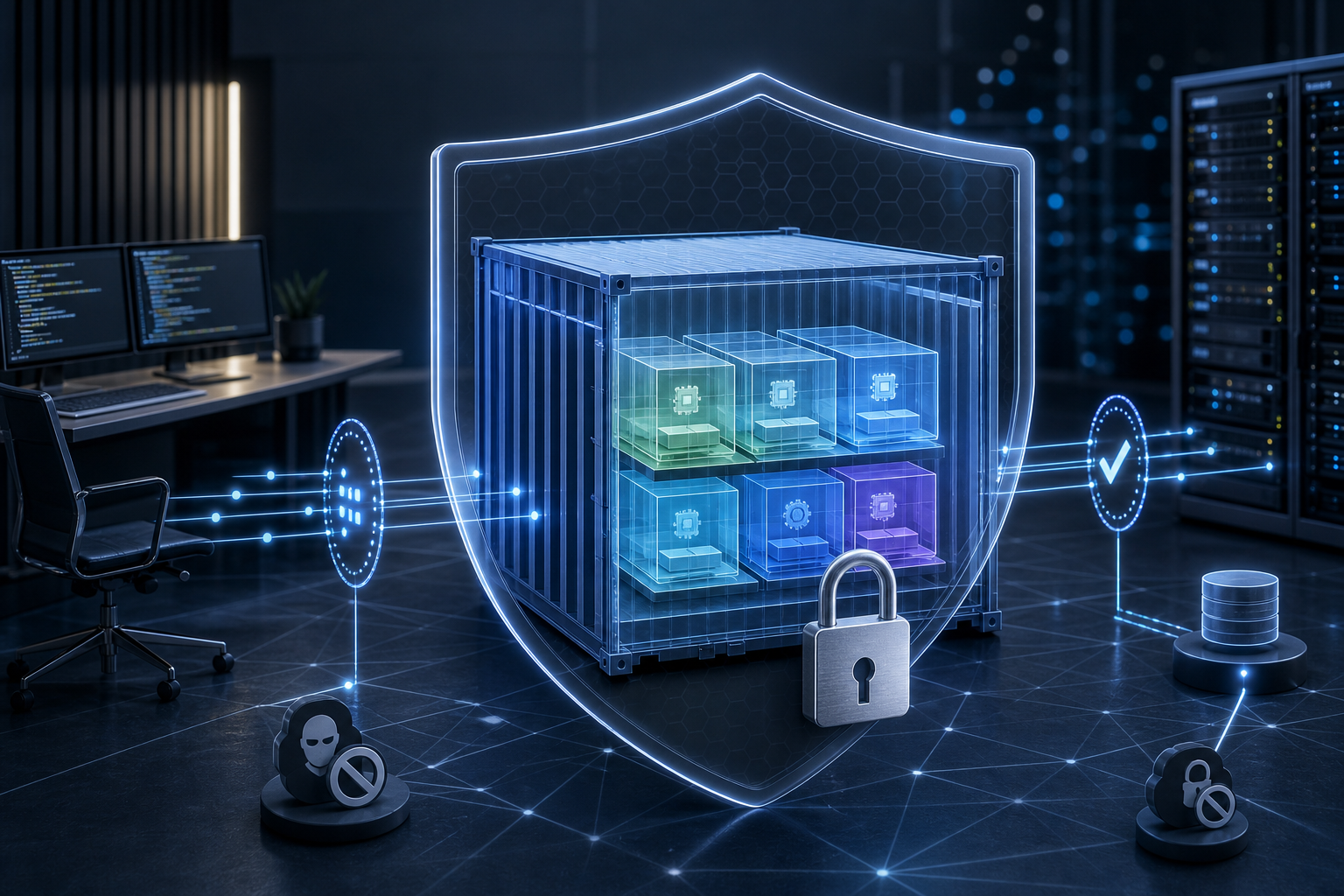
Docker container image scanning addresses that problem by analyzing the image layers and installed software inventory against vulnerability data. For technical teams, this matters operationally because it creates an evidence-based control point before deployment. It helps you decide whether an image is acceptable, whether it needs a rebuild, or whether a finding is low risk because the vulnerable package is not reachable in the final runtime image.
After reading this article, you should be able to determine when Docker container image scanning is useful, how to interpret scan results, what a practical verification workflow looks like, and what to check before you allow an image into production.
Key takeaways
Docker container image scanning is most useful when you want a repeatable way to detect known vulnerabilities in image contents before runtime.
It works best as one control in a broader supply-chain and hardening program, not as a complete guarantee of safety. A clean scan does not prove the image is secure, and a noisy scan does not always mean the image is unfit for use.
The operational value comes from three things: scanning the right artifact, understanding what the scanner can actually inspect, and enforcing clear decision rules for what blocks a release. For a broader hardening baseline, see Docker Container Hardening: Best Practices for Secure Images and Docker Container Hardening: Practical Security Baseline Techniques.
How Docker image scanning works
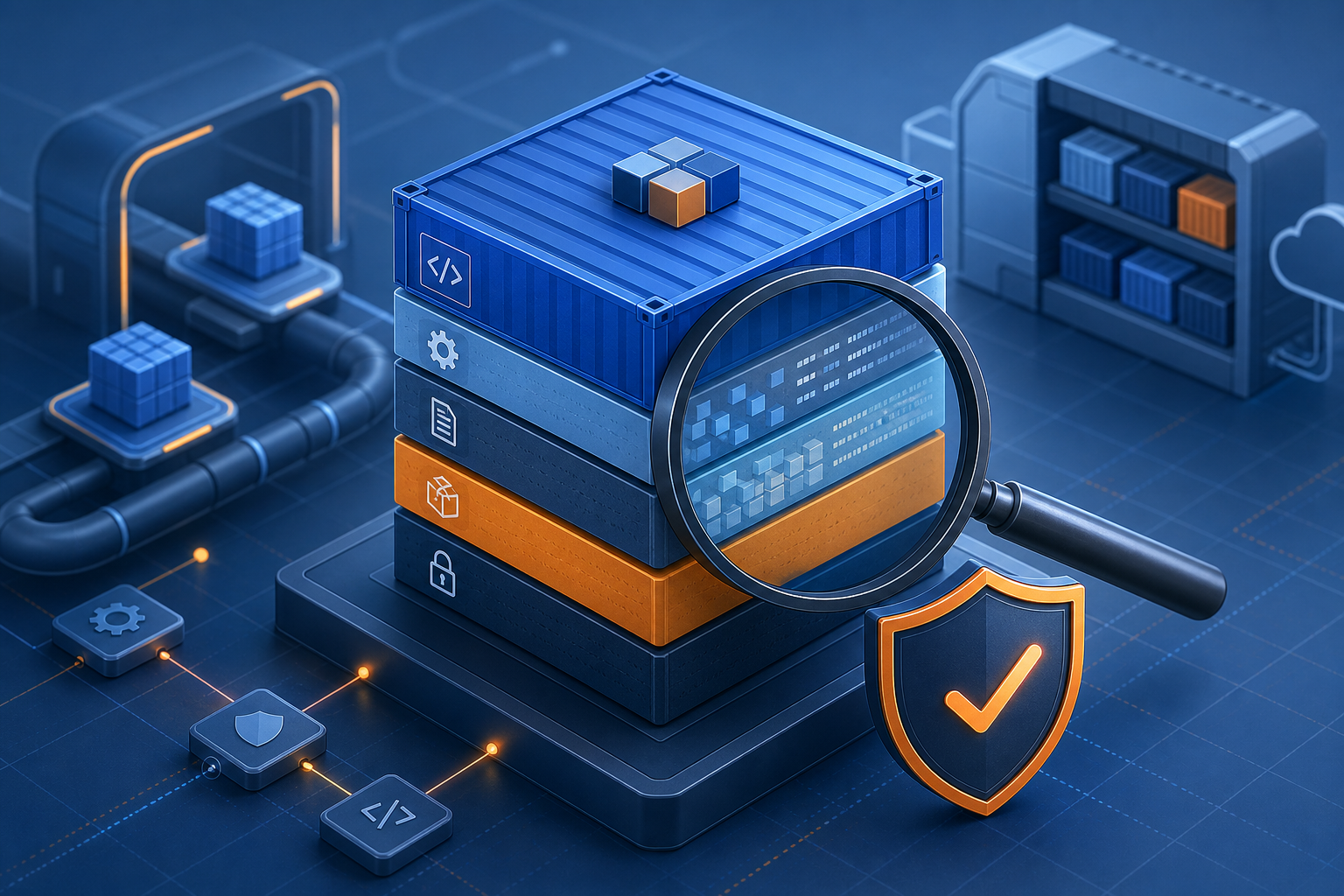
A container image scan typically examines the filesystem contents of one or more image layers, identifies installed packages and libraries, and compares those components with vulnerability advisories from a local or remote database. Some scanners also inspect language-specific manifests, lockfiles, and metadata to improve package identification. The result is usually a list of findings that includes severity, package name, installed version, fixed version if known, and the layer or path where the component was found.
This is a detection exercise, not a runtime exploit test. The scanner is looking for known vulnerable versions and sometimes configuration issues that can be inferred from the image contents. It is not normally evaluating whether the vulnerable code path is reachable in your application, whether a defense-in-depth control blocks exploitation, or whether the vulnerability is already patched in a vendor backport despite the upstream version string looking old.
That distinction matters. A package can appear vulnerable according to version metadata even when the vendor has backported the fix. Similarly, a vulnerability may be real but low impact if the affected component is present only in a build stage and never copied into the final runtime image. If your build process uses multi-stage patterns, Docker Container Security Scanning with Multi-Stage Builds is relevant because the image you scan and the image you deploy may not be the same artifact.
A compact workflow for reliable scanning
The most reliable workflow is to scan the exact image artifact that will be deployed, enforce policy on high-confidence findings, and re-scan whenever the image digest changes.
Build image -> record digest -> scan final runtime image -> review findings
      -> classify by severity, package source, and reachability context
      -> block on policy violations -> rebuild or patch -> rescan -> approve
This workflow is intentionally compact because scanning is only valuable when it is tied to a release decision. If the scan happens on a different tag, a different registry copy, or an intermediate build stage, the result may not reflect what actually enters production.
What the scanner can tell you, and what it cannot
A good scan report tells you which packages are present, which known vulnerabilities match those packages, and whether a fixed version is available. It may also tell you whether findings are in the base image, in application dependencies, or in files that were added during the build process. That information is enough to support operational decisions such as rebuild, patch, defer, or accept with risk justification.
A scan report cannot reliably tell you whether the issue is exploitable in your specific deployment. It usually cannot account for network placement, file permissions, kernel settings, seccomp or AppArmor profiles, secrets handling, or whether the affected code path is actually invoked. Those factors belong in runtime hardening and operational controls, not in the scan result alone.
It is also important to verify what feeds the scanner uses. Results vary depending on the vulnerability source, update cadence, package ecosystem support, and whether the tool recognizes vendor-specific backports or distro-specific package naming. If the scanner’s data source is stale, the findings can be incomplete or misleading even when the image itself is unchanged.
Practical scenario: a minimal runtime image that still fails policy
Consider a team building a web service image from a larger build container. The final runtime image is small and contains only the application binary, a few shared libraries, and the OS base layer. The build team expects the image to pass scanning because all package managers and compilers were left behind in the build stage.
The scan still reports a critical vulnerability in a shared library inherited from the base image, plus several medium findings in a language runtime package. In this case, the scan is doing its job. The artifact is small, but not automatically safe. The team now has to decide whether the issue is in the base image, whether a newer base tag is available, whether the vulnerability has a fix in the vendor package stream, and whether the affected library is actually needed at runtime.
This is the kind of environment where image scanning is most useful: a CI/CD pipeline that produces compact images, a registry with immutable digests, and release approval that depends on evidence rather than assumptions. It also shows why hardening and scanning need to be coordinated rather than treated as separate tasks.
Interpreting findings without overreacting
Vulnerability scanners are useful precisely because they are conservative. They surface possible risk so you can decide whether the issue matters. The mistake is treating every finding as equally actionable.
A practical interpretation model is to ask four questions for each finding:
- Is the vulnerable component in the final runtime image or only in a build layer?
- Is there a fixed version available from the package source you actually use?
- Is the finding high severity, widely reachable, or exposed by your deployment model?
- Is the result likely to be a false positive due to backporting, static linking, or package identification limits?
That last point is important. False positives and noisy results are common enough that teams often ignore reports entirely. A better approach is to define an acceptance process: which findings block deployment, which require a ticket, which can be time-boxed, and which are accepted only with documented approval. That policy is more valuable than a raw vulnerability count.
What this means in practice
In practice, image scanning becomes a release gate only when the team has a clear rule for handling results. If every scan is reviewed manually without thresholds, the process slows down and people start bypassing it. If no one owns the findings, the reports accumulate without reducing risk.
A workable model is to scan on every build, compare against policy, and treat only selected findings as release blockers. For example, you may decide that unresolved critical issues in the final runtime image block promotion, while medium findings create remediation tasks unless they appear only in a build stage. You may also decide that the base image must come from a controlled source and be refreshed on a fixed cadence, because many image vulnerabilities originate there.
This is also where image design matters. Smaller images generally scan faster and produce fewer findings because they contain fewer packages. That does not make them inherently secure, but it does reduce the volume of review work and makes it easier to reason about the final artifact. If your build process still includes unnecessary tools in the final image, hardening the image will usually improve both security posture and scan quality.
Decision guidance: when scanning is enough, and when it is not
Use Docker container image scanning when your objective is to detect known vulnerabilities in the image you plan to run. It is a strong fit for CI/CD pipelines, base image governance, compliance evidence, and pre-deployment review.
Do not treat scanning as sufficient if your main risk is malicious build provenance, secret leakage, runtime privilege escalation, or misconfigured orchestration controls. In those cases, image scanning is only one layer. You still need source control protections, build integrity controls, minimal privileges, runtime policy, and validation of secrets handling.
A simple decision rule is this: if the question is "does this image contain known vulnerable software?" scanning helps directly. If the question is "can this image be safely run in this environment?" scanning helps, but only after you combine it with hardening, runtime restrictions, and deployment policy.
Common mistakes
One common mistake is scanning the wrong artifact. Teams sometimes scan a base image, an intermediate build stage, or a tag that is later overwritten, then assume the release image was checked. Digest-based verification is the safer practice.
Another mistake is relying only on severity without context. A critical package in a build-only layer is not the same operational problem as a critical library in the runtime path. Severity matters, but artifact location and usage matter too.
A third mistake is ignoring vendor-specific package behavior. Some distributions backport fixes while preserving older upstream version numbers, and some scanners misclassify those packages if they do not understand the packaging model. If your scanner or advisory feed depends on version semantics, verify how it handles your base distribution.
A fourth mistake is using scanning as a one-time event. Images age quickly. If you build an image today and deploy it next week, the vulnerability status may have changed even though the tag name has not. Re-scan on rebuild and before promotion.
Finally, teams often forget that scanner policy should match operational reality. If every medium issue blocks release in a fast-moving system, the process will be bypassed. If nothing blocks release, the scan becomes a report archive. The policy needs to be strict enough to reduce risk and narrow enough to be enforceable.
Production readiness checklist
Before using image scanning as a production control, verify the following:
- The scan runs against the exact image digest that will be deployed.
- The scanner’s vulnerability feed is current and appropriate for your package ecosystem.
- Final runtime images are scanned, not just build stages or intermediate tags.
- Policy rules define which severities or package types block release.
- The team has a documented process for exceptions, false positives, and vendor backports.
- Scan results are tracked alongside the image digest, not only the human-readable tag.
- Re-scan occurs after rebuilds, base image updates, or dependency changes.
- Ownership is clear for patching base images and application dependencies.
- Runtime hardening controls are reviewed separately from scan findings.
If those checks are in place, Docker container image scanning becomes a dependable operational control rather than a noisy compliance artifact. The value is not just that vulnerabilities are found, but that the right image is evaluated, the result is interpreted correctly, and the release decision is made with evidence.
Final takeaway
Docker container image scanning is most effective when you use it to answer a narrow, operational question: what known vulnerabilities are present in the image we intend to run? When you scan the final artifact, verify the data source, and enforce clear release criteria, the results are actionable. When you also pair scanning with image hardening and disciplined release controls, you get a practical detection layer that improves security without turning the pipeline into guesswork.
Use this guidance together with vSphere patch prioritization and vSphere hardening to connect the workflow with related operational context already available on the site.