Key takeaways
Nested virtualization can strengthen isolation for a small set of AWS workloads, but it is not a substitute for network segmentation, IAM control, or hardened guest images. Its value is greatest when you need to run one or more hypervisors or security-sensitive sandboxes inside a virtual machine and want an additional containment boundary around those workloads.
The operational question is not whether nested virtualization is “more secure” in the abstract. It is whether the workload’s threat model justifies the extra abstraction, performance cost, and operational complexity. In practice, nested virtualization works best as one layer in a broader isolation design that also constrains identity, east-west traffic, storage access, and host privileges. For a broader baseline on that surrounding control set, see AWS Virtualization Security Best Practices for Isolated Workloads.
A production-ready design should prove three things before use: the instance type supports the required virtualization mode, the guest operating system and hypervisor stack are configured correctly, and the operational controls around the VM prevent easy escape through misconfiguration, overbroad access, or shared dependencies.
Why nested virtualization matters in AWS
The practical problem is that some isolated workloads need a deeper containment model than a single guest VM provides. Examples include security testing labs, nested hypervisor experiments, appliance validation, and environments that need to run a managed hypervisor or emulator inside a VM. In these cases, the outer AWS instance is the first boundary, and the nested guest environment becomes a second boundary for workloads that should not share the same directly exposed operating system instance.
That second boundary is useful, but it also creates a bigger trust chain. If the outer guest is compromised, the nested workload can still be reached through guest-level credentials, shared storage, overly permissive networking, or management channels. Nested virtualization therefore matters because it can improve compartmentalization, but only if you are disciplined about what remains shared.
Operationally, the benefits are clear:
- You can separate the management plane of the outer VM from the execution plane of the nested guest.
- You can test security-sensitive software in a closer-to-realistic virtualization stack.
- You can limit the blast radius of malware, misbehaving hypervisors, or experimental configurations to the outer VM boundary.
- You can standardize a repeatable isolated lab or appliance pattern across environments.
The trade-off is also clear: more layers mean more moving parts. Troubleshooting becomes harder, performance overhead can increase, and unsupported combinations can fail in subtle ways. That is why the decision to use nested virtualization should be driven by an isolation requirement, not simply by convenience.
How nested virtualization changes the isolation model
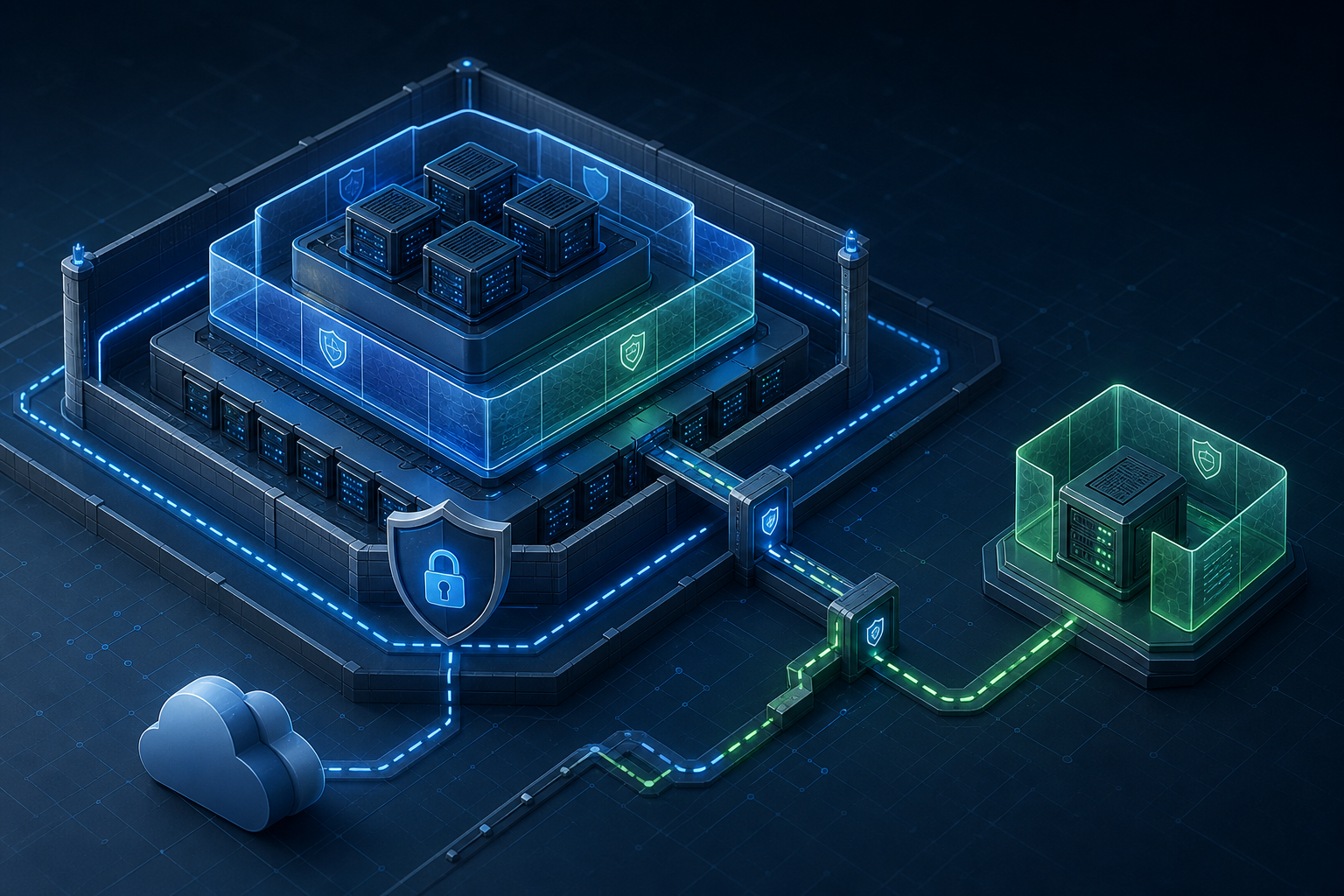
At a high level, nested virtualization lets a guest operating system act like a hypervisor inside an outer virtual machine. The outer AWS instance provides the first virtualization layer; the guest VM then launches and manages its own nested virtual machines or virtualized workloads. The isolation benefit comes from separating the nested workloads from the outer OS and from any other processes running directly in that outer instance.
The security boundary, however, is not magical. It is layered rather than absolute. The outer instance still owns the hardware abstraction, network interface, storage attachment, IAM role, and instance metadata access path. If those controls are weak, nested virtualization does not compensate. This is why the design should treat the outer VM as a privileged control point and the nested guests as workloads that inherit both the strengths and the weaknesses of that control point.
In AWS terms, the useful security question is often this: can I reduce trust in the outer guest OS by pushing the sensitive workload into a nested VM, while also tightening the outer instance so that only the minimum required operators and services can reach it? If the answer is yes, nested virtualization can be a sensible isolation pattern.
There are also platform dependencies to verify. Nested virtualization support, instance family behavior, guest OS compatibility, and hypervisor features can vary by instance type and region, and the exact behavior can change with vendor updates. Always confirm the current instance documentation, guest support matrix, and operating system/kernel requirements before standardizing a design.
Compact workflow for evaluating the pattern
A useful way to assess the pattern is to run a short validation workflow before engineering effort expands:
1. Define the workload boundary: what must be isolated, and from whom?
2. Confirm the outer instance supports nested virtualization for the chosen instance type.
3. Verify the guest OS and nested hypervisor requirements.
4. Lock down IAM, metadata access, security groups, and storage permissions.
5. Validate that nested workloads boot, network, and log as expected.
6. Measure performance impact and confirm the overhead is acceptable.
7. Document rollback: how to revert to a single-layer VM if needed.
This is not a full implementation guide. It is a decision and validation loop. If any of these checks fail, the design probably needs a different isolation model.
Practical scenario: isolated security lab on a shared cloud estate
Consider a security engineering team that needs a temporary environment to analyze suspicious software, validate a nested virtualization appliance, or run a hypervisor-based test suite. The team wants the environment isolated from production systems, but it still needs cloud connectivity for artifact retrieval, logging, and controlled remote administration.
A single guest VM could host the tools, but the team prefers an additional boundary so that the nested test systems are separated from the outer administrator shell and from other local utilities. They place the outer VM in a tightly controlled subnet, restrict inbound access to a bastion or VPN path, disable unneeded services, and use instance roles only for the minimum required object storage or logging permissions. Inside that VM, they run a nested hypervisor and create short-lived nested guests for analysis.
This pattern solves one common problem: operators can rebuild or discard nested guests without touching the outer VM baseline every time. But it also introduces a new one: if the outer VM is overly permissive, the nested isolation adds little. In this scenario, the outer instance still needs hardened credentials handling, tight network rules, monitored storage access, and logging that captures both outer-host and nested-guest events.
That is the point of nested virtualization in AWS: it helps separate use cases and trust levels, but it does not replace foundational cloud security controls.
What this means in practice
In production or pre-production, nested virtualization should be treated as an exception pattern. Use it when the workload specifically needs a hypervisor-in-guest model or when a second execution boundary materially improves containment. Do not use it merely because it is technically available.
The most important operational rule is to keep the outer VM small, controlled, and observable. The outer instance should be considered part host, part management appliance. That means the least possible software footprint, no unnecessary inbound services, restricted administrative access, and explicit control over what the outer guest can reach on the network and in shared storage.
If your environment allows broader controls elsewhere, you may decide that simple VM isolation is enough. For example, if the workload is already separated by account, VPC, subnet, security group, and role boundaries, nested virtualization may add complexity without adding meaningful security. On the other hand, if the workload has to run untrusted or experimental software that itself manages virtual machines, the nested layer can be justified as a containment and operational simplification measure.
The main outcome to aim for is not “perfect isolation.” It is a documented reduction in exposure with clear constraints on the management surface, the network path, and the trust placed in the outer guest.
Implementation trade-offs you should evaluate
Nested virtualization brings practical advantages, but each one has a corresponding cost.
One trade-off is performance. Running a hypervisor inside a VM adds overhead, and sensitive workloads can be affected by memory pressure, I/O latency, and CPU scheduling behavior. You should benchmark the exact workload you care about, because a light administrative sandbox and a latency-sensitive test workload may behave very differently.
Another trade-off is supportability. Not every instance family, guest kernel, or nested hypervisor combination behaves the same way. If you depend on specific virtualization extensions or device models, validate them under the exact OS build and instance type you plan to use. The same warning applies to agent software, security tooling, and storage drivers.
A third trade-off is operational complexity. Troubleshooting now spans multiple layers: outer instance health, guest OS state, nested hypervisor configuration, and nested guest behavior. Logs and telemetry should be designed so that you can distinguish failures in the outer layer from failures inside the nested environment.
There is also a security trade-off. A larger attack surface can come from misconfiguration, not just from the virtualization layer itself. If you expose management ports, reuse credentials, mount shared volumes carelessly, or allow unrestricted metadata access, the nested model may create false confidence.
Decision guidance: when the pattern fits and when it does not
Use nested virtualization when most of the following are true:
- The workload must run a hypervisor, emulator, or sandbox inside a cloud VM.
- You need a distinct nested execution boundary for temporary or semi-isolated workloads.
- You can tightly control the outer VM’s network, identity, and storage access.
- The performance overhead is acceptable for the workload’s purpose.
- You have a plan to validate, monitor, and eventually retire the environment.
Avoid the pattern when one or more of the following are true:
- The workload can be isolated more simply with account separation, subnet segmentation, and hardened VM baselines.
- You need strong deterministic performance with minimal overhead.
- The team cannot reliably maintain the outer VM as a privileged management boundary.
- Platform support for the required instance type or guest stack has not been confirmed.
- You do not need nested hypervisor features at all.
If your answer is ambiguous, default to the simpler design. Extra virtualization layers only pay off when the workload requirement is specific enough to justify them.
Common mistakes that weaken isolation
One common mistake is assuming that nested virtualization automatically creates a stronger security boundary than the outer VM. It does not. The outer guest remains a critical trust anchor, and its exposure must be minimized.
Another mistake is leaving identity and metadata access overly broad. If the outer instance can retrieve credentials it does not need, the nested workload inherits that weakness. Tight IAM scoping and metadata controls remain essential, especially for isolated workloads.
A third mistake is mixing nested workloads with unrelated administrative tasks on the same outer VM. The more software that lives there, the harder it is to reason about compromise and containment.
A fourth mistake is ignoring observability. Without logs from the outer VM, nested hypervisor, and nested guests, a fault can look like a virtualization issue when it is actually a network, credential, or storage problem.
A fifth mistake is failing to document recovery. When the nested layer fails, operators should know whether to rebuild the inner guests, replace the outer host, or revert to a non-nested design.
Production readiness checklist
Before putting a nested virtualization design into service, verify the following:
- The chosen instance type and region support the required virtualization mode.
- The guest OS, kernel, and nested hypervisor version are compatible.
- IAM roles are least privilege and do not expose unnecessary service access.
- Metadata access is restricted to the minimum required settings.
- Security groups, NACLs, and routing only permit the intended management and data paths.
- Shared storage, snapshot access, and backup permissions are explicitly reviewed.
- Logging exists for outer host activity and nested guest activity.
- Performance testing has confirmed acceptable CPU, memory, and I/O overhead.
- Recovery and rollback are documented and tested.
- The outer VM has no unnecessary software, services, or privileged access paths.
Final takeaway
Secure AWS virtual machine isolation with nested virtualization is achievable, but only when you treat the outer VM as a hardened control plane and verify every dependency around it. The pattern is best reserved for workloads that genuinely need a hypervisor-in-guest model or an extra containment boundary. If that is your use case, validate platform support, lock down identity and networking, measure the overhead, and confirm rollback before production use. The security win comes from disciplined layering, not from nested virtualization alone.
Use this guidance together with Azure VM network isolation to connect the workflow with related operational context already available on the site.
Use this guidance together with Shielded VM features to connect the workflow with related operational context already available on the site.