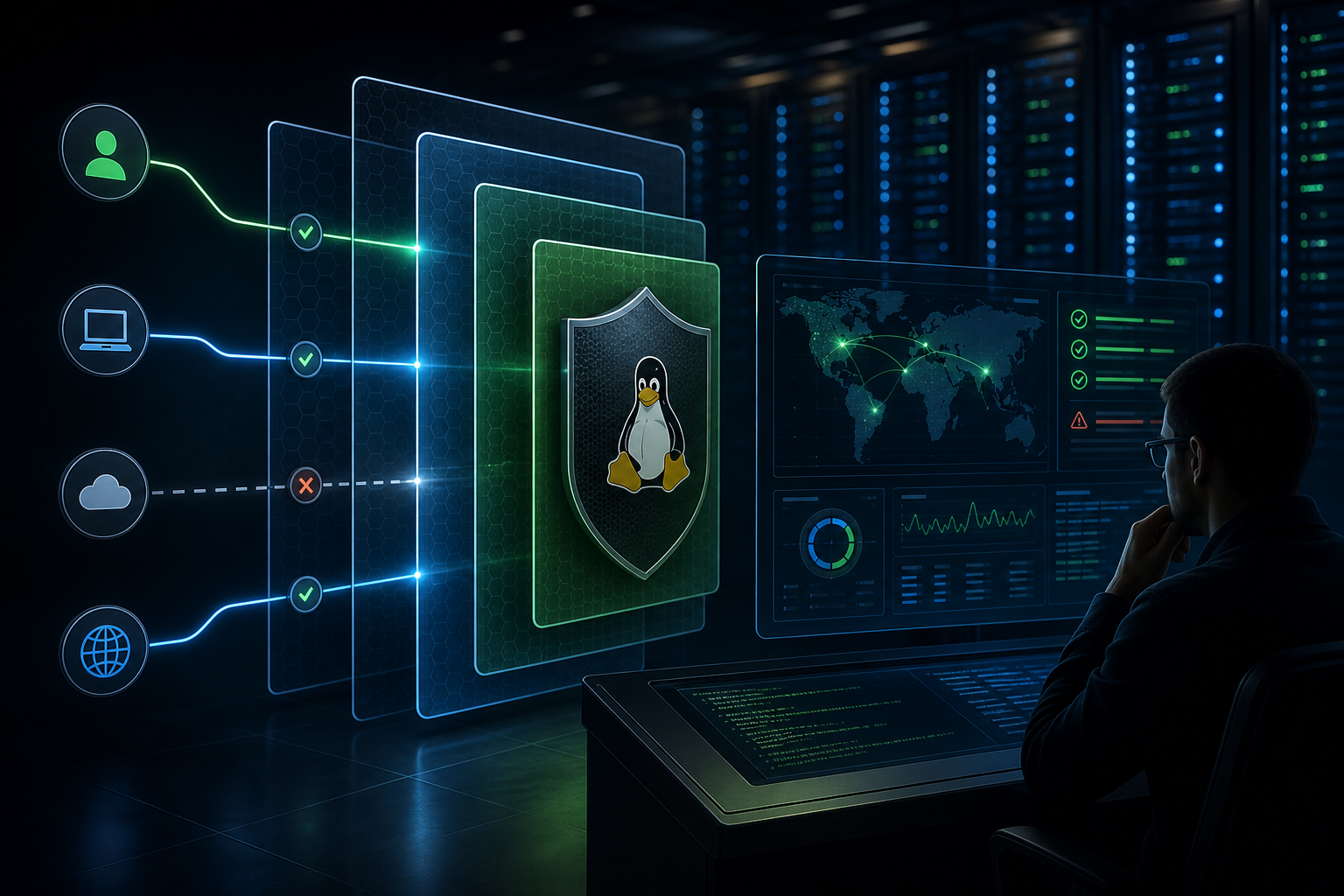
Why SSH access needs more than a password
The practical problem is simple: SSH is often the first authenticated path into a Red Hat Enterprise Linux host, and password-only access remains easy to target with reuse, phishing, brute-force attempts, and leaked credentials. If you manage systems that expose SSH to more than a tightly controlled jump host or privileged access gateway, then SSH authentication is not just an account control problem; it is a system-wide exposure point.
PAM and MFA help because they add policy and a second proof of identity at the authentication layer. That does not magically make SSH safe, and it does not replace host hardening, key management, network controls, or logging. What it does do is raise the cost of compromise and create a more defensible access model for administrative users.
After reading this article, you should be able to decide whether PAM-based MFA belongs in your SSH design, understand where it fits in the authentication flow, apply a practical validation workflow, and check the controls that matter before production use.
Key takeaways
- PAM is the policy layer that can enforce authentication rules for SSH sessions on RHEL.
- MFA is most valuable for privileged, interactive access, especially where SSH keys or passwords alone are not enough.
- The main operational risks are lockout, inconsistent PAM stack behavior, and assuming MFA is enforced when it is only partially wired in.
- Before production rollout, verify the SSH daemon configuration, the PAM stack order, fallback behavior, account recovery, and logging.
- If you are also working on broader SSH posture, align this work with hardening Red Hat Enterprise Linux SSH configuration for compliance so authentication changes do not conflict with cipher, logging, or policy requirements.
How PAM and MFA fit into SSH authentication
On RHEL, SSH authentication is not a single switch. The SSH daemon decides how a session is offered, and PAM can be part of the server-side authentication decision depending on configuration. That matters because MFA can only protect logins if the SSH service is actually using the PAM stack you intend and if the MFA provider is correctly inserted into that stack.
In practical terms, PAM acts as the control plane for authentication policy. It can require one factor, multiple factors, or a specific sequence. The exact implementation depends on the MFA method you choose, but the operational principle is consistent: the SSH login must satisfy the PAM rules before access is granted.
That distinction is important for engineers because “we enabled MFA” is not the same as “SSH now requires MFA for every path.” Key-based authentication, password authentication, and any external identity integration can all change how the request flows through the stack. If you do not validate the effective path, you may end up protecting only some users or only some login methods.
A useful way to think about it is this:
- SSH defines the entry point.
- PAM defines the authentication policy.
- MFA defines the proof required to satisfy that policy.
This is also where operational drift appears. A host may be configured correctly on paper, but an override in /etc/ssh/sshd_config, a PAM ordering issue, or a group-specific exemption can bypass the intended control.
When this approach is the right fit
PAM and MFA are strongest when the risk is tied to interactive administrative access. That includes production servers, bastion hosts, regulated environments, shared operations accounts, and systems where a stolen password or compromised key could lead to broad blast radius.
It is a good fit when you need one or more of the following:
- Stronger assurance for human SSH sessions.
- A compensating control for environments where keys alone are not sufficient.
- Better alignment with access policy, audit expectations, or privileged access governance.
- A mechanism that can be enforced consistently across many Linux servers.
It may be a poor fit, or at least require a more careful design, when you depend heavily on non-interactive automation. Service accounts, configuration management, backup jobs, and monitoring systems usually need deterministic authentication without human interaction. For those cases, MFA often belongs only on interactive accounts, not on all SSH identities.
That is the main decision point: protect the human path without breaking machine-to-machine workflows.
A practical workflow for evaluating SSH MFA
The most reliable approach is not to start with vendor-specific plugins or a blanket configuration change. Start with the access model, then validate the enforcement path, then test recovery.
1. Identify which SSH logins must require MFA
2. Confirm whether SSH uses PAM on the target hosts
3. Map the PAM stack and the authentication factor order
4. Decide which accounts, groups, or login paths are exempt
5. Validate a test login from an approved admin path
6. Verify failure behavior, fallback behavior, and lockout recovery
7. Check logs and audit evidence for successful and failed attempts
8. Roll out gradually to a limited host set before broad enablement
This workflow is intentionally small because the hard part is not syntax; it is ensuring the control behaves predictably under real operational conditions.
What this means in practice
In a typical operations environment, you may have three categories of SSH access:
- Human admin users connecting from a controlled workstation or bastion.
- Break-glass or emergency accounts with tightly monitored use.
- Automation accounts used by orchestration, patching, or monitoring tools.
PAM and MFA are usually most effective for category one and, with extra governance, category two. They are usually not appropriate for category three unless the automation is redesigned to use a different trust model.
A recognizable scenario is a production RHEL fleet where root login is disabled, sudo is used for privilege escalation, and engineers authenticate with SSH keys. In that setup, key-based access may still be too permissive if a private key is copied, reused, or harvested from a compromised endpoint. Requiring MFA at SSH login adds a second factor tied to the person, not just the key material.
This is where the trade-off shows up clearly: MFA improves resistance to credential theft, but it also increases friction for every interactive login. If the team logs into hosts dozens of times a day, the implementation has to balance security with operational usability. If the environment already enforces a strong jump host model, MFA on the jump host may deliver more value than enabling it independently on every server.
Decision guidance: where to enforce MFA
The decision is less about whether MFA is “good” and more about where it creates measurable risk reduction.
Use MFA on SSH when:
- The host exposes administrative SSH access beyond a tightly controlled network segment.
- Human operators can reach the system directly or through a small number of bastions.
- The environment handles sensitive workloads, regulated data, or privileged access.
- You can maintain a tested recovery path if the MFA provider fails.
Be cautious or limit scope when:
- The server is automation-heavy and human logins are rare.
- The same authentication stack is shared across service and human accounts.
- Emergency access procedures are not documented and exercised.
- You cannot confirm which SSH paths actually hit PAM.
If you are also validating the surrounding security baseline, pairing this work with RHEL vulnerability scanning with OpenSCAP and SCAP Security Guide can help you prove the host matches the intended configuration after rollout.
Implementation trade-offs engineers should expect
The main benefit of PAM-based MFA is stronger interactive access control without having to redesign the SSH protocol itself. The main cost is complexity.
There are several trade-offs to plan for:
- Usability versus assurance. More authentication steps can slow legitimate admin work.
- Coverage versus exceptions. Broad enforcement is safer, but exceptions are often needed for automation and break-glass use.
- Central policy versus local host control. Local PAM changes are flexible, but they can drift across hosts if not managed as code.
- Provider dependence. If the MFA factor relies on an external service or device, you need a documented outage path.
For security teams, the most important trade-off is not theoretical. It is whether the environment can tolerate the failure mode where an MFA provider is temporarily unavailable. If the answer is no, then the policy needs a fallback design before rollout, not after.
Common mistakes that cause failures or false confidence
The most common mistake is assuming that an MFA product being configured means SSH is protected everywhere. In practice, enforcement can be bypassed by an alternative auth method, a different service path, or a PAM rule that only applies to certain users.
Other frequent mistakes include:
- Changing PAM without validating the effective SSH authentication path.
- Locking out administrators by removing the last working recovery method.
- Applying MFA to automation accounts that cannot satisfy a human factor.
- Forgetting to test both successful and failed logins.
- Leaving log review until after production issues appear.
- Treating local host exceptions as temporary, then never removing them.
A related operational mistake is ignoring the broader SSH posture while focusing only on MFA. If password authentication is still enabled for users who do not need it, or if logging and host access controls are weak, MFA becomes only one layer rather than a meaningful control boundary.
Validation checks before production use
Before enabling the policy broadly, verify the following on the exact host class you plan to protect:
- SSH daemon behavior matches the intended authentication method.
- The PAM stack order is correct and does not short-circuit the MFA rule.
- Administrative users can authenticate from the approved path.
- Non-approved paths fail as expected.
- Break-glass access works and is audited.
- Automation accounts are either exempt by design or moved to a separate access pattern.
- Successful and failed attempts are visible in logs you actually monitor.
- Rollback is documented and can be performed without console access surprises.
If your implementation depends on a specific PAM module, identity provider, or MFA appliance, verify the supported RHEL version, module compatibility, and any vendor-specific defaults before production use. Authentication behavior can differ materially depending on the version and the surrounding identity stack.
Production readiness checklist
Use this compact checklist to confirm the design is ready for rollout:
- Target SSH users and groups are clearly defined.
- Automation and service accounts are separated from human accounts.
- A tested recovery or break-glass path exists.
- The PAM configuration has been reviewed for ordering and scope.
- The SSH daemon settings match the intended enforcement model.
- Logging and alerting capture both success and failure events.
- A rollback procedure has been rehearsed on a non-production host.
- At least one production-like validation test has passed from the real admin path.
- Any exceptions are documented, time-bound, and owned.
The practical takeaway
Hardening SSH access with PAM and MFA on Red Hat Enterprise Linux is most effective when it is treated as an access-design problem, not a single configuration change. The control can significantly reduce risk for interactive administrative logins, but only if you verify the actual authentication path, preserve a working recovery option, and keep automation separate from human access.
If you can answer three questions confidently — who must be protected, how the SSH login is actually enforced, and how you recover if the factor fails — then PAM and MFA are likely to be a sound part of your SSH hardening strategy.
Use this guidance together with Active Directory hardening and remote desktop services hardening to connect the workflow with related operational context already available on the site.