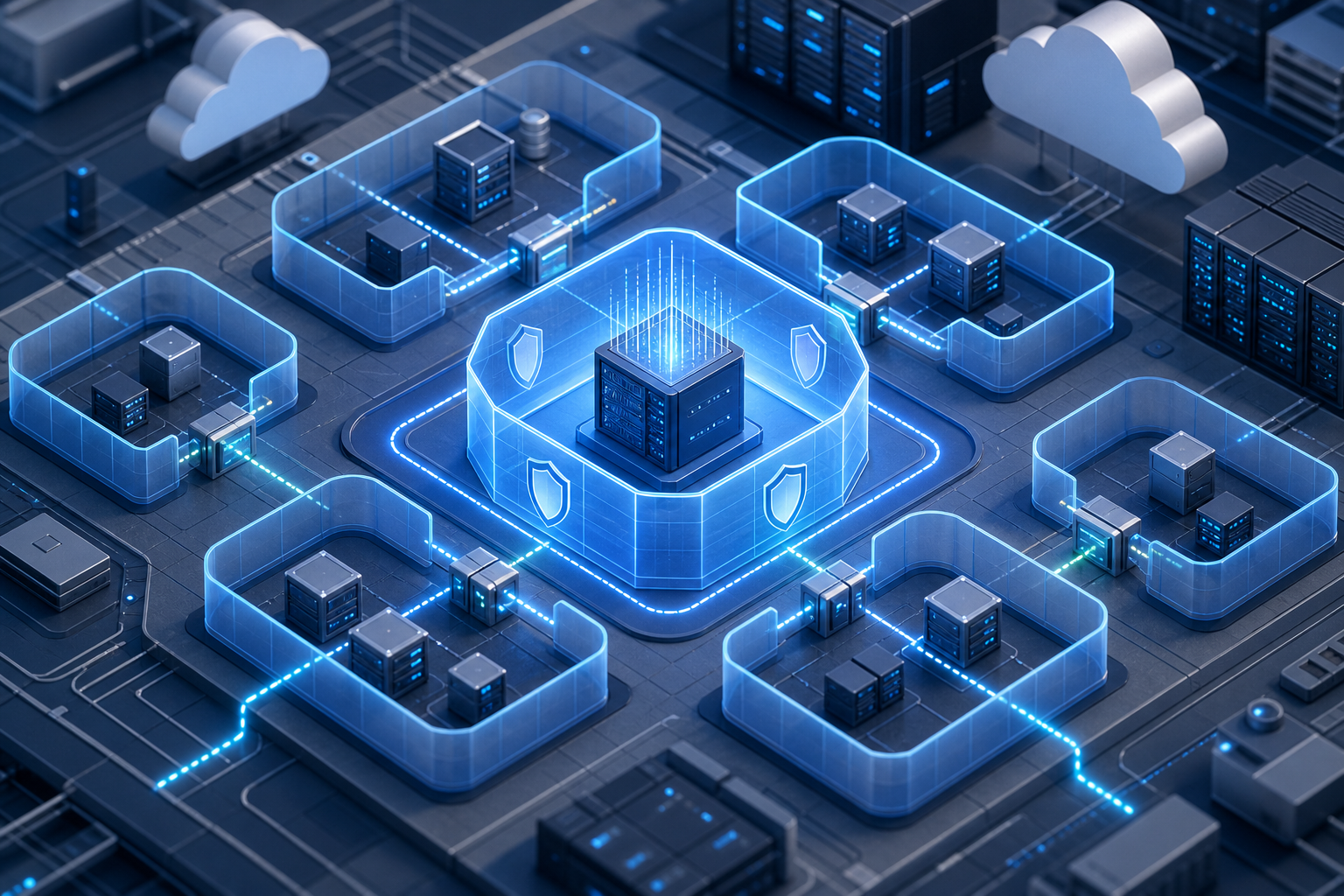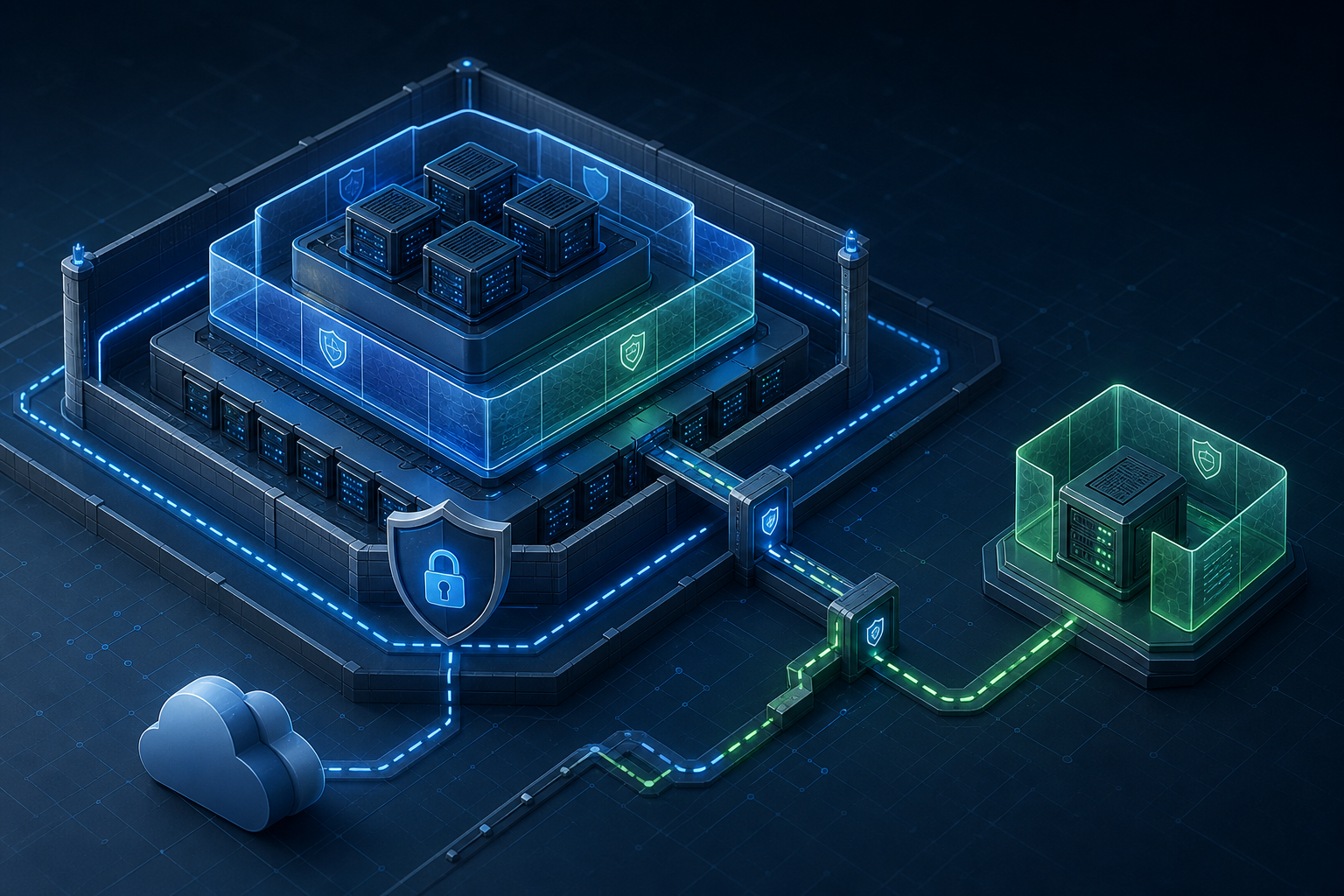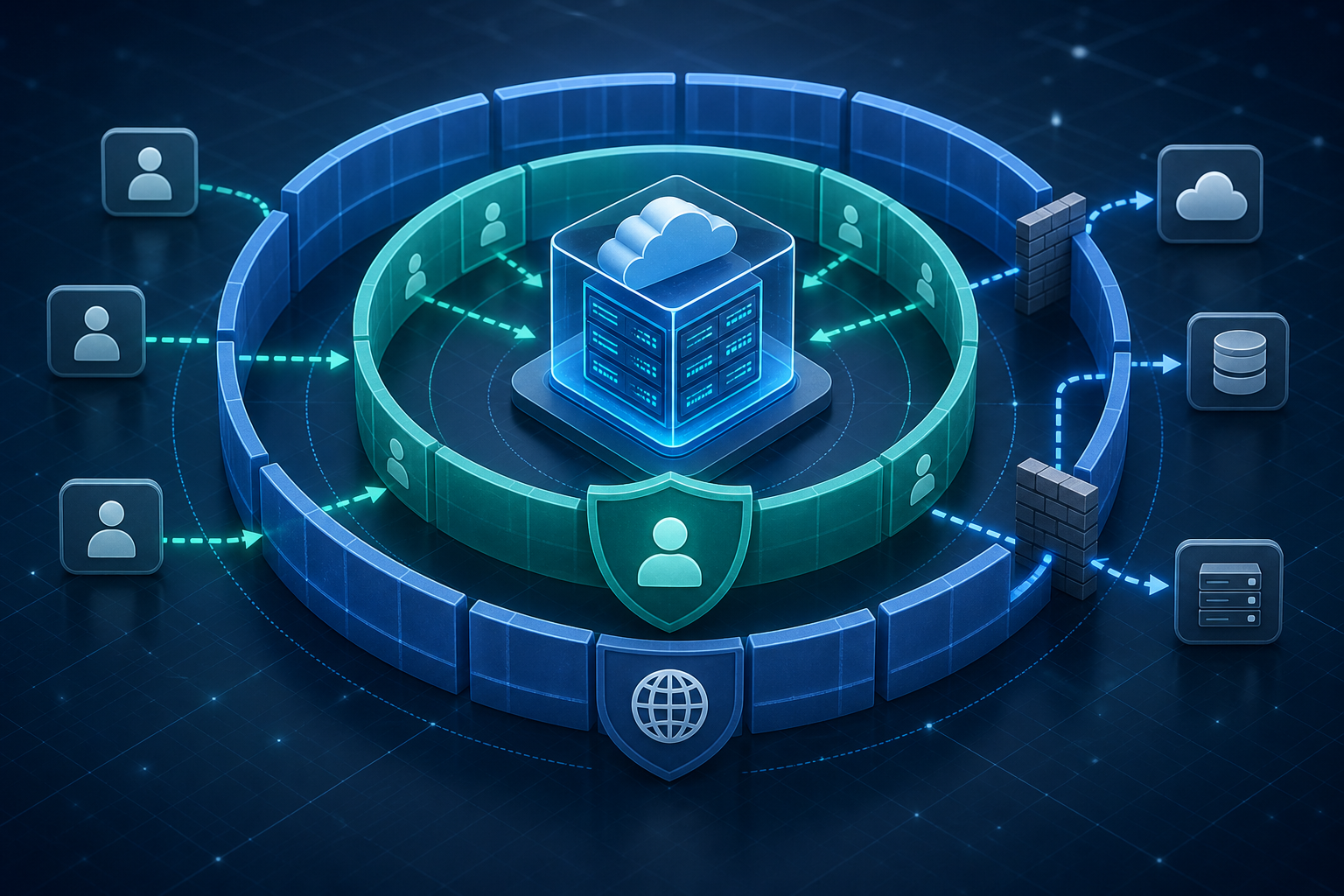
Key takeaways
Migrating an AWS EC2 instance into VMware is usually not a direct one-click move. The real work is matching virtual hardware assumptions, converting disks safely, preserving identity and network behavior, and proving that the workload still starts, performs, and recovers correctly after the move.
The best results come from treating the migration as a controlled re-platforming exercise rather than a pure lift-and-shift. That means validating guest OS support, choosing a compatible export or conversion path, handling attached storage carefully, and testing the recovered VM in an isolated network before production traffic ever reaches it.
This article explains when EC2-to-VMware migration is a reasonable choice, how the workflow typically works, which trade-offs matter, and what to verify before production use.
Why this migration matters operationally
An EC2 instance and a VMware virtual machine are both virtual servers, but they are not interchangeable. EC2 instances are built around AWS-specific virtualization, networking, storage, and instance metadata patterns. VMware workloads depend on different virtual NICs, virtual disks, drivers, and operational controls. If you move a running server without accounting for those differences, you can end up with boot failures, missing network connectivity, licensing issues, or degraded performance.
That is why the practical question is not simply whether the server can be copied elsewhere. The question is whether the workload can be made to behave correctly in a VMware guest environment with acceptable downtime, integrity, and operational risk. For regulated or security-sensitive workloads, this also affects evidence retention, encryption handling, and access control during the transition. If the instance contains sensitive data on EBS volumes, review Amazon EBS Encryption Best Practices for AWS Virtualization before you plan export, snapshot, or intermediate storage handling.
In environments with isolated or sensitive workloads, the migration often becomes part of a broader control review. Security boundaries, IAM scope, and network exposure should be validated before the instance leaves AWS and again after it arrives in VMware. For that reason, teams often align the move with the principles in AWS Virtualization Security Best Practices for Isolated Workloads.
When the approach is a good fit
EC2-to-VMware migration makes sense when the goal is to consolidate on-premises operations, reduce duplicated tooling, meet data locality requirements, or retire a cloud dependency for a specific workload. It is often used for legacy applications that are easier to operate inside an existing VMware estate than in a cloud-native rebuild.
The approach is usually a poor fit when the workload depends heavily on AWS-managed services, instance identity patterns, ephemeral storage semantics, or integrations that cannot be replicated on-premises. If the application uses native AWS load balancers, managed databases, cloud-init assumptions, or tightly coupled IAM-based automation, the migration scope can quickly expand beyond the guest VM itself.
A practical decision rule is simple: if the workload’s application layer is portable, the guest OS is supported by VMware, and the storage and network model can be reproduced with acceptable effort, the move may be reasonable. If the workload is deeply bound to AWS services, a redesign may be cheaper and safer than migration.
How the migration usually works
In practice, the process is less about copying an instance and more about converting a workload into a VMware-compatible virtual machine. The exact tooling varies by environment, but the core pattern is consistent: assess the source instance, prepare the guest OS, export or image the disks, convert the virtual disks if required, create the target VM with compatible hardware settings, then validate boot and application behavior.
The biggest technical variables are the guest operating system, boot mode, partition style, device drivers, and whether the workload uses Linux or Windows-specific identity and activation mechanisms. Disk layout matters because a VM that boots in AWS may not boot after conversion if the virtual disk controller or firmware assumptions change. Network behavior matters because the instance may expect a particular MAC address pattern, DNS suffix, static routes, or interface naming convention that will not exist in VMware.
Storage handling deserves particular attention. When possible, avoid treating the source volumes as generic files until you have a plan for integrity, snapshot consistency, and secure transfer. If snapshots are used as part of the staging process, keep them short-lived and governed; lingering snapshots are a common operational hazard in both cloud and virtualized environments. For VMware-side clean-up and rollback discipline, VMware Virtual Machine Snapshot Management Best Practices is a useful companion reference.
Compact workflow block
Assess workload compatibility
  -> confirm OS/version support, boot mode, disk layout, and app dependencies
Prepare the source instance
  -> quiesce workloads, verify backups, capture configuration, note drivers and network settings
Export or image the instance
  -> preserve disk integrity and record checksums or validation evidence
Convert and create the VMware VM
  -> choose compatible firmware, controller, NIC type, CPU/memory profile, and datastore
Isolate first boot
  -> boot on a non-production port group or test VLAN
Validate function
  -> verify boot, IP assignment, name resolution, services, logs, and application transactions
Cut over only after sign-off
  -> confirm rollback path, monitoring, and change approval
Practical scenario you may recognize
Consider a team running an older application server on EC2 because the application was originally migrated from a data center years ago. The server is stable, the application is still supported, and the organization now wants it on VMware to simplify backup, disaster recovery, and local network access for downstream systems.
On paper, the move seems straightforward. In reality, the EC2 instance may rely on an AWS-specific network interface naming pattern, a cloud-init script that runs at first boot, and attached EBS volumes that contain both the OS and application data. If the team clones the instance without checking the boot loader, the VM might hang during startup because the virtual storage controller changed. If they boot it directly onto a production network, duplicate IP addresses or stale DNS records may cause outages.
In this situation, the safe path is to validate the guest in isolation first, then compare the VMware VM’s behavior against the source instance. The goal is not only to make it boot, but to prove that authentication, application dependencies, scheduled jobs, logging, and backup agents still operate as expected.
What to verify before conversion
Before any migration attempt, confirm the parts of the source environment that can break in a new virtualization platform. The most important checks are often mundane, but they are what prevent failed cutovers.
- Guest OS support: verify that the operating system version is supported by your VMware platform and that the needed tools or drivers are available.
- Boot mode: record whether the instance uses BIOS or UEFI so the target VM matches it.
- Disk layout: document partition table type, root volume layout, and any separate data volumes.
- Network configuration: capture static IPs, DHCP reliance, DNS settings, routes, and hostname expectations.
- Application dependencies: list services, ports, certificates, cron jobs or scheduled tasks, and upstream/downstream integrations.
- Encryption and key handling: confirm how data at rest is protected during export, transfer, and staging.
- Identity and licensing: check whether the OS or application is bound to cloud metadata, instance identity, or hardware fingerprints.
This is also the stage where you decide whether a snapshot, image export, or file-level backup is the most defensible source artifact. The correct choice depends on consistency requirements, recovery objectives, and how much control you need over the migration window.
Implementation trade-offs
The main trade-off is between speed and control. A fast conversion path may reduce downtime, but it can also preserve hidden assumptions from the source instance that do not survive the new environment. A more deliberate conversion lets you normalize hardware, drivers, and network configuration, but it takes longer and may require application downtime or a controlled maintenance window.
Another trade-off is between fidelity and maintainability. Preserving the source system exactly can be valuable when the goal is to keep a legacy workload alive with minimal change. But exact fidelity may also preserve technical debt, including old drivers, outdated boot settings, and brittle startup dependencies. In contrast, a partial modernization during migration can improve long-term maintainability, but it increases the test matrix and the chance of functional drift.
Security and operations often pull in opposite directions here. A strictly isolated transfer path reduces exposure, but it may slow validation. A more automated pipeline is efficient, but it can move sensitive disk images through multiple systems unless storage, access, and deletion controls are explicit. The safest migrations usually prefer fewer intermediate copies, stronger encryption, and short-lived staging artifacts.
Decision guidance
Use the following rules to decide whether the migration approach is appropriate.
Choose EC2-to-VMware migration when the workload:
- is already a self-contained VM-style server,
- does not depend heavily on AWS-managed services,
- can tolerate a controlled downtime window,
- has known guest OS compatibility with the VMware target,
- and can be validated in an isolated test network before production.
Consider a redesign or rebuild when the workload:
- relies on cloud-native services that have no direct VMware equivalent,
- uses instance metadata or IAM in core application logic,
- has unclear boot dependencies or undocumented startup behavior,
- or cannot be tested safely before cutover.
The best decision is usually the one that minimizes operational surprise. If the workload is simple but business-critical, invest in validation. If it is complex and tightly coupled to AWS, challenge the assumption that migration is the right end state.
Validation checks that matter most
A successful migration is not proven by a clean copy alone. It is proven when the VMware VM behaves correctly under the same expectations that the EC2 instance satisfied.
Focus on these checks:
- The VM boots cleanly without manual rescue steps.
- The guest detects the expected disk devices and mounts data volumes correctly.
- Network identity is stable, including hostname, IP, DNS, and routing.
- Core services start in the correct order and log normally.
- Application-level checks succeed, such as login, API calls, or batch processing.
- Monitoring, backup, and security agents report healthy status.
- Performance is within an acceptable baseline for CPU, memory, storage latency, and network throughput.
- Rollback remains available until the new VM is accepted into production.
If any of these fail, the issue is usually not the migration method itself but an unverified assumption about drivers, dependencies, or identity. That is why pre-cutover testing should happen in a network segment that cannot accidentally serve users.
What this means in practice
In day-to-day operations, the safest EC2-to-VMware migration program is one that treats every instance as an evidence-driven change. You do not need a fully automated platform to do this well, but you do need a repeatable way to record what the source looked like, what changed during conversion, and what proved the VM was ready.
For technical teams, that usually means maintaining a migration record for each workload: source instance ID, OS version, boot mode, disk inventory, dependency list, validation results, and approval for cutover. For security teams, it means ensuring the transfer path, temporary storage, and test environment do not create a wider exposure than the original cloud deployment. For operations teams, it means defining the rollback point before the first test boot, not after a problem appears.
The practical outcome is fewer surprises. You know whether the VM is failing because of an unsupported driver, an application dependency, a DNS mismatch, or an access-control issue. That makes troubleshooting much faster and helps avoid treating a compatibility problem as a generic migration failure.
Common mistakes
The most common mistake is assuming that a successful export means a successful migration. Disk image validity does not guarantee bootability, service health, or application compatibility.
Another frequent issue is skipping network planning. Teams often forget that a server can boot correctly and still fail operationally because it cannot resolve names, reach dependencies, or coexist with the source address space.
A third mistake is preserving too many temporary artifacts. Snapshots, exported images, and staged disks can become long-lived data copies if no one owns deletion and retention after validation.
Teams also underestimate identity and licensing dependencies. Some operating systems and applications behave differently when the underlying virtual hardware changes, and those conditions should be checked before cutover rather than discovered in production.
Finally, migrations fail when rollback is treated as optional. If the original EC2 instance is modified or retired before the VMware VM is validated, the team may lose its safest recovery path.
Production readiness checklist
A VMware target is ready for production only when the following are true:
- The source workload inventory is complete and reviewed.
- Backup or recovery evidence exists for the source state.
- Disk conversion or export integrity has been verified.
- The guest boots in VMware without rescue actions.
- Network settings, DNS, and routes are confirmed in the target environment.
- Application and service checks pass in an isolated test segment.
- Monitoring, logging, and backup integrations are working.
- Security controls for access, encryption, and artifact retention are documented.
- Rollback is still possible and understood by the change owner.
- The cutover window, owner, and acceptance criteria are approved.
Final takeaway
AWS EC2 instance migration to VMware works best when you treat it as a compatibility and validation problem, not just a copy operation. If you confirm the guest OS, boot path, disks, network identity, and application dependencies in advance, then test the recovered VM in isolation, you can move workloads with much lower operational risk and a much clearer path to production acceptance.