Why this matters operationally
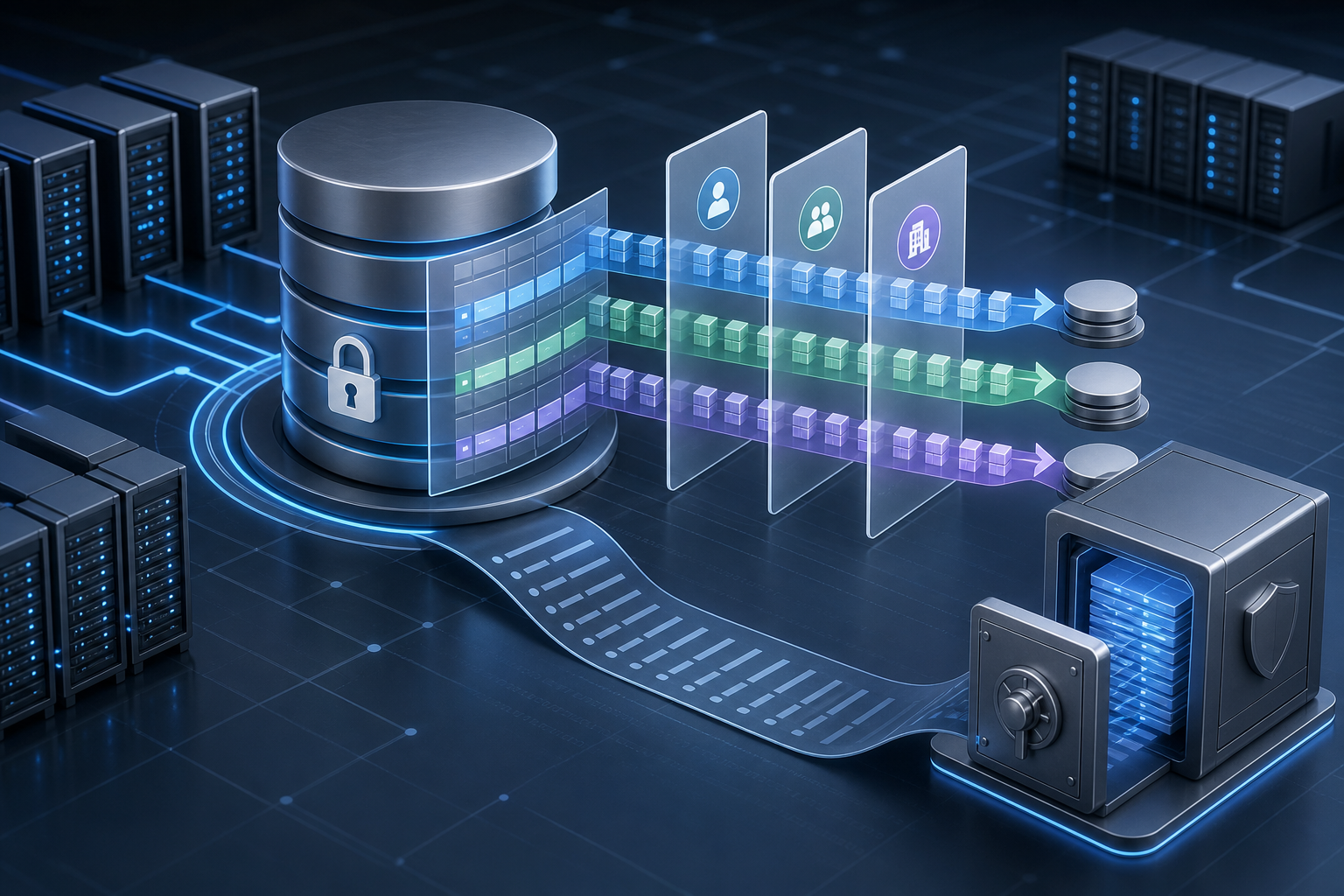
The practical problem is not whether SQL Server can store sensitive rows, but how to ensure each session sees only the data it is allowed to see and leave an audit trail you can trust when access is questioned. Row-level security (RLS) enforces data filtering inside the database engine, which helps reduce application-side logic drift and makes unauthorized data exposure harder to create by mistake. Auditing complements that control by recording who accessed the database, which actions occurred, and whether a policy-related investigation has evidence to work from.
After reading this tutorial, you will be able to decide whether SQL Server row-level security fits your data model, implement a policy that filters rows by user or tenant, add auditing for relevant access paths, and validate the finished configuration before production use.
Prerequisites and stop-here checks
Goal
Confirm that the environment and data model can support a secure implementation without creating blind spots or operational surprises.
What to verify first
- You have a clear mapping between a session identity and the rows it should see, such as
tenant_id,user_name, or a group mapping table. - The tables you want to protect have a stable filter column that is present on every protected row.
- You know whether the application uses direct database logins, impersonation, connection pooling, or a middle-tier service account, because those choices affect how RLS predicates evaluate.
- You can test in a non-production copy of the database before rollout.
- You understand your auditing retention and storage requirements before writing large audit volumes.
Stop here if
- You cannot reliably identify the tenant or user context for every request.
- Your access rules are inconsistent across applications and no authoritative mapping exists.
- Your application depends on unrestricted cross-tenant queries for normal operation.
- You have not confirmed whether the SQL Server edition, version, and audit storage constraints meet your operational requirements.
If any of those are true, fix the identity model and test data first. RLS can enforce a correct design, but it cannot repair a broken authorization model.
What you will build
Goal
Create a policy that restricts row visibility per tenant and a simple audit configuration that records access activity for review.
Finished state
By the end of the tutorial, your database should have:
- A function that returns
1only when a row should be visible to the current session. - A security policy that applies that function to the protected table.
- An audit definition that captures database access and writes to a durable target.
- Validation queries that prove allowed sessions can see their rows and disallowed sessions cannot.
If you also need at-rest protection for database files and backups, consider pairing this design with Transparent Data Encryption after you finish row-level controls. TDE protects storage media; it does not replace RLS or auditing.
Prepare the security model
Goal
Define the row-filtering rule before you write the policy so the implementation is simple and reviewable.
Action
Use the narrowest practical rule. For most multi-tenant designs, that means one of these patterns:
- Compare a row’s tenant key to a session context value.
- Compare a row’s owner key to the current database principal.
- Compare a row’s security group to a lookup table joined through an inline predicate.
For example, a tenant-based application can set a session context value after authentication and then filter rows against that value.
Expected output
You should be able to express the access rule in one sentence, such as: “A session may read only rows where tenant_id matches the current tenant context.”
Validation
Check that the chosen key exists on every protected row and that your application can set or resolve the context value consistently.
Common failure
A vague rule such as “users should only see their own data” is not enough. If the application has shared service accounts or delegated access, you need a deterministic technical claim, not a policy statement.
Implement the row filter
Goal
Create a predicate function that SQL Server can use to evaluate whether a row is visible to the current session.
Action
A common approach is to use a schema-bound inline table-valued function that checks the current session context. The exact implementation will vary, but the key requirement is that the function is deterministic from the perspective of the database engine and references only the values needed for authorization.
Example pattern:
CREATE SCHEMA Security;
GO

CREATE FUNCTION Security.fn_tenant_access_predicate(@tenant_id int)
RETURNS TABLE
WITH SCHEMABINDING
AS
RETURN
    SELECT 1 AS fn_access_result
    WHERE @tenant_id = CAST(SESSION_CONTEXT(N'TenantId') AS int);
GO
Then apply the function through a security policy:
CREATE SECURITY POLICY Security.TenantFilterPolicy
ADD FILTER PREDICATE Security.fn_tenant_access_predicate(tenant_id)
ON dbo.CustomerOrders
WITH (STATE = ON);
GO
Expected output
The table now has an engine-level filter that prevents unauthorized sessions from seeing rows outside their tenant context.
Validation
Open two sessions, assign different SESSION_CONTEXT values, and query the protected table. Each session should only return rows for its own tenant.
A simple validation pattern is:
EXEC sp_set_session_context @key = N'TenantId', @value = 42;
SELECT COUNT(*) FROM dbo.CustomerOrders;
Repeat with a different tenant value in another session and confirm that the counts and row samples differ as expected.
Common failure
- The function is not schema-bound or references unsupported objects.
- The session context value is missing or set too late in the connection lifecycle.
- The predicate returns unexpected results because of data type conversion issues.
- The application reuses pooled connections without resetting session context, causing cross-request leakage.
Protect writes as well as reads
Goal
Prevent unauthorized updates or deletes from bypassing the read filter through direct DML.
Action
If a tenant should only modify its own rows, add a block predicate or separate write controls as appropriate for your version and design. Read filtering alone does not stop a user from attempting to modify a row if your model allows update paths that should be tenant-scoped.
At the same time, make sure the application role or service account does not have broad bypass privileges that defeat the policy.
Expected output
Unauthorized sessions should fail or be blocked when attempting data changes outside their allowed scope.
Validation
Test UPDATE, DELETE, and INSERT paths from an authorized and unauthorized session. Confirm the engine enforces the expected behavior and that the application receives a clear failure mode.
Common failure
Administrators sometimes test only SELECT and assume the job is done. If the table supports writes, validate the write path separately.
Add auditing for access evidence
Goal
Create a durable audit trail that records relevant database activity for later investigation and compliance review.
Action
Use SQL Server auditing to capture the events you care about, such as successful and failed access to the protected database or specific objects. Keep the scope practical: capture enough evidence to answer who accessed what and when, but avoid excessive noise that makes analysis impossible.
A typical configuration flow is:
- Create a server audit target.
- Create a database audit specification.
- Enable the audit.
- Review the audit files or logs in a controlled location.
Example pattern:
-- Server-level audit target must be created first.
-- Use a durable path and validate permissions before enabling.

CREATE SERVER AUDIT SecureDbAudit
TO FILE (FILEPATH = 'D:\SqlAudit\');
GO

ALTER SERVER AUDIT SecureDbAudit WITH (STATE = ON);
GO

CREATE DATABASE AUDIT SPECIFICATION SecureDbAuditSpec
FOR SERVER AUDIT SecureDbAudit
ADD (SELECT ON dbo.CustomerOrders BY PUBLIC),
ADD (INSERT ON dbo.CustomerOrders BY PUBLIC),
ADD (UPDATE ON dbo.CustomerOrders BY PUBLIC),
ADD (DELETE ON dbo.CustomerOrders BY PUBLIC)
WITH (STATE = ON);
GO
Expected output
Access attempts on the protected table are written to the audit target and can be reviewed after testing or an incident.
Validation
Generate a known access event, then verify that an audit record appears with the expected principal, action, and object name. Also validate that failed access attempts are captured if that is part of your requirement.
Common failure
- The audit target path is unavailable or lacks permissions.
- Audit volume is too high because the scope is broader than necessary.
- Operators assume auditing is enabled when the specification was created but not turned on.
- Logs are not retained long enough to support investigations.
If you are also hardening the instance itself, a structured review like the SQL Server vulnerability assessment and hardening checklist can help you confirm adjacent controls such as permissions, surface area, and service configuration.
Validate the whole control path
Goal
Prove that row filtering and auditing work together under realistic access patterns.
Action
Use three validation cases:
- Authorized session, expected tenant context.
- Unauthorized session, wrong tenant context.
- Missing or malformed context value.
For each case, test both read and write behavior where relevant, then review the audit output.
Expected output
- Authorized sessions can see only their own rows.
- Unauthorized sessions see no rows or are denied according to the design.
- Audit records exist for the attempted operations you chose to capture.
Validation
A practical validation checklist is:
- Query returns the expected row subset.
- Update attempts are blocked or scoped correctly.
- Audit files contain the relevant event with a timestamp and principal.
- Connection pooling does not leak an old session context into a new request.
- A restart or reconnect does not break the policy initialization path.
Common failure
The policy appears to work in a manual test but fails in the application because the app sets context on one connection and queries on another. Always validate with the same connection behavior the application uses in production.
Operational follow-up after rollout
Goal
Keep the control effective after deployment instead of assuming the initial setup remains correct forever.
Action
Build a small operational routine around the policy and audit files:
- Recheck policy state after schema changes.
- Revalidate the predicate whenever new tables, tenants, or access paths are added.
- Monitor audit file growth and retention.
- Review failed access patterns for evidence of misconfiguration or abuse.
- Document how to disable or modify the policy during maintenance windows.
Expected output
You have a repeatable process for maintaining the control, not just a one-time configuration.
Validation
Schedule a periodic access test using a known authorized and unauthorized identity. Confirm that the policy still behaves correctly after schema updates, deployment changes, or account modifications.
Common failure
Security controls often degrade when the data model changes. A new table, a changed key type, or a new service account can silently break the assumptions behind the predicate and auditing scope.
What production readiness looks like
Before you promote the design, verify these conditions:
- The row filter is based on an authoritative identity source.
- The predicate has been tested with pooled and non-pooled connections if your application uses both.
- The write path has been validated, not just the read path.
- Audit storage, permissions, and retention are documented.
- You know which principals can alter, disable, or bypass the policy.
- Someone on the operations team can explain how to verify the control during an incident.
If these checks pass, you have moved from a conceptual security feature to an operational control that can withstand day-to-day use.
Final takeaway
SQL Server row-level security is most effective when it is treated as an authorization mechanism, not a reporting convenience. Combine a narrow, testable predicate with auditing that captures the access trail you need, validate it with real connection behavior, and keep a clear operational process for schema changes, retention, and production checks. That is the difference between a policy that exists and a control that actually protects data.
Use this guidance together with SQL Server Always Encrypted and Oracle Database vulnerability assessment to connect the workflow with related operational context already available on the site.